


Car Parking Multiplayer
Play on PC with BlueStacks – the Android Gaming Platform, trusted by 500M+ gamers.

Page Modified on: Jan 17, 2026
Overview
Thousands of players are waiting for you.
Join us!
Multiplayer open world mode
• Free walking.
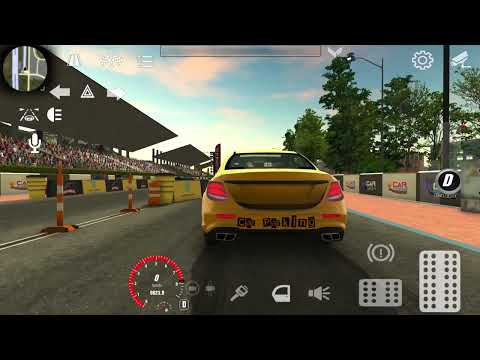
• Free open world with real gas stations and car services.
• Compete against real players in the multiplayer racing.
• Exchange cars with real players.
• Thousands of real players every day.
• Friend list.
• Voice Chat.
• Police mode
Car customization
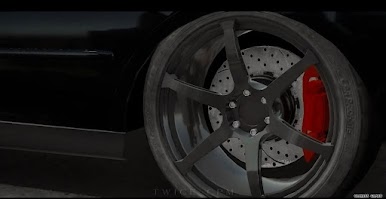
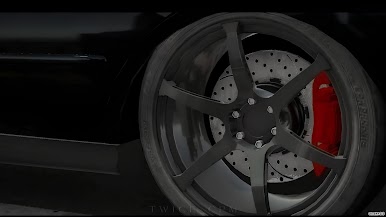
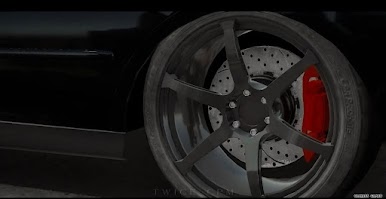
• Adjustable suspension, wheel angle and more.
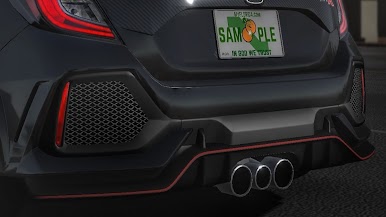
• Engine tuning: swap engine, turbo, gearbox and exhaust.
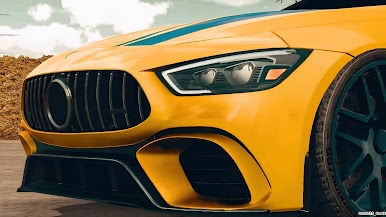
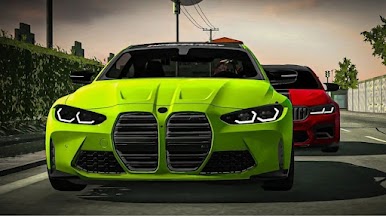
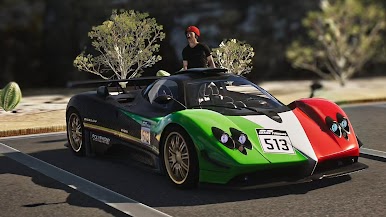
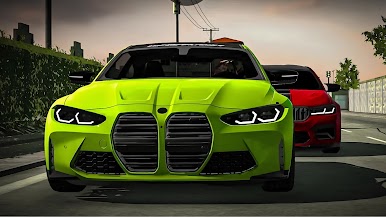
• Visual auto tungs: Dynamic vynils, car body parts.
High-quality open world
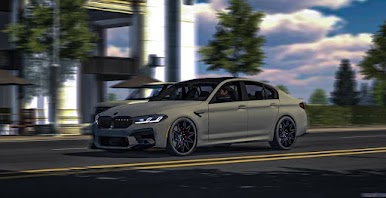
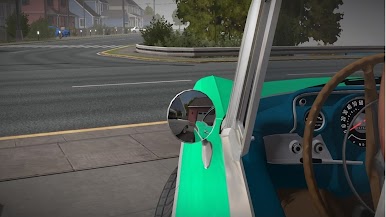
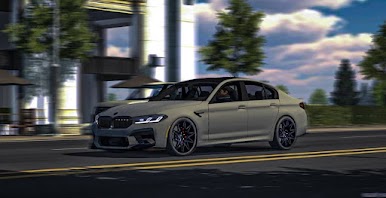
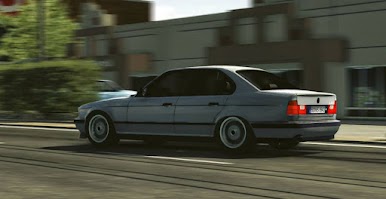
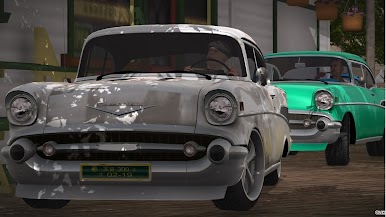
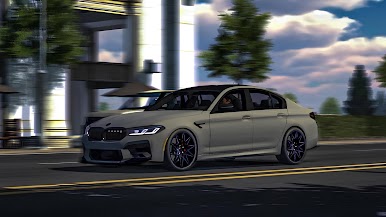
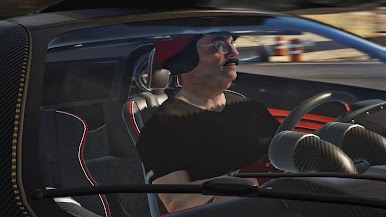
• Highly-detailed environments
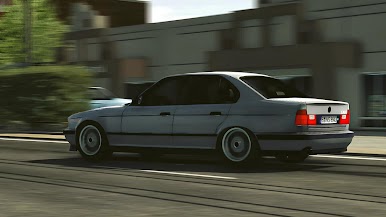
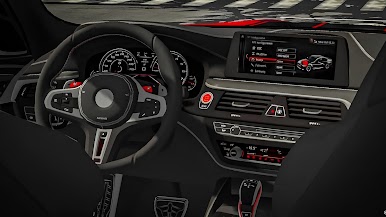
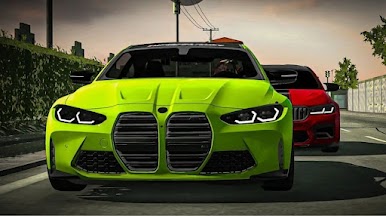
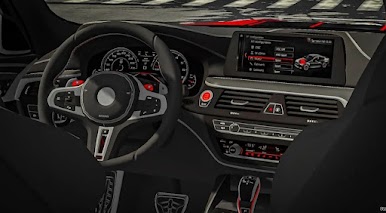
• 100 cars with the real interior.
• 16 player skins
• Buildings with interior
Interesting gameplay
•82 real-life parking and driving challenges.
•Different vehicles: Tow truck, pickup, trucks, sport and classic cars.


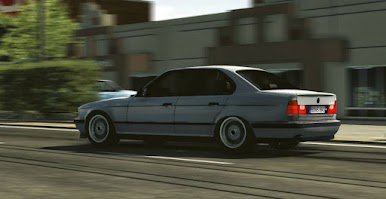
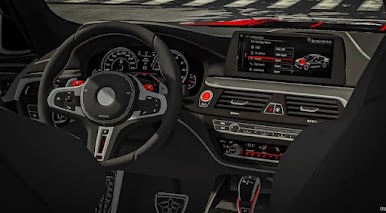
Play Car Parking Multiplayer on PC. It’s easy to get started.
-
Download and install BlueStacks on your PC
-
Complete Google sign-in to access the Play Store, or do it later
-
Look for Car Parking Multiplayer in the search bar at the top right corner
-
Click to install Car Parking Multiplayer from the search results
-
Complete Google sign-in (if you skipped step 2) to install Car Parking Multiplayer
-
Click the Car Parking Multiplayer icon on the home screen to start playing

