


Project Makeover
Play on PC with BlueStacks – the Android Gaming Platform, trusted by 500M+ gamers.

Page Modified on: Mar 19, 2026
Overview
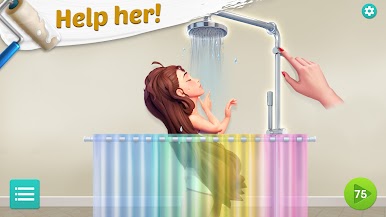
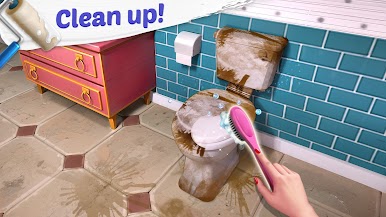
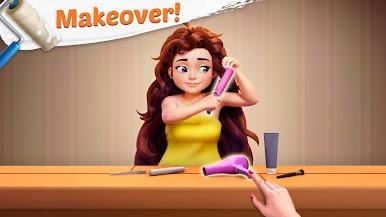
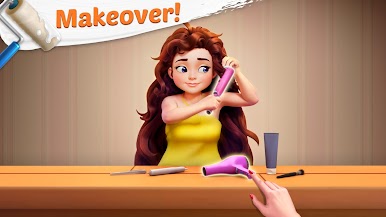
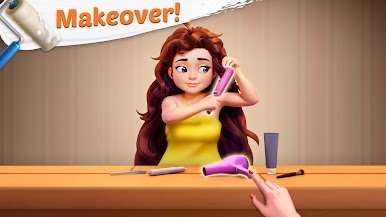
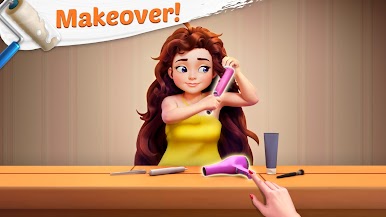
CHOOSE from lots of fashionable clothes to create the perfect look!
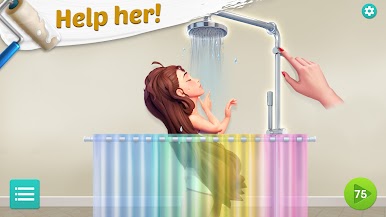
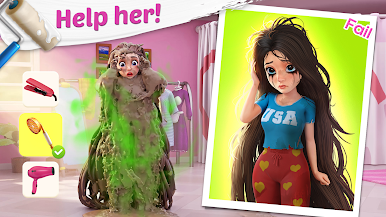
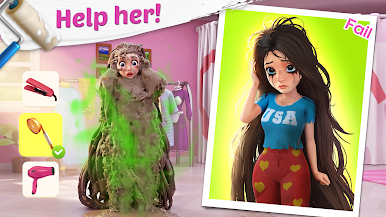
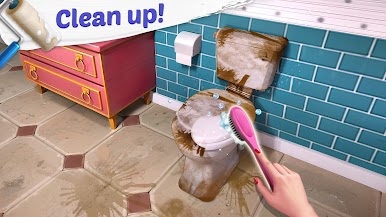
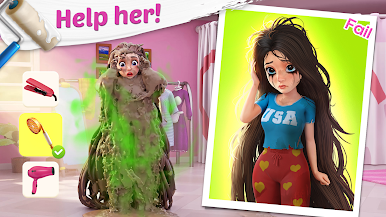
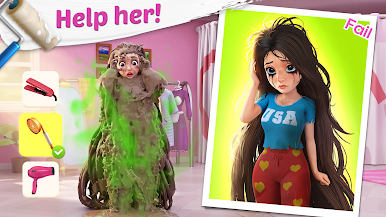
MAKEOVER helpless clients and give them the confidence to follow their dreams!
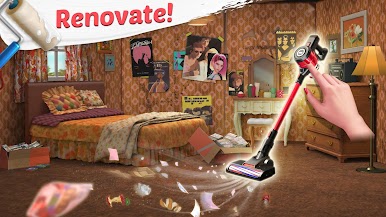
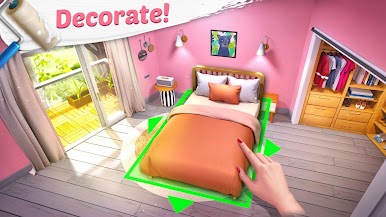
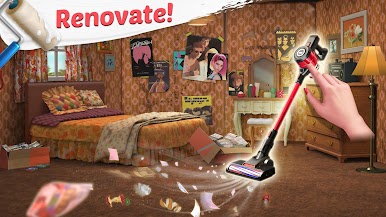
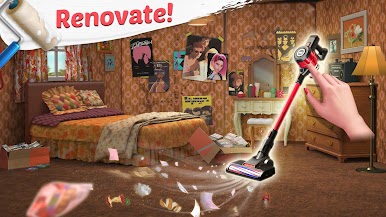
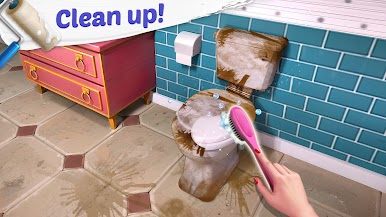
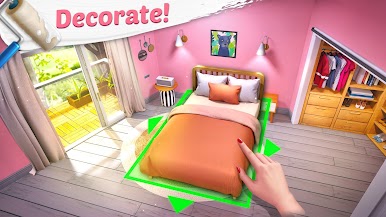
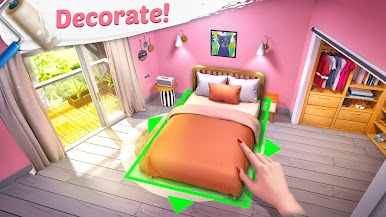
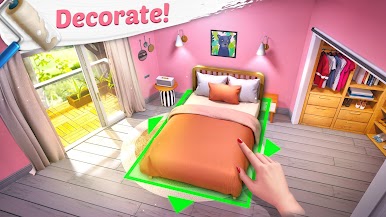
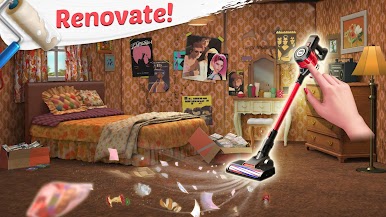
DECORATE a person's room as well as their appearance!
DRAMA is everywhere, be ready to meet some extreme personalities!
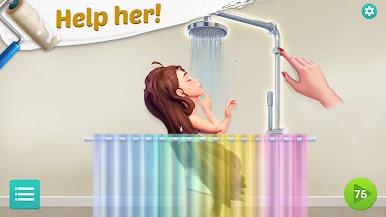
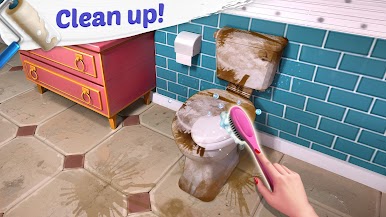
SOLVE addictive puzzles with challenging obstacles!
STYLIZE your avatar to stand out on the red carpet!
VISIT FRIENDS and see how they dressed their avatar!
BLAST through levels with exciting power-ups with explosive benefits!
Support: Dear Director, are you having problems with the game? Visit https://support.projectmakeover.com/ or contact us in-game by going to Settings >Help >Contact Us.
Privacy Policy: https://www.projectmakeover.com/privacy-policy/
Terms of Service: https://www.projectmakeover.com/terms-of-service/
Play Project Makeover on PC. It’s easy to get started.
-
Download and install BlueStacks on your PC
-
Complete Google sign-in to access the Play Store, or do it later
-
Look for Project Makeover in the search bar at the top right corner
-
Click to install Project Makeover from the search results
-
Complete Google sign-in (if you skipped step 2) to install Project Makeover
-
Click the Project Makeover icon on the home screen to start playing

