


Video Player HD - All format video player
Play on PC with BlueStacks – the Android Gaming Platform, trusted by 500M+ gamers.

Page Modified on: Dec 30, 2025
Overview
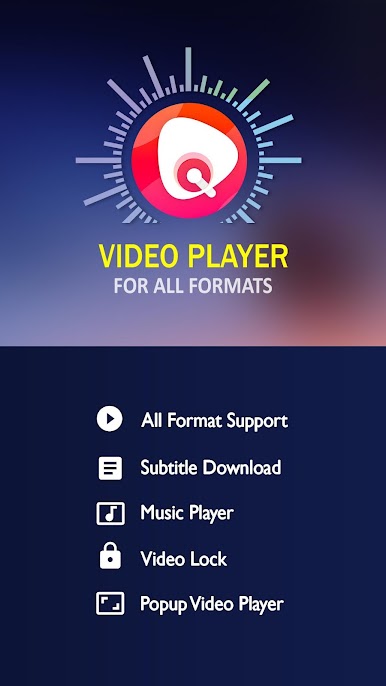
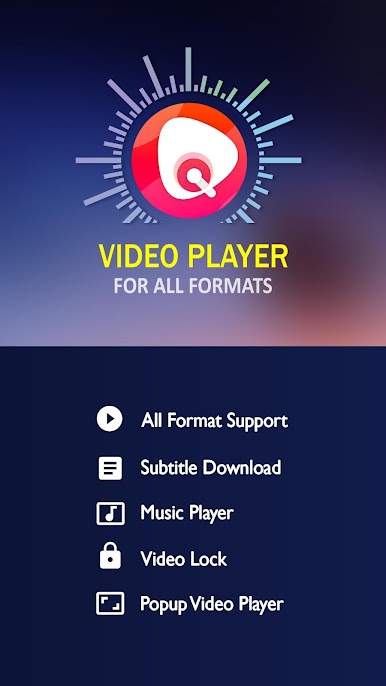
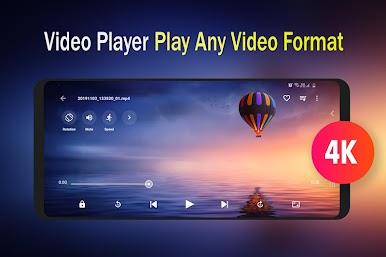
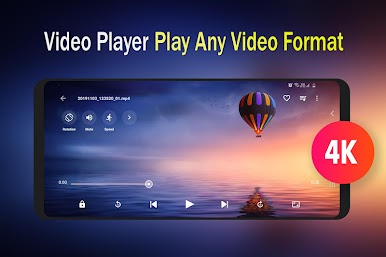
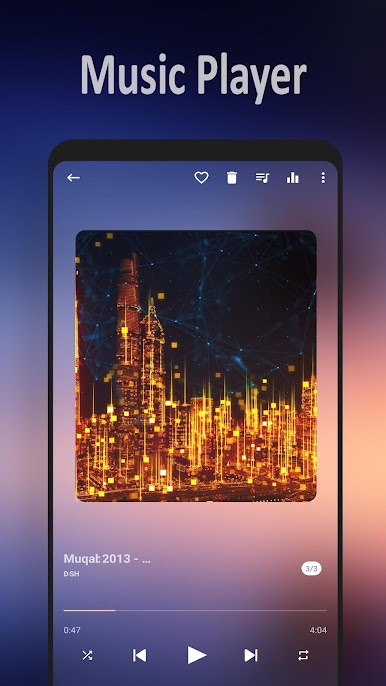
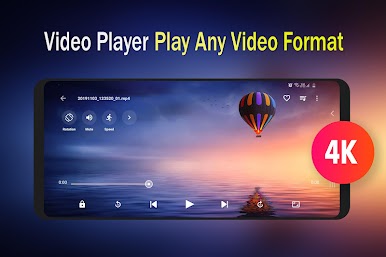
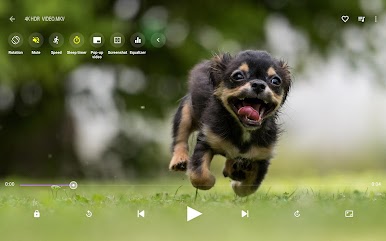
Video Player all format is a powerful and convenient media playback app.It can play all video format including 4k , HD videos.It also supports audio files with music player.
Improve video sound quality with Equalizer.HD Video player supports all popular videos formats, including MP4, AVI, MOV, MPG, MKV, WMV, 3GP, TS, M4V, RMVB, FLV, etc.
FEATURES:
● Material design with beautiful animations.
● HD video player supports 4K/Ultra HD video.
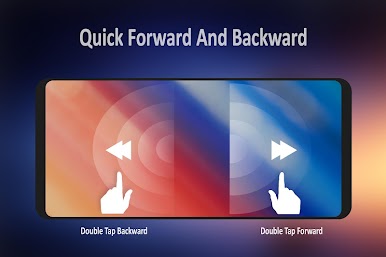
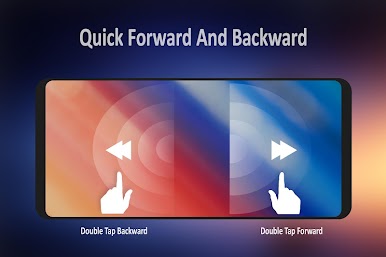
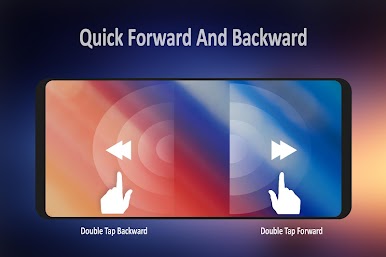
● Double tap fast forward.
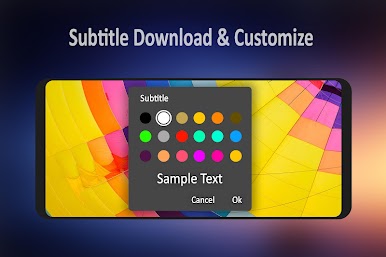
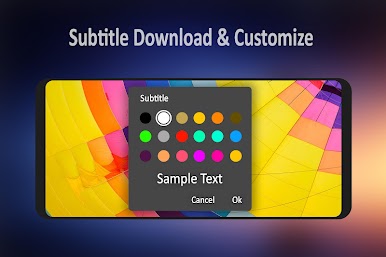
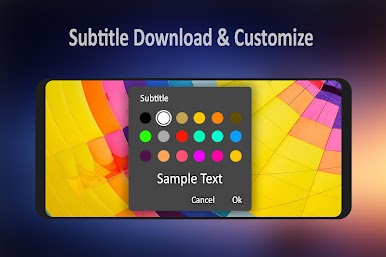
● Subtitle downloader and Video Equalizer.
● Support for PAN and ZOOM video files.
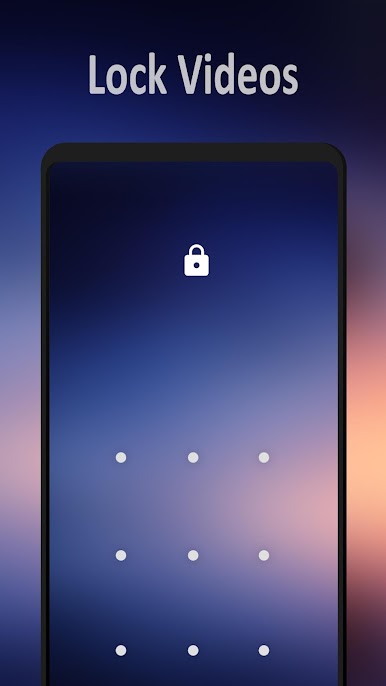
● Keep your video safe with video locker.
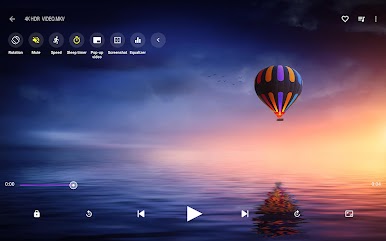
● Screen lock, aspect ratio and auto rotation support.
● Create video playlist.
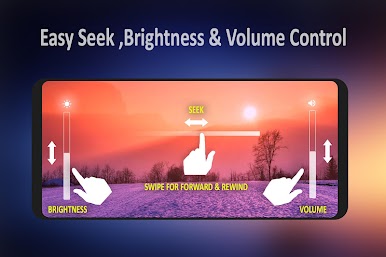
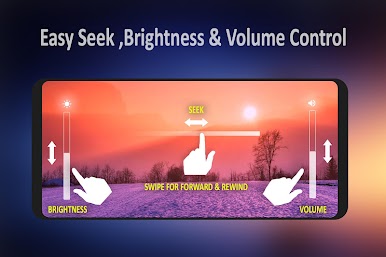
● Gesture control for sound, brightness and video progress.
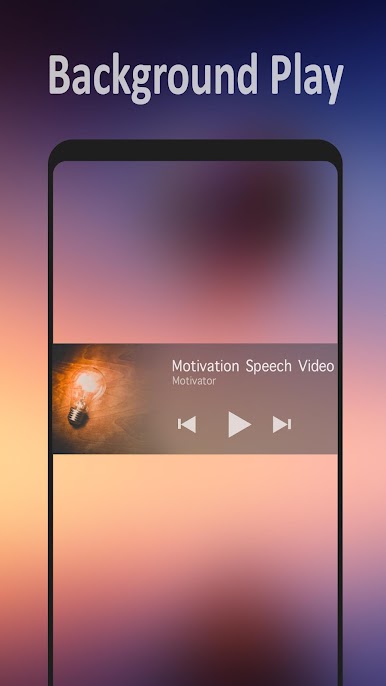
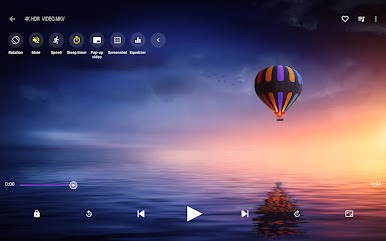
● Pop-up video player or play videos in background.
● Cast video to TV with Chromecast.
● Playback speed control and Night mode.
● Detect video files on your device and SD Card.
● Manage or share videos with friends.
● Video player hd supports android phone and android tablet.
VQ Player is a free all format video player for android.Send your suggestions to abyuthup007@gmail.com



Play Video Player HD - All format video player on PC. It’s easy to get started.
-
Download and install BlueStacks on your PC
-
Complete Google sign-in to access the Play Store, or do it later
-
Look for Video Player HD - All format video player in the search bar at the top right corner
-
Click to install Video Player HD - All format video player from the search results
-
Complete Google sign-in (if you skipped step 2) to install Video Player HD - All format video player
-
Click the Video Player HD - All format video player icon on the home screen to start playing

