

Z21 mobile
Play on PC with BlueStacks – the Android Gaming Platform, trusted by 500M+ gamers.

Page Modified on: Aug 2, 2017
Run Z21 mobile on PC or Mac
What’s better than using Z21 mobile by Modelleisenbahn München GmbH? Well, try it on a big screen, on your PC or Mac, with BlueStacks to see the difference.
About the App
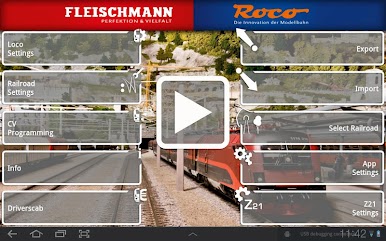
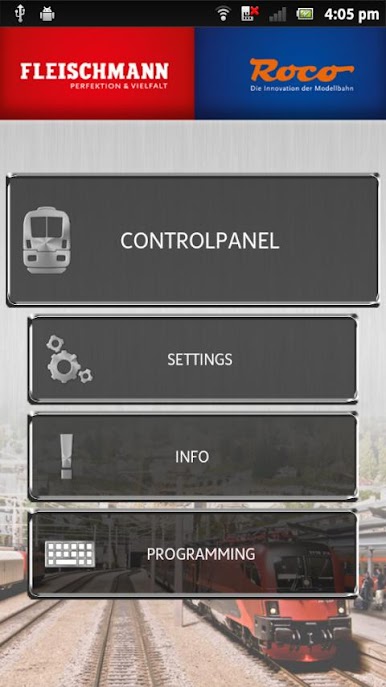
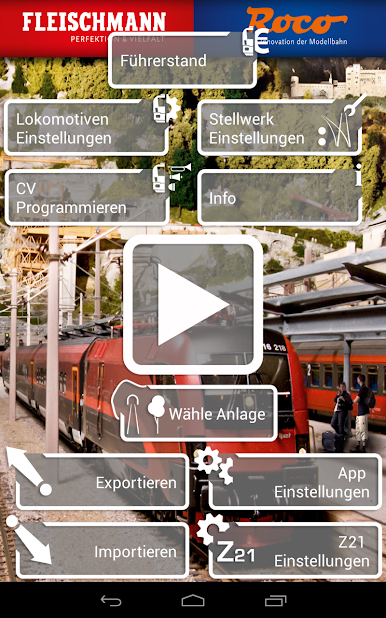
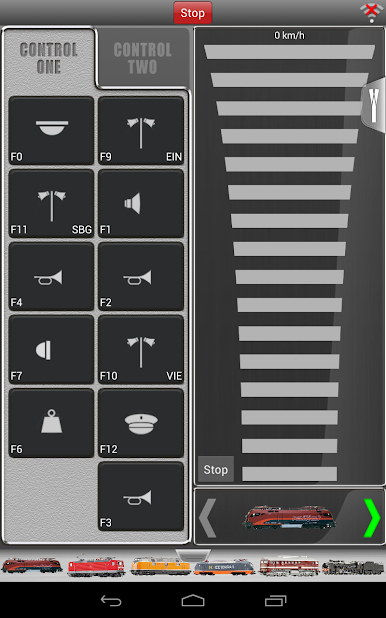
Z21 mobile by Modelleisenbahn München GmbH (Genre: Entertainment) turns your Android phone or tablet into a hands-on throttle and switchboard for your Z21 Digital Center. Connect over Wi‑Fi and run DCC or Motorola decoder locomotives with simple taps and swipes—lights, sounds, speed, and more. It’s a comfy, touch-first way to operate your layout without juggling multiple controllers.
App Features
- Wireless control: Link your device to the Z21 Digital Center via Wi‑Fi and start running trains from the couch, workbench, or anywhere in range.
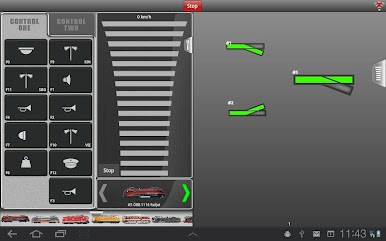
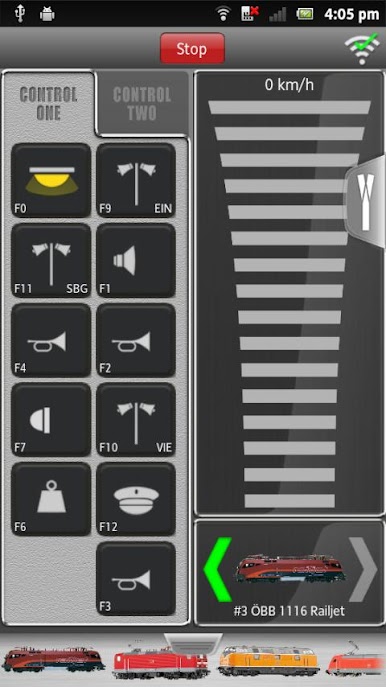
- Touch-first throttle: Swipe to set speed, tap icons to toggle headlights, and trigger sounds without memorizing key combos.
- Multi-protocol ready: Drive locomotives equipped with DCC or Motorola decoders, all from one place.
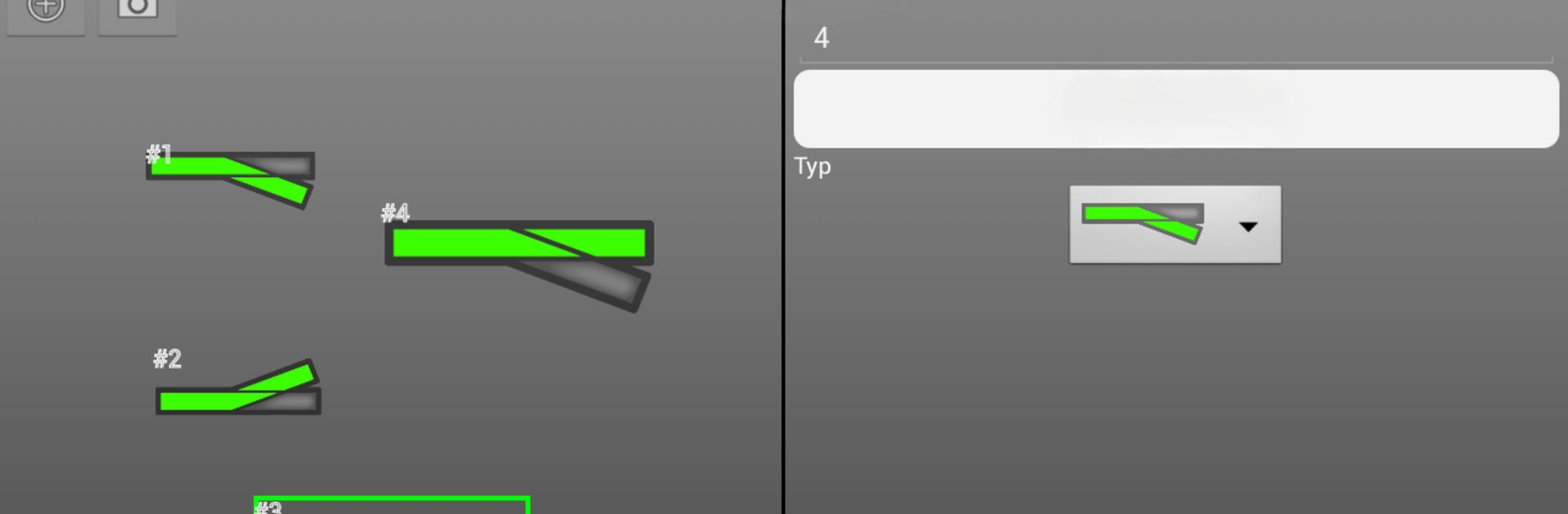
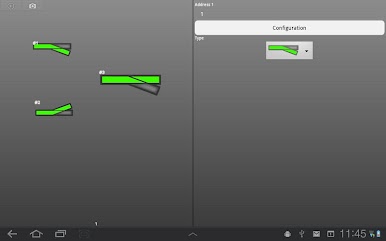
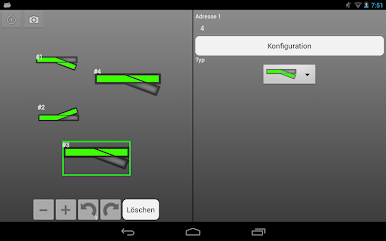
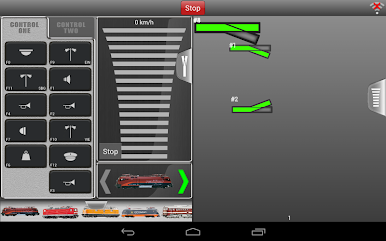
- Graphic switchboard: Use a clear, visual layout to control turnouts, routes, and accessories at a glance.
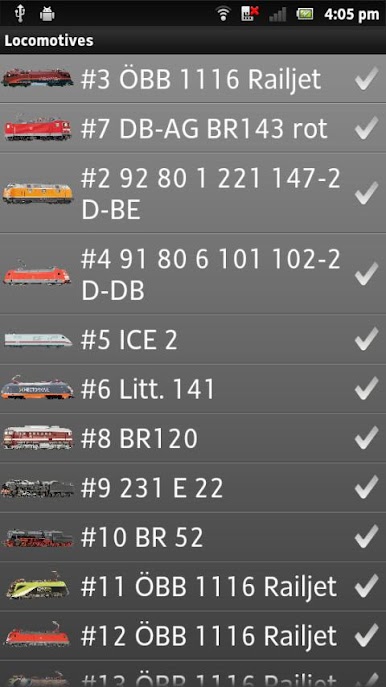
- Loco library with photos: Build and organize your entire fleet with custom images and details, then scroll to the right engine in seconds.
- Function buttons made simple: Intuitive symbols replace cryptic codes, so functions are easy to spot and use.
- Create your consists: Add locomotives, wagons, accessories, and full trains, then manage them like a pro.
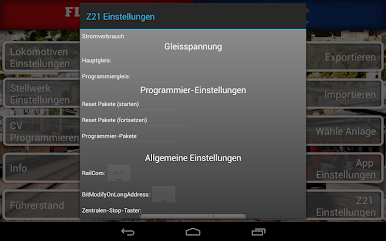
- Programming tools: Configure digital components and keep your setup tuned the way you like it.
- Cab add-ons: Download extra driver cab views for a more immersive feel while you operate.
- Notes and routing: Drop notes on your track plan and set turnout routes to streamline operations.
- Bigger view if you want it: Prefer desk control? Run Z21 mobile on BlueStacks to spread the interface across a larger screen.
Switch to BlueStacks and make the most of your apps on your PC or Mac.
Play Z21 mobile on PC. It’s easy to get started.
-
Download and install BlueStacks on your PC
-
Complete Google sign-in to access the Play Store, or do it later
-
Look for Z21 mobile in the search bar at the top right corner
-
Click to install Z21 mobile from the search results
-
Complete Google sign-in (if you skipped step 2) to install Z21 mobile
-
Click the Z21 mobile icon on the home screen to start playing

