


Vivino: Drink the Right Wine
Play on PC with BlueStacks – the Android Gaming Platform, trusted by 500M+ gamers.

Page Modified on: Oct 19, 2026
Play Vivino: Drink the Right Wine on PC
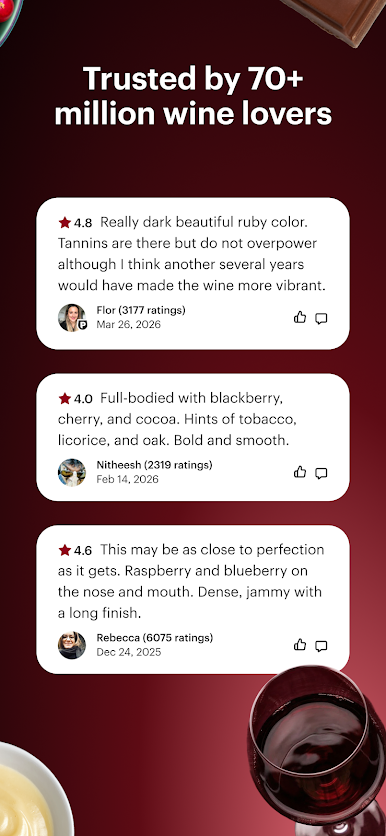
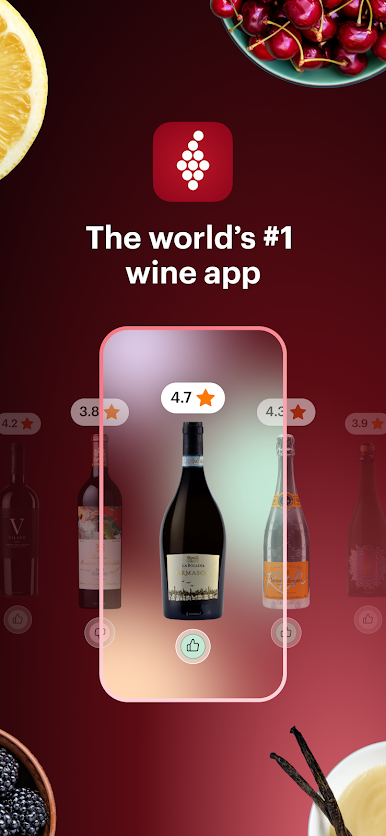
Join over 70 million wine lovers who rely on Vivino’s wine finder and wine identifier to build a smart wine cellar inventory, log every wine rating, and stay on top of their wine cellar collection with our effortless wine tracker.
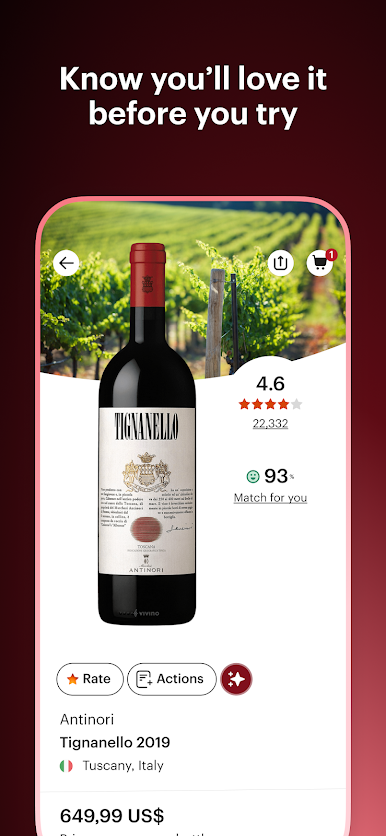
From casual red wine sippers to seasoned sommeliers and natural wine collectors, Vivino helps you explore the world of wine online with millions of wine ratings and reviews from wine tastings across 16 million wines, 245,000 wineries, and over 500 wine sellers.
From Label Scanner To Wine Searcher
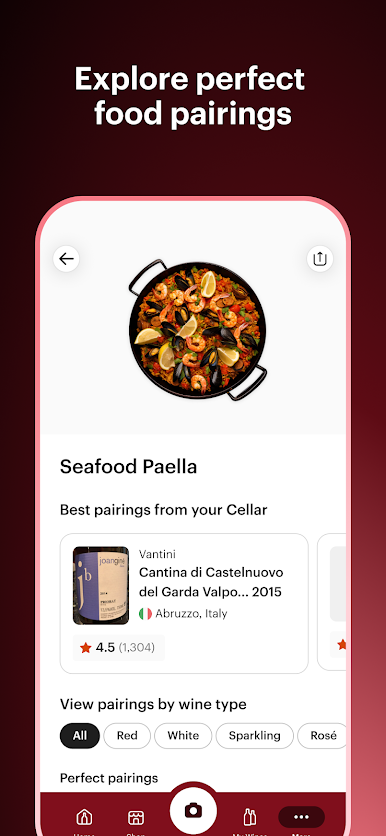
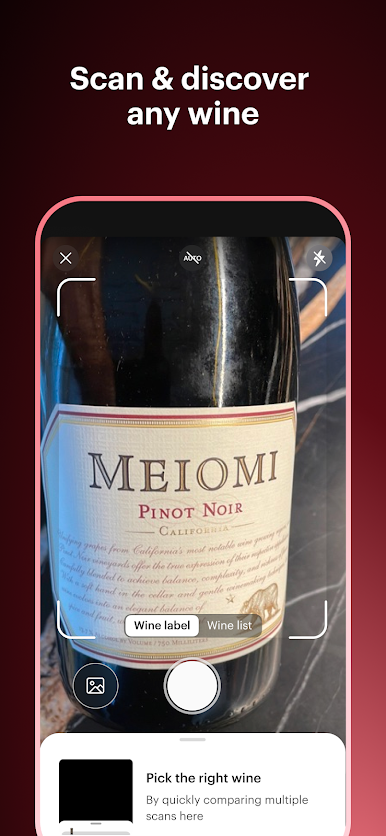
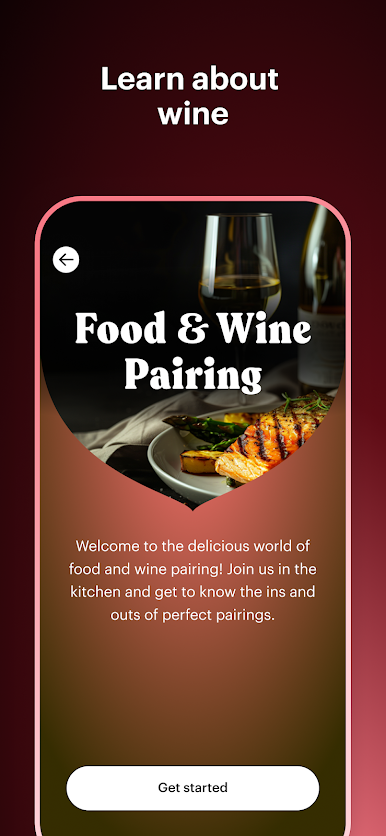
• Snap any wine label or list to instantly reveal wine rating, reviews, and food pairings, then use our wine finder to pinpoint the ideal wine bottle for your taste.
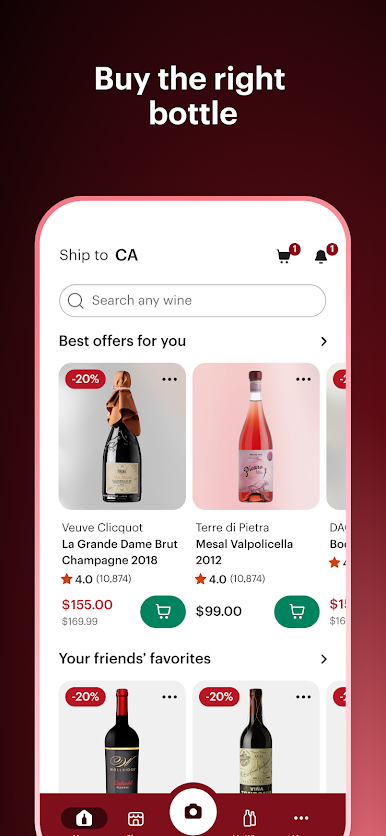
Buy the Right Wine
• Shop wines in-app through our online store of vetted wine merchants, get personalized picks from 70 million wine shopper ratings, and alcohol delivery with a first-order online shopping discount.
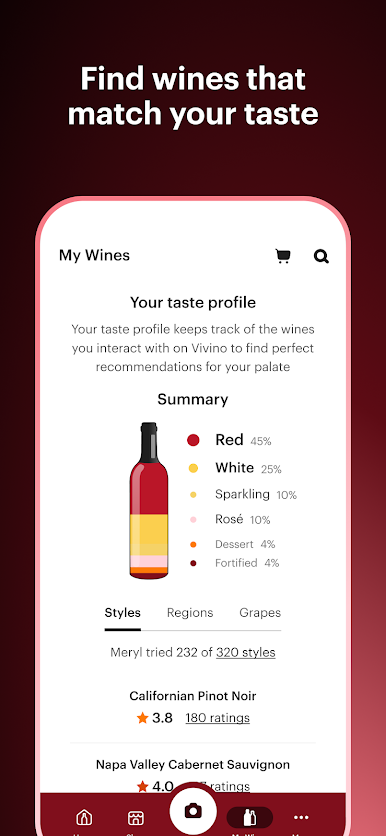
Understand your Wine Tastes
• Log the grapes, styles, and wine making regions you love or loathe to unlock personalized wine drinking suggestions and a Match for You score predicting your taste.
Your Personal Wine Journal
• Capture every wine tasting from your Vivino wine subscription with personal ratings, reviews, and tasting notes, and mark favorite drinks to preserve the memories behind each wine bottle.
Wine Tracker
• Vivino’s wine tracker lets you add bottles to your wine cellar, view ideal drinking windows, and sort your collection by quantity, vintage, or readiness to drink.
From scanning to drinking wine, Vivino is your one-stop shop for discovering, learning about, and drinking the right wine for every occasion.
Need help or have a question? Email us at support@vivino.com so we can reply directly, as we cannot respond to questions left in Google Play reviews.
Play Vivino: Drink the Right Wine on PC. It’s easy to get started.
-
Download and install BlueStacks on your PC
-
Complete Google sign-in to access the Play Store, or do it later
-
Look for Vivino: Drink the Right Wine in the search bar at the top right corner
-
Click to install Vivino: Drink the Right Wine from the search results
-
Complete Google sign-in (if you skipped step 2) to install Vivino: Drink the Right Wine
-
Click the Vivino: Drink the Right Wine icon on the home screen to start playing

