


Volume Booster - Sound Booster
Play on PC with BlueStacks – the Android Gaming Platform, trusted by 500M+ gamers.

Page Modified on: Sep 4, 2026
Main Volume Booster - Sound Booster on PC
Want to increase the sound volume of your headphones?
Volume Booster - Sound Booster (EZ Booster) is definitely designed for you!🥳
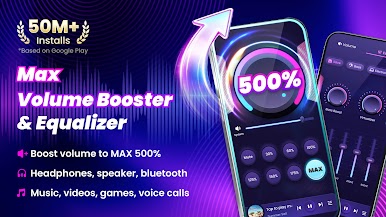
EZ Booster is a simple & powerful extra sound amplifier for all Android devices.
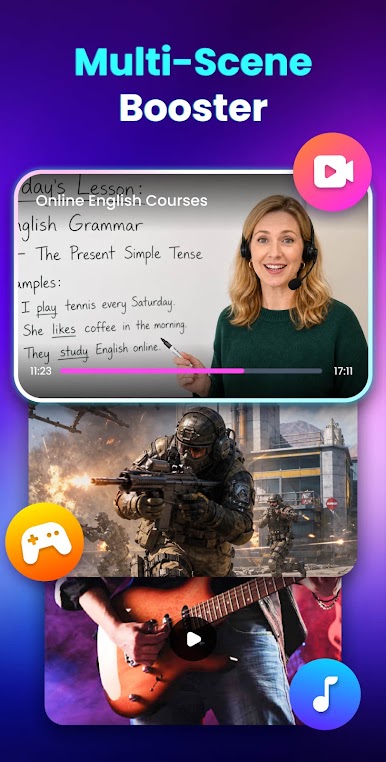
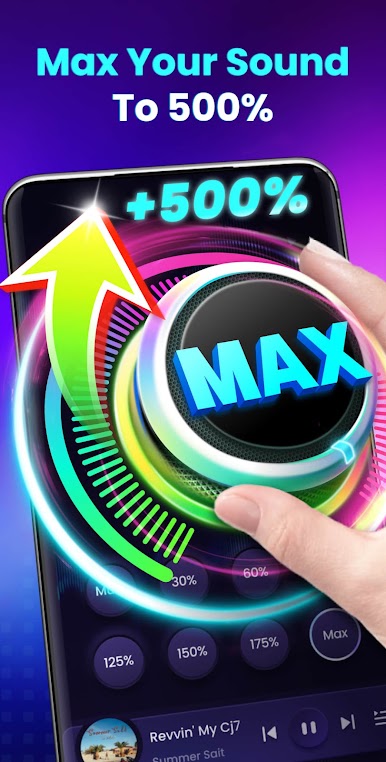
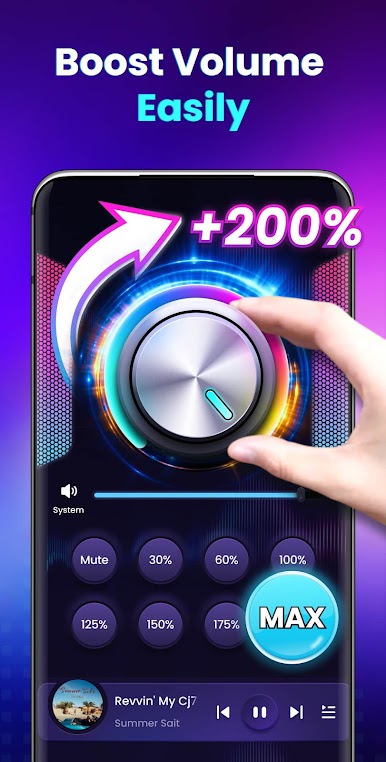
It can increase the volume up to 200%🔊, well above your device's maximum system volume. It's a perfect choice if you want a higher volume when listening to music, watching videos, playing games, etc.
Download EZ Booster for FREE now and turn your phone into a portable speaker!
WHY CHOOSE EZ BOOSTER
📣 Increase all volumes: music, movies, audiobooks, alarms, ringtones, etc.
📣 Boost volume without compromising the sound quality
📣 Adjust the volume to a specific level with one touch
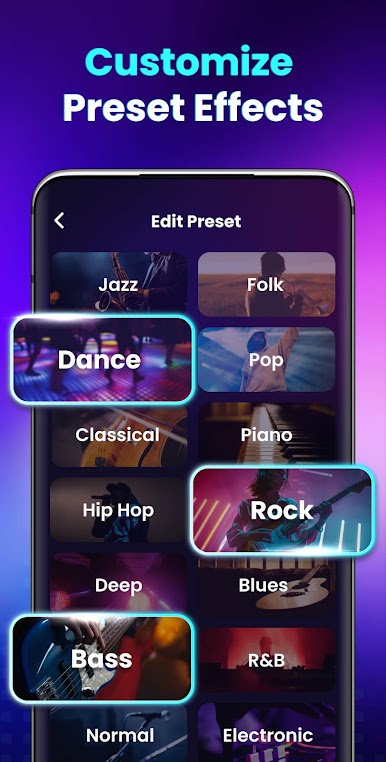
📣 Stereo surround sound effect
📣 Music spectrum that changes with the melody
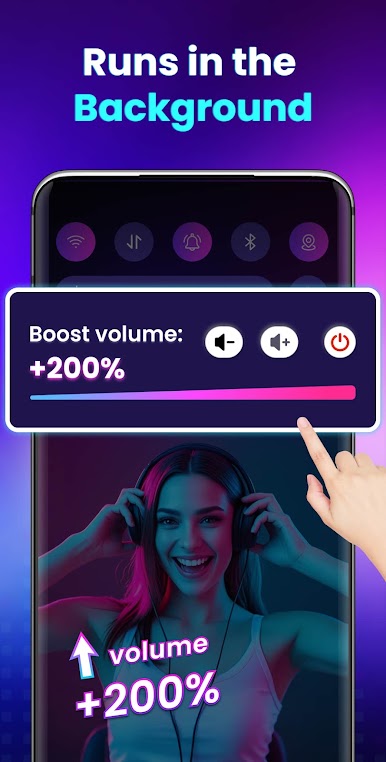
📣 Support running in the background/lock screen
📣 Widget and notification bar quick controls
📣 No root required
Extra volume booster & speaker booster
* Boost system volume - alarms, ringtones, etc.
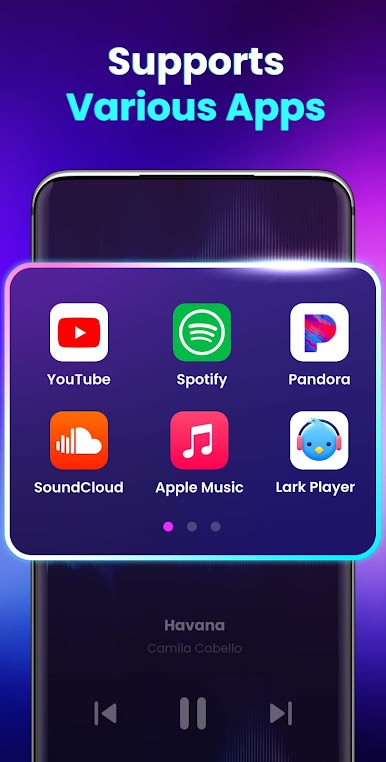
* Boost media volume - videos, music, games, audiobooks, etc.
* Enhance volume of external speaker, headphones and Bluetooth.
Built-in music player controls
* Built-in music player controls to bring you a better music experience
* Support display music cover, song title, artist
* Support play/pause songs, switch to the next/previous song, etc.
User-friendly operation
* Simple & intuitive interface designed by the top professional development team.
* 8 sound modes allows you to set the volume to a specific level with just one tap.
* Home screen widgets & notification bar controls help you quickly adjust the volume and turn on/off the booster without opening the app.
If you're still looking for a way to boost your audio volume to the next level, don’t hesitate to try EZ Booster - extra volume booster! Boost volume for all devices and enjoy your music like never before! 🤩
DISCLAIMER
- Excessive volume may cause damage to your eardrums and device. It is recommended to increase the volume gradually and take time to relax your ears between uses.
- By installing this app, you agree to release its developers from responsibility for any potential harm to your device or hearing, and acknowledge that use of this app is at your own risk.

Play Volume Booster - Sound Booster on PC. It’s easy to get started.
-
Download and install BlueStacks on your PC
-
Complete Google sign-in to access the Play Store, or do it later
-
Look for Volume Booster - Sound Booster in the search bar at the top right corner
-
Click to install Volume Booster - Sound Booster from the search results
-
Complete Google sign-in (if you skipped step 2) to install Volume Booster - Sound Booster
-
Click the Volume Booster - Sound Booster icon on the home screen to start playing

