

Water Sort! 3D Color Match Puz
Play on PC with BlueStacks – the Android Gaming Platform, trusted by 500M+ gamers.

Page Modified on: Sep 9, 2026
Play Water Sort! 3D Color Match Puz on PC or Mac
Bring your A-game to Water Sort! 3D Color Match Puz, the Puzzle game sensation from Flyfox Games. Give your gameplay the much-needed boost with precise game controls, high FPS graphics, and top-tier features on your PC or Mac with BlueStacks.
About the Game
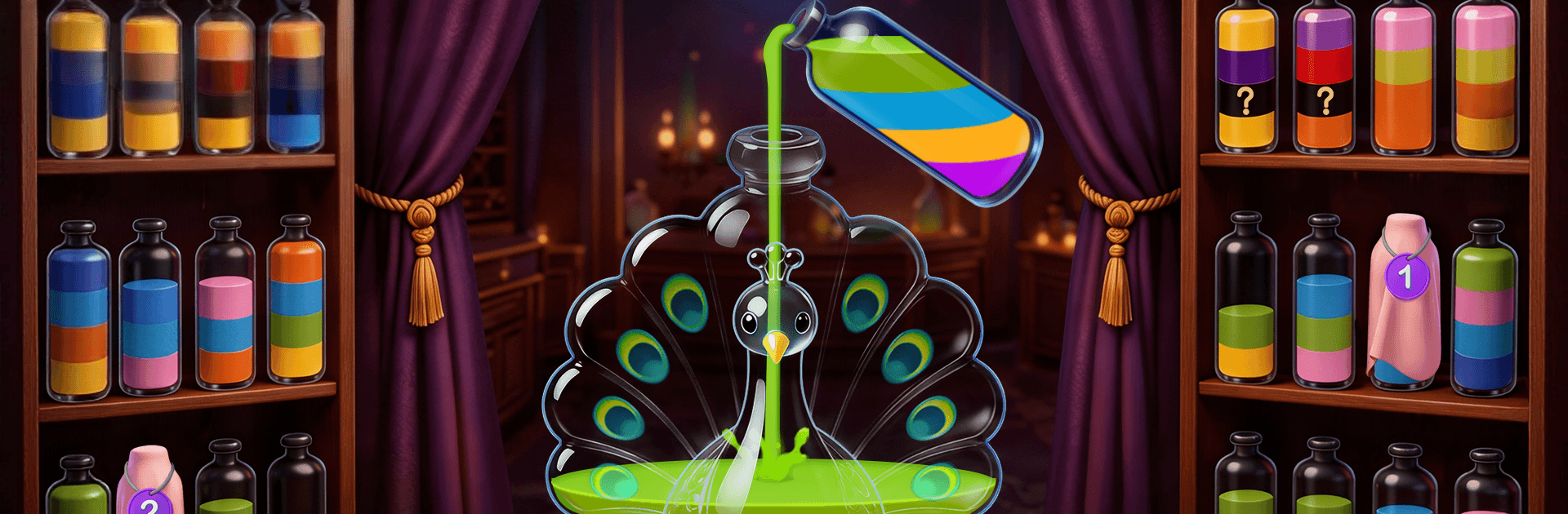
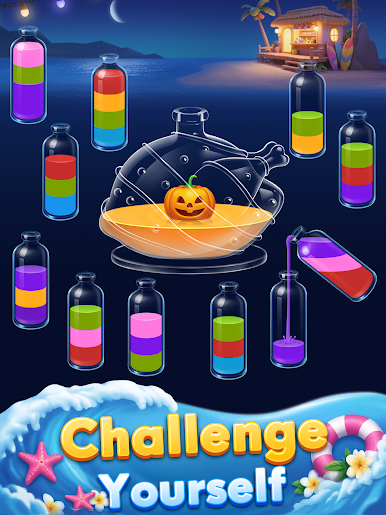
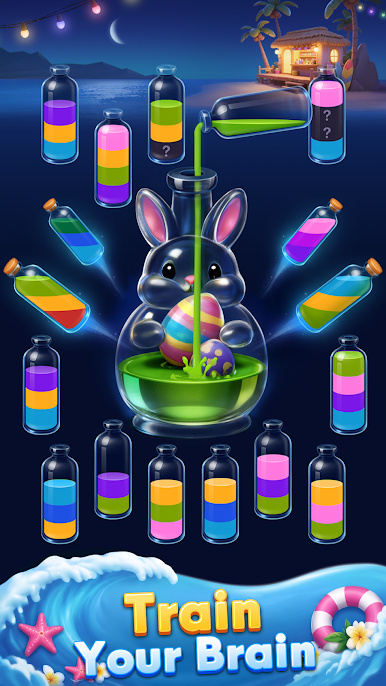
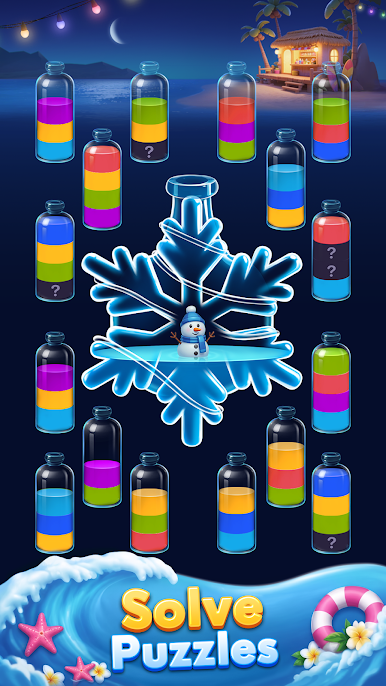
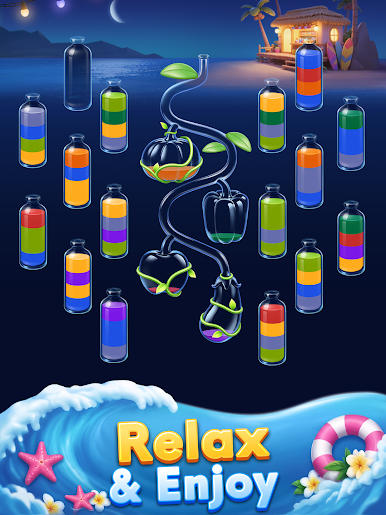
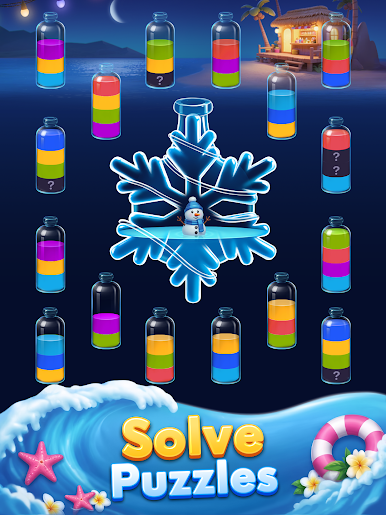
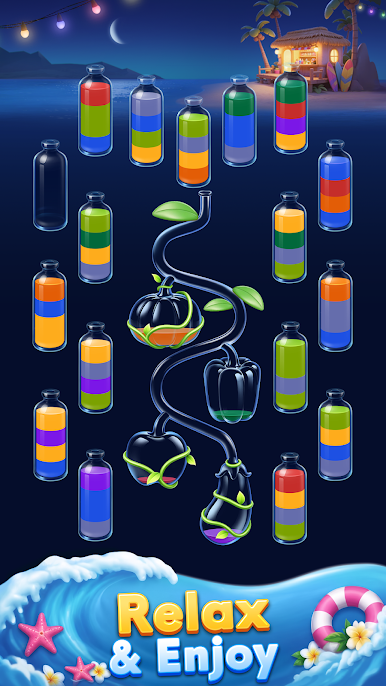
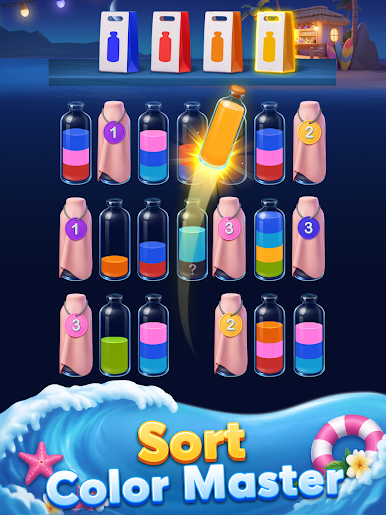
Pour, swap, and sort your way to calm in Water Sort! 3D Color Match Puz, a laid‑back Puzzle title from Flyfox Games. You get a rack of quirky bottles layered with colors, and the goal’s simple: pour until each bottle holds one pure shade. It’s soothing, a little sneaky with its strategy, and just the right kind of “one more level” satisfying.
Game Features
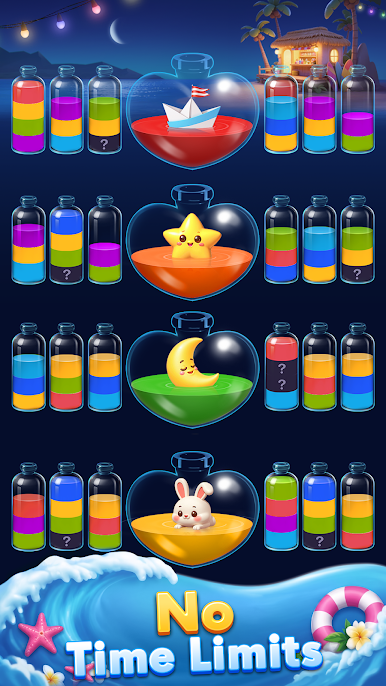
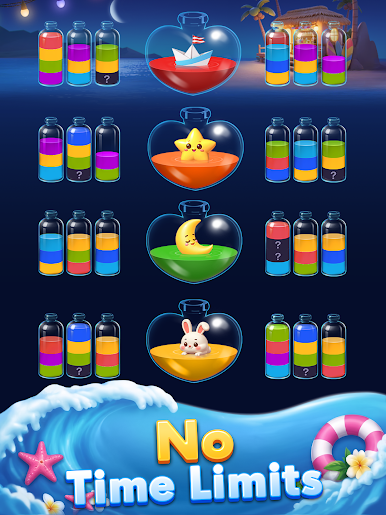
- Relaxing brain workout: Gentle pacing meets smart logic. Think ahead, line up pours, and find tidy solutions without timers breathing down your neck.
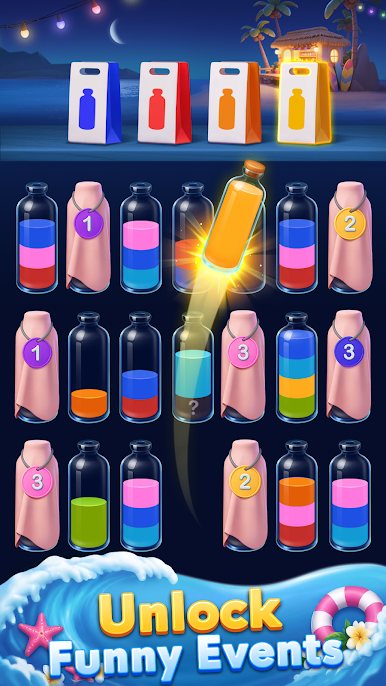
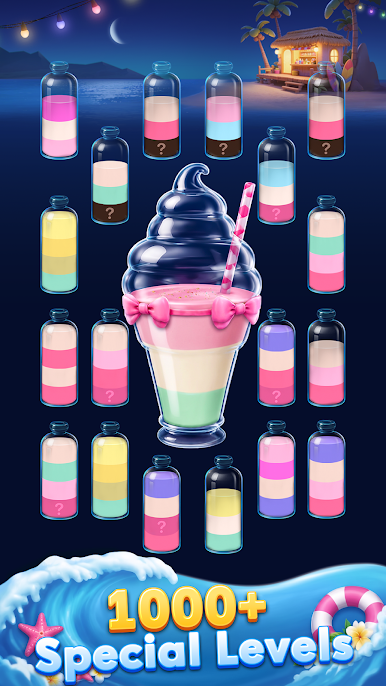
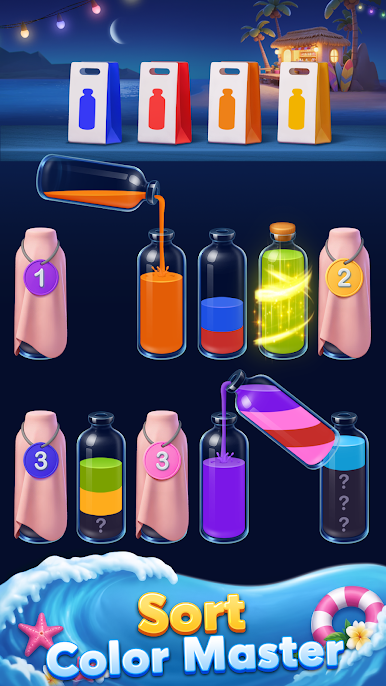
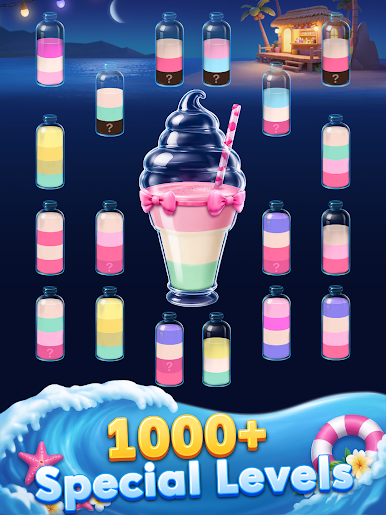
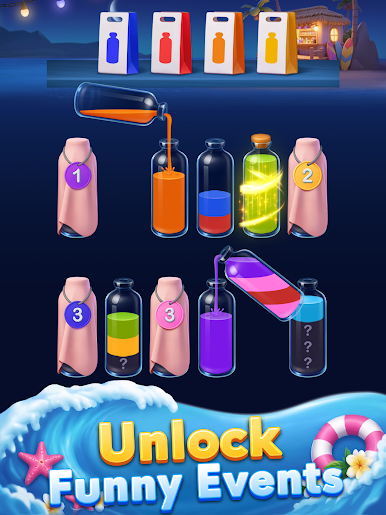
- Hidden colors & blind bags: Levels add surprises like concealed hues and blind bags, so you’ll uncover what’s inside as you play and adapt on the fly.
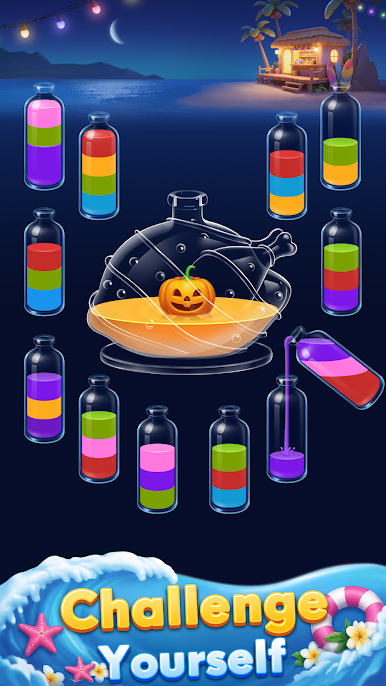
- Playful 3D bottles & themes: Sort through animals, fruits, and other themed sets, each with fun bottle shapes that keep things fresh.
- Handy boosters: Stuck? Use helpful tools to undo a move, shuffle, or make space so you can salvage a clever plan instead of restarting.
- Satisfying ASMR vibes: Crisp clinks, soft pour sounds, and calm music make every tap feel extra pleasing.
- Loads of stages & events: A huge library of puzzles and rotating events means there’s always something new to tinker with.
- Simple taps, real strategy: Tap to pour only when there’s room and colors match. Clearing a spare bottle at the right moment is often the game-changer.
- Offline anytime: No Wi‑Fi needed, so it’s great for commuting, couch time, or quick breaks.
- PC-friendly option: Prefer a bigger screen? Playing on BlueStacks feels smooth and comfy with precise clicks.
Slay your opponents with your epic moves. Play it your way on BlueStacks and dominate the battlefield.

Play Water Sort! 3D Color Match Puz on PC. It’s easy to get started.
-
Download and install BlueStacks on your PC
-
Complete Google sign-in to access the Play Store, or do it later
-
Look for Water Sort! 3D Color Match Puz in the search bar at the top right corner
-
Click to install Water Sort! 3D Color Match Puz from the search results
-
Complete Google sign-in (if you skipped step 2) to install Water Sort! 3D Color Match Puz
-
Click the Water Sort! 3D Color Match Puz icon on the home screen to start playing

