


Whataburger
Play on PC with BlueStacks – the Android Gaming Platform, trusted by 500M+ gamers.

Page Modified on: Oct 6, 2026
Play Whataburger on PC
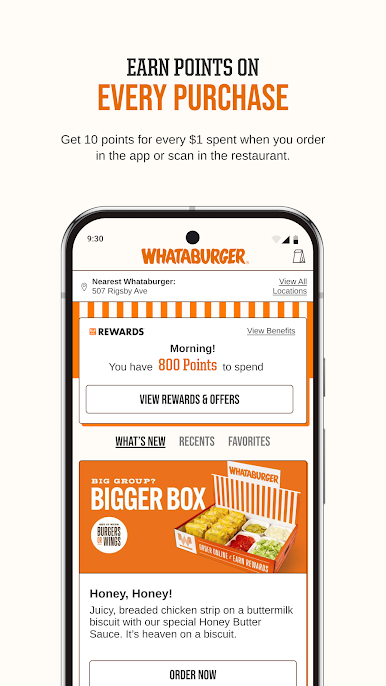
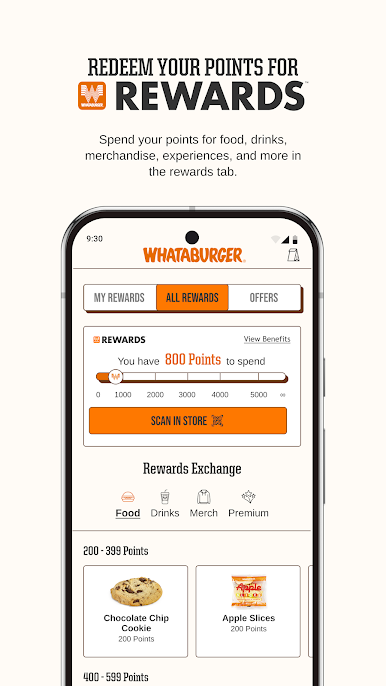
— EARN MORE: Rack up 10 points for every $1 spent on online orders or in-store scans, and redeem them for exclusive rewards.
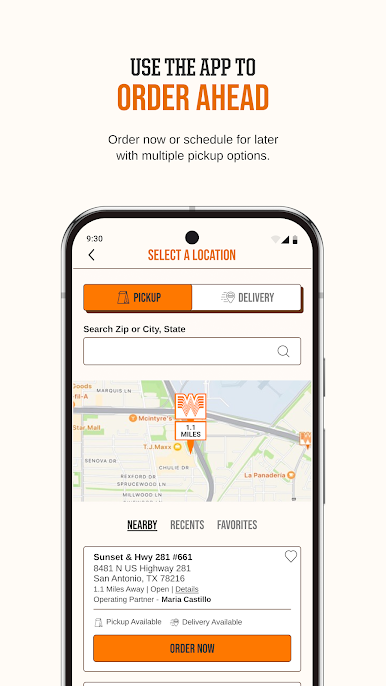
— ORDER AHEAD: Avoid the wait by opting for curbside pickup or doorstep delivery, bringing Whataburger straight to you.
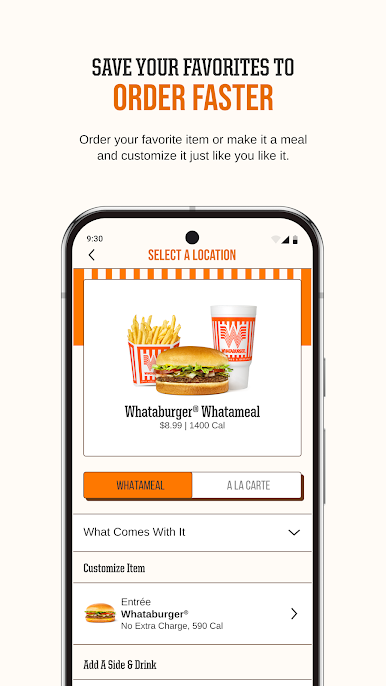
— MAKE IT YOURS: Personalize every order to your liking and save your favorites for quick and easy reordering.
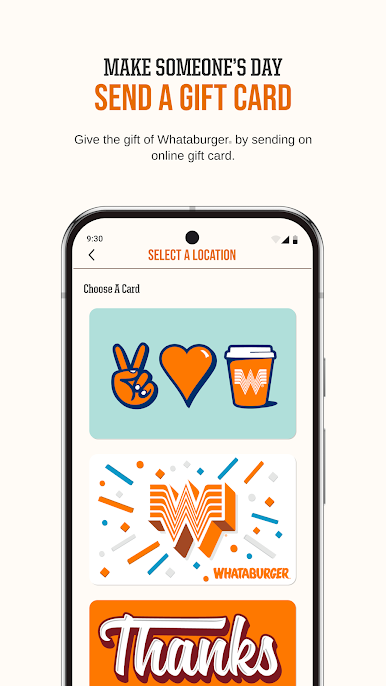
— ONLINE GIFT CARDS: Share the love by sending Whataburger e-gift cards directly through the app.
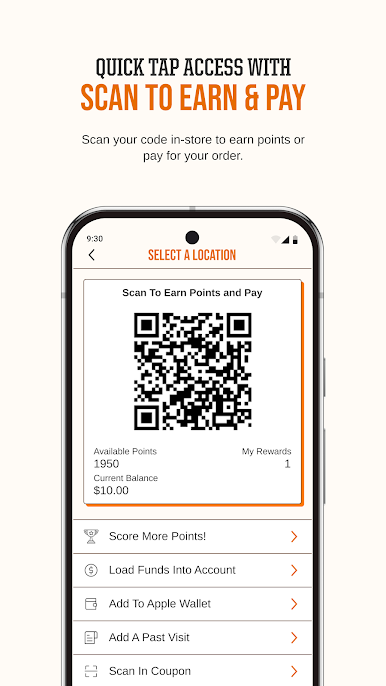
— PAY WITH EASE: Speed up your order by paying directly with a linked debit/credit card, Google Pay, PayPal, Paze or a Whataburger Gift Card.
— FIND YOUR WHATABURGER: Always know where your nearest Whataburger is with real-time location tracking.
Play Whataburger on PC. It’s easy to get started.
-
Download and install BlueStacks on your PC
-
Complete Google sign-in to access the Play Store, or do it later
-
Look for Whataburger in the search bar at the top right corner
-
Click to install Whataburger from the search results
-
Complete Google sign-in (if you skipped step 2) to install Whataburger
-
Click the Whataburger icon on the home screen to start playing

