


Progression - Gym Workout Log
Play on PC with BlueStacks – the Android Gaming Platform, trusted by 500M+ gamers.

Page Modified on: Dec 2, 2025
Play Progression - Gym Workout Log on PC
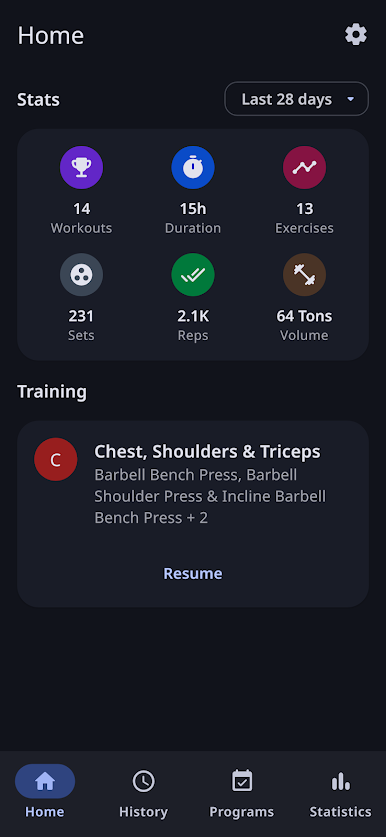
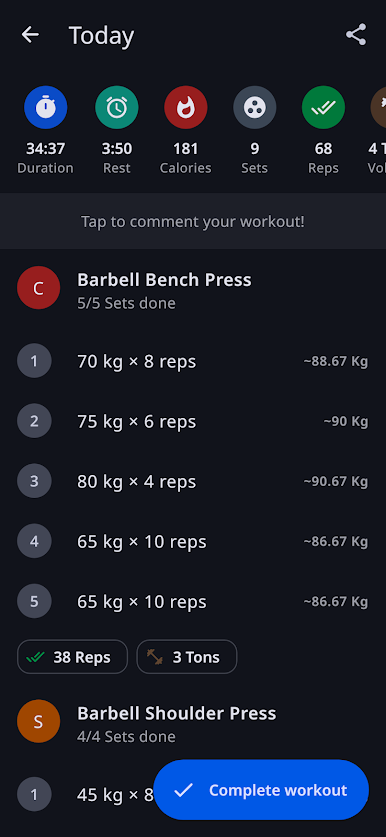
Join nearly 500,000 fitness enthusiasts who trust Progression as their personal trainer and strength training companion. This workout planner integrates seamlessly with your fitness routine, offering real-time insights and unlimited exercise tracking for free.
Progression is more than just a fitness tracker; it's your complete gym log and training program manager, refined over a decade with user feedback. Track every weightlifting session, log bodyweight workouts, analyze your fitness journey, and discover training programs tailored to your goals, whether you're focused on strength training, muscle building, or overall fitness.
Highlights:
- Track unlimited workout sessions and gym visits
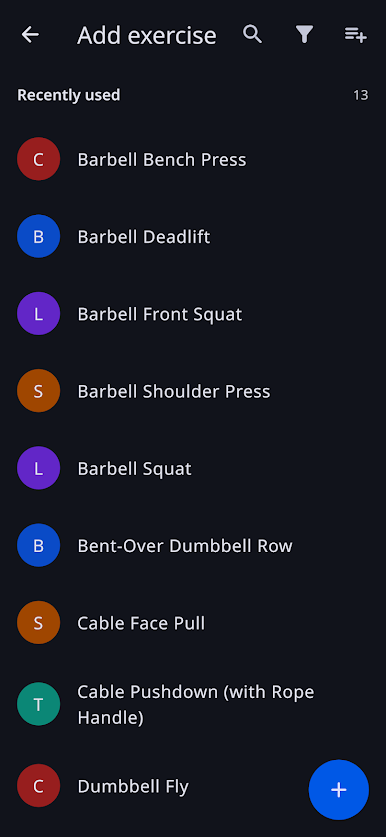
- Access 300+ exercises with detailed instructions and video demonstrations
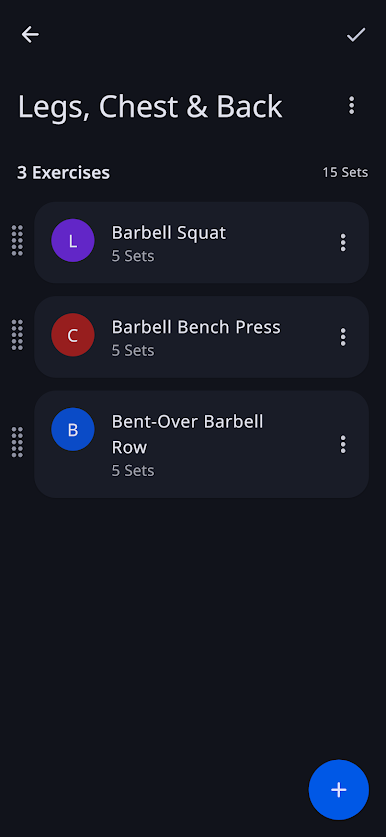
- Create custom exercises and personalized training programs
- Smart rest timer with overlay support for seamless multitasking
- Plate calculator for weightlifting
- Supersets and advanced exercise grouping
- Set tagging (dropsets, negatives, tempo training)
- 1RM estimates and strength training insights
- Health Connect integration
- Built-in stopwatch and workout timer
- Drag-and-drop handles & pre-filled sets for effortless gym logging
- Complete data import/export with offline functionality
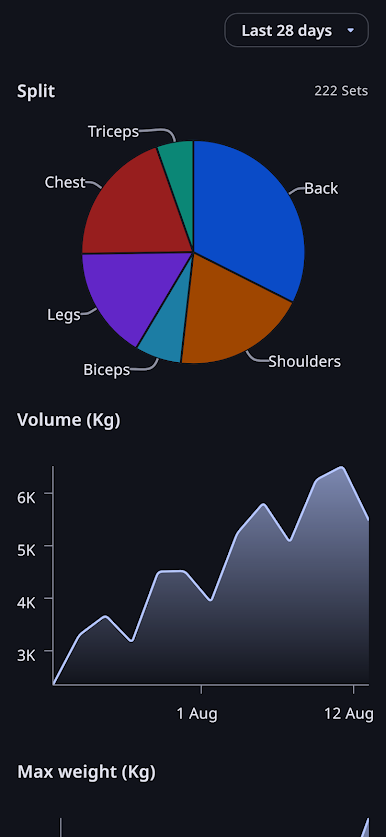
- Comprehensive statistics and progress graphs for strength training analysis
- Cloud backup & real-time sync across all devices
- Advanced CSV export for detailed workout analysis
- Timeline view showing your complete fitness journey with any exercise
Your feedback drives our development! Contact info@progression.app with questions or suggestions.
Ready to transform your fitness routine? Download Progression now and elevate your strength training journey with the ultimate workout tracker and gym log!
Play Progression - Gym Workout Log on PC. It’s easy to get started.
-
Download and install BlueStacks on your PC
-
Complete Google sign-in to access the Play Store, or do it later
-
Look for Progression - Gym Workout Log in the search bar at the top right corner
-
Click to install Progression - Gym Workout Log from the search results
-
Complete Google sign-in (if you skipped step 2) to install Progression - Gym Workout Log
-
Click the Progression - Gym Workout Log icon on the home screen to start playing

