


Mnet Plus
Play on PC with BlueStacks – the Android Gaming Platform, trusted by 500M+ gamers.

Page Modified on: Oct 13, 2026
Play Mnet Plus on PC
All of K-POP, Mnet Plus
Mnet Plus, the global K-POP platform for fans everywhere!
Enjoy music, performances, voting, photocards, and exclusive content – everything you love about K-POP, all in one place.
Only on Mnet Plus
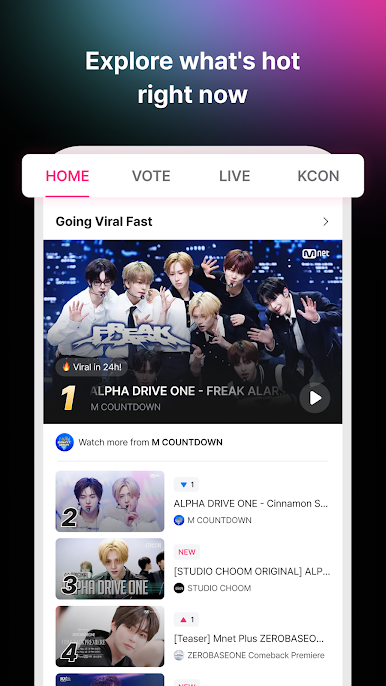
The fun of discovering the hottest K-POP content
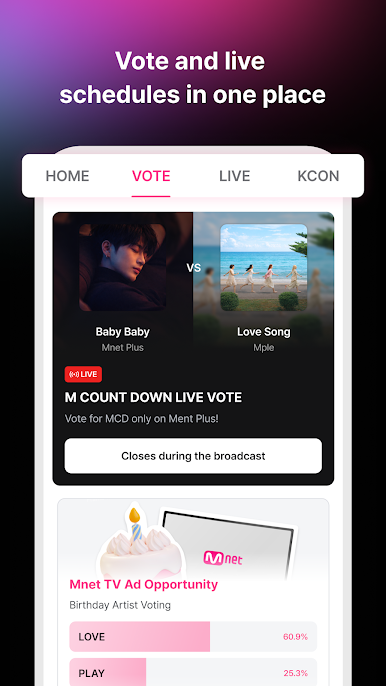
Votes and live schedules, all at a glance
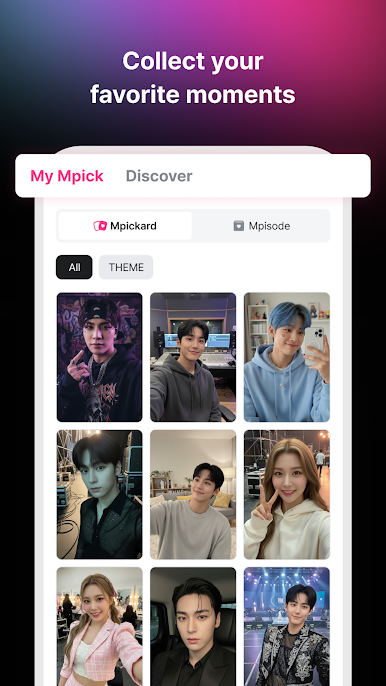
Collect and keep your favorite moments with Mpickard
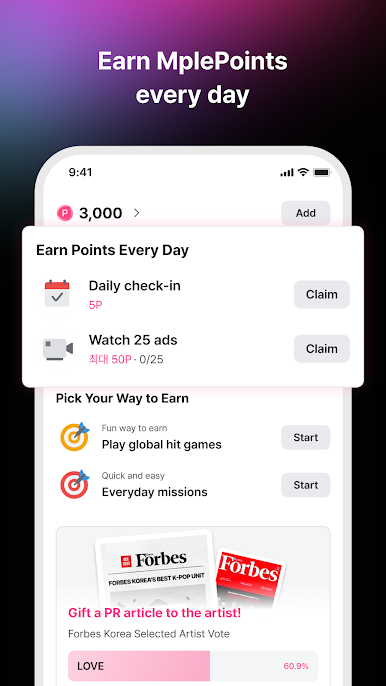
Earn MplePoints every day with a variety of fun missions
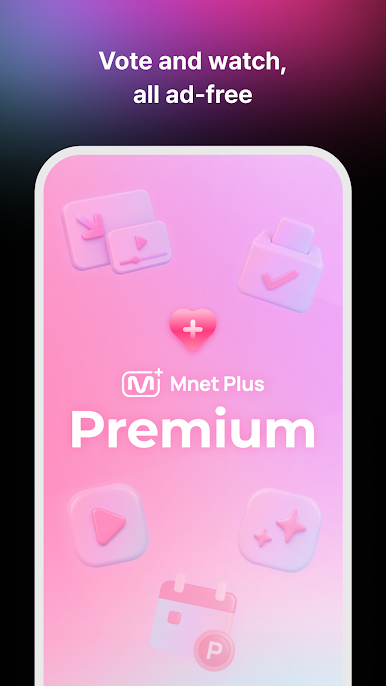
Immerse yourself in K-POP, completely ad-free with Mnet Plus Premium
Your K-POP passion starts here.
Experience K-POP closer than ever on Mnet Plus.
[Mnet Plus Official Channels]
- Website: mnetplus.world
- Twitter: twitter.com/mnetplus
- Instagram: Instagram.com/mnetplus_official
- Threads: threads.net/@mnetplus_official
- Youtube: youtube.com/c/MnetPlus
- TikTok: tiktok.com/@mnetplus_official
[Service Access Permissions]
- Required permissions: Device and app history (for app performance improvement and error checking), Device ID (for device identification and ad tracking)
- Optional permissions: Camera (for taking photos when creating posts), Photos/Media/Files (for attaching photos when creating posts), Notifications (to allow and receive push notifications)
*You can use the service without agreeing to optional permissions, but some features may be limited.
[Terms of Service and Privacy Policy]
- Terms of Service: https://www.mnetplus.world/cl/policy?target=terms
- Privacy Policy: https://www.mnetplus.world/cl/policy?target=privacy
[Help Center]
https://mnetplus.zendesk.com/hc
----
Developer Contact Information
CJ ENM Co., Ltd.
CJ E&M Center, 66, Sangamsan-ro, Mapo-gu, Seoul 03926, Korea
106-81-51510

Play Mnet Plus on PC. It’s easy to get started.
-
Download and install BlueStacks on your PC
-
Complete Google sign-in to access the Play Store, or do it later
-
Look for Mnet Plus in the search bar at the top right corner
-
Click to install Mnet Plus from the search results
-
Complete Google sign-in (if you skipped step 2) to install Mnet Plus
-
Click the Mnet Plus icon on the home screen to start playing

