


Auto Clicker - Automatic Tap
Play on PC with BlueStacks – the Android Gaming Platform, trusted by 500M+ gamers.

Page Modified on: Jul 24, 2026
Main Auto Clicker - Automatic Tap on PC
✨ Key Features
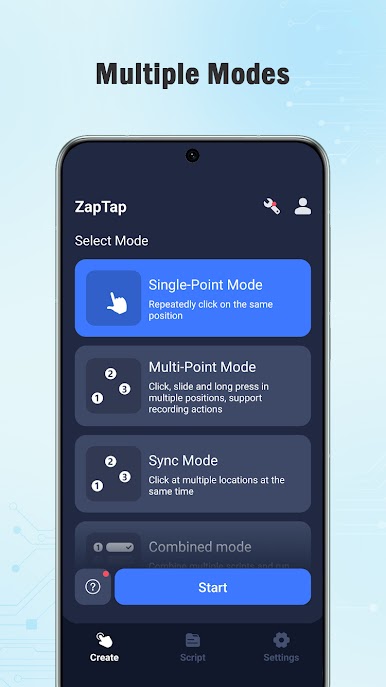
✅ Multi-Point Touch Support – configure multiple touch points with flexible positioning.
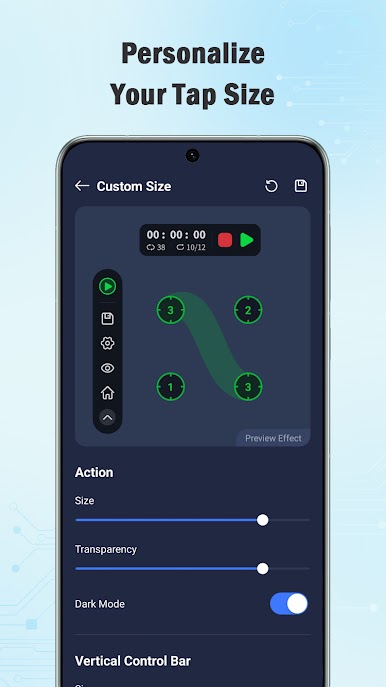
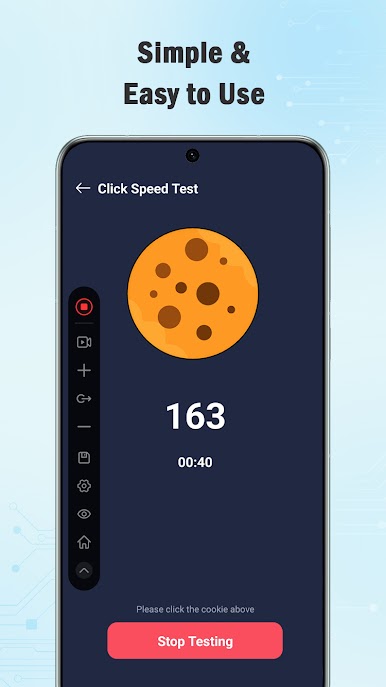
✅ Floating Control Panel – quickly access controls anywhere on your screen, with adjustable transparency and a movable layout.
✅ Custom Touch Configuration – easily create and manage different touch point layouts for various scenarios.
✅ Edge Touch Support – place touch points precisely along screen edges.
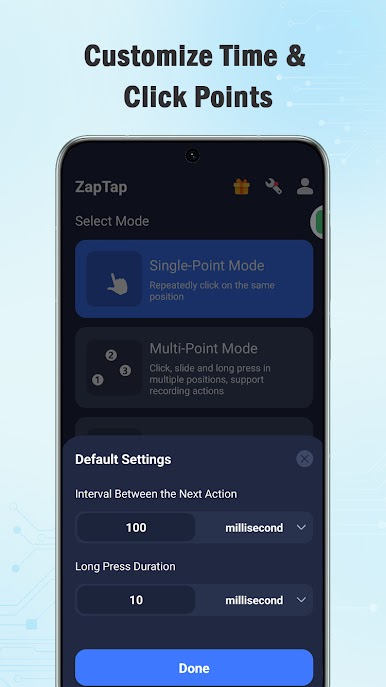
✅ Long Press Support – configure touch duration to suit different interaction needs.
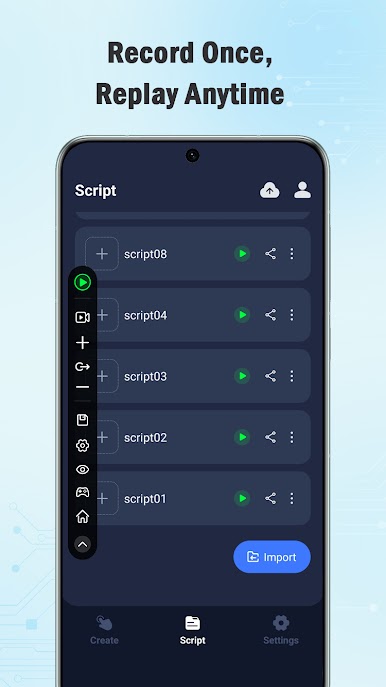
✅ Import & Export Configurations – back up and transfer your saved configurations between devices.
✅ Cloud Backup – synchronize your saved configurations for convenient access.
✅ No Root Required – works on Android devices without requiring root access.
💡 Simple Setup – configure touch points in just a few steps.
💡 Flexible Control – customize layouts to match your personal preferences.
💡 Easy Management – save, organize, import, export, and back up your configurations whenever needed.
ZapTap provides a lightweight and customizable touch control experience with an intuitive interface, making it easy to personalize touch layouts while maintaining smooth and reliable performance.
Notice
Supports Android 7.0 and above.
Requires Accessibility Service to enable touch control features.
No root permission required.
Important
ZapTap uses the AccessibilityService API to provide its core touch-control functionality.
Why is the AccessibilityService API required?
✓ It enables touch-related features such as configurable touch points, long press support, and floating control access.
Do we collect personal data?
✓ No. ZapTap does not collect personal information through the AccessibilityService API.
Feedback
If you enjoy using ZapTap, please consider leaving a 5-star rating.
If you have suggestions or experience any issues, please contact us at octopusgames888@gmail.com. Thank you for your support!
Download ZapTap today and enjoy a simple, flexible touch control experience on Android.

Play Auto Clicker - Automatic Tap on PC. It’s easy to get started.
-
Download and install BlueStacks on your PC
-
Complete Google sign-in to access the Play Store, or do it later
-
Look for Auto Clicker - Automatic Tap in the search bar at the top right corner
-
Click to install Auto Clicker - Automatic Tap from the search results
-
Complete Google sign-in (if you skipped step 2) to install Auto Clicker - Automatic Tap
-
Click the Auto Clicker - Automatic Tap icon on the home screen to start playing

