


Flarial
Play on PC with BlueStacks – the Android Gaming Platform, trusted by 500M+ gamers.

Page Modified on: Aug 18, 2026
Play Flarial on PC
What you get:
• One-tap launching — sign in with your account and Flarial Launcher takes care of the rest.
• Full Flarial Client features from PC — modules, ClickGUI, themes, keybinds, and more.
• Frequent updates synced with the Flarial Windows client.
FLARIAL IS NOT AN OFFICIAL MINECRAFT PRODUCT. NOT APPROVED BY OR ASSOCIATED WITH MOJANG OR MICROSOFT.
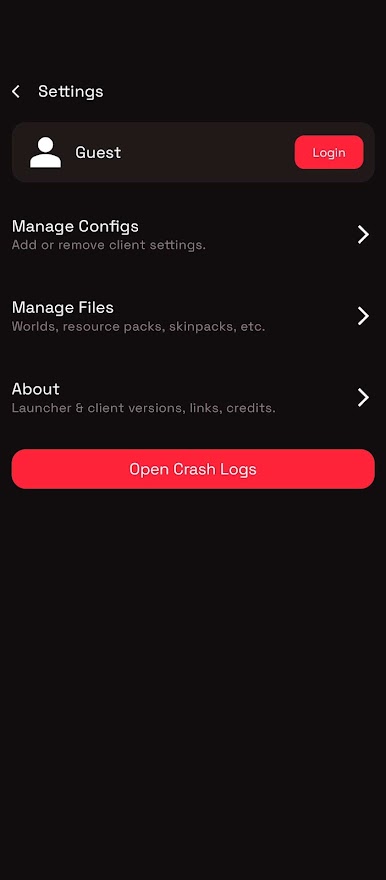
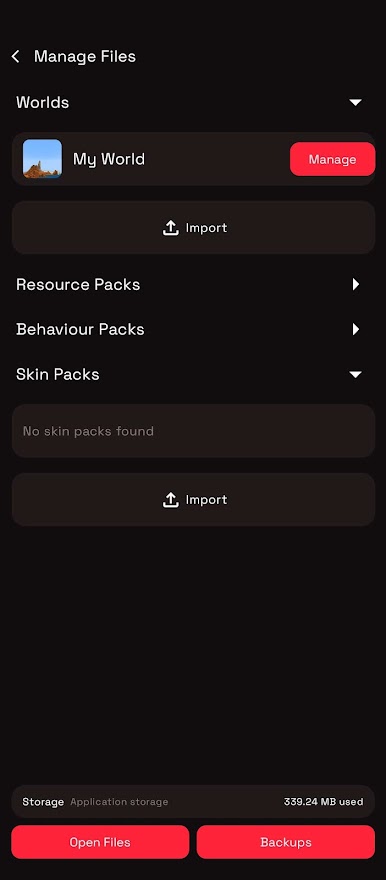
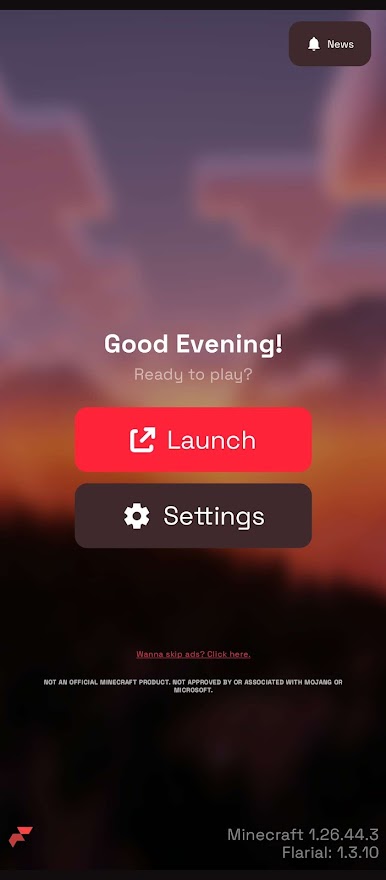
Play Flarial on PC. It’s easy to get started.
-
Download and install BlueStacks on your PC
-
Complete Google sign-in to access the Play Store, or do it later
-
Look for Flarial in the search bar at the top right corner
-
Click to install Flarial from the search results
-
Complete Google sign-in (if you skipped step 2) to install Flarial
-
Click the Flarial icon on the home screen to start playing

