

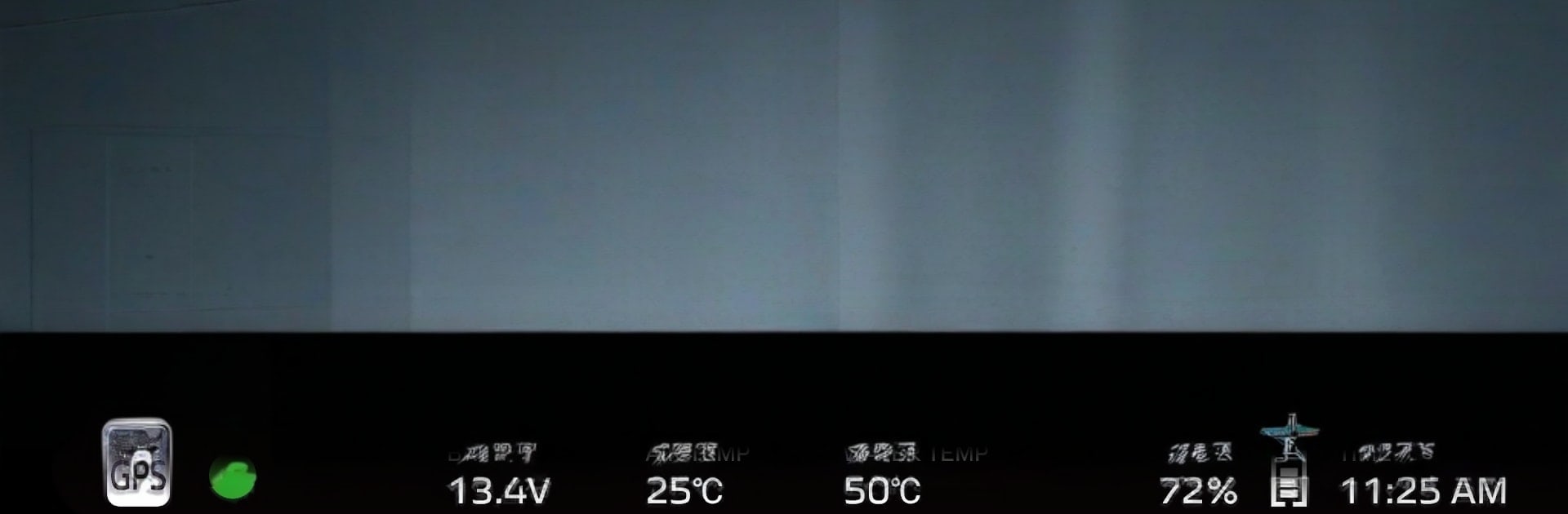
POWER TUNER
Play on PC with BlueStacks – the Android Gaming Platform, trusted by 500M+ gamers.

Page Modified on: Sep 1, 2025
Play POWER TUNER on PC or Mac
From the innovators and creators at YAMAHA MOTOR Co., Ltd., POWER TUNER is another fun addition to the World of Sports games. Go beyond your mobile screen and play it bigger and better on your PC or Mac. An immersive experience awaits you.
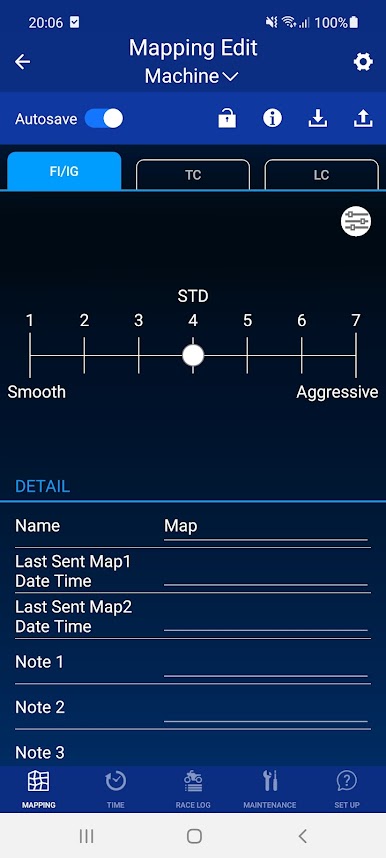
POWER TUNER is not a racer, it is more like a digital garage for Yamaha dirt bikes, and it leans hard into the fun part of tinkering. The core loop is simple. tweak the bike, ride, check numbers, tweak again. There is a quick slider that shifts the engine feel from smooth to aggressive, and for anyone who likes to get nerdy, there is a grid where fuel and ignition can be adjusted across throttle and rpm points. Traction control has a few levels to pick from, and launch control lets riders set a rev limit for clean starts. It all makes sense once in there, no weird menus, just practical tools.
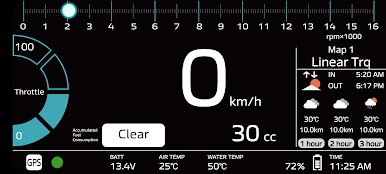
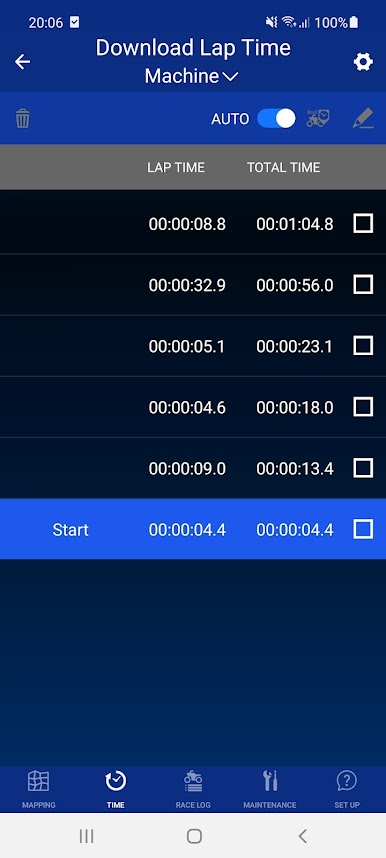
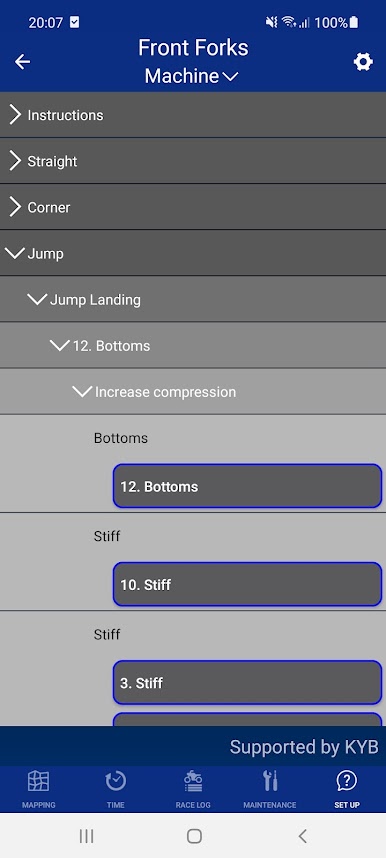
What stands out is the live data and lap timing. Speed, throttle, rpm, water and air temps, even battery voltage show up on screen, and the lap timer ties lap-by-lap results to the bike’s settings so changes actually mean something. It feels like a little test bench in the pocket, with a built-in setup guide for both engine and suspension when someone is not sure which way to go. There is even an ECU lock that acts like a simple theft deterrent, which is a nice touch.
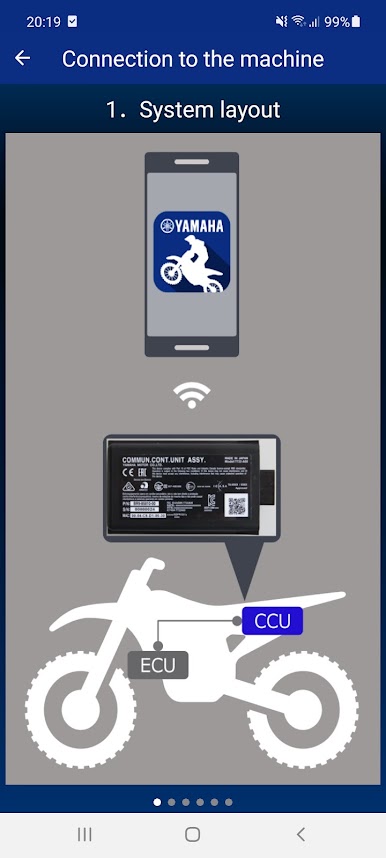
Running it on BlueStacks gives a bigger view for the maps and charts, and the mouse makes nudging individual cells way less fiddly. Just know it is meant for specific Yamaha YZ and WR models, and some functions depend on the hardware on the bike. Use it while parked, obey the rules, do not expect every stat to be lab-grade perfect. No paywalls hiding the good stuff, just straight tools that help dial the bike for the track and conditions.
Ready to top the leaderboard? We bet you do. Let precise controls and sharp visuals optimized on BlueStacks lead you to victory.
Play POWER TUNER on PC. It’s easy to get started.
-
Download and install BlueStacks on your PC
-
Complete Google sign-in to access the Play Store, or do it later
-
Look for POWER TUNER in the search bar at the top right corner
-
Click to install POWER TUNER from the search results
-
Complete Google sign-in (if you skipped step 2) to install POWER TUNER
-
Click the POWER TUNER icon on the home screen to start playing

