


ErgZone
Play on PC with BlueStacks – the Android Gaming Platform, trusted by 500M+ gamers.

Page Modified on: Jan 22, 2026
Play ErgZone on PC
Why Choose ErgZone?
Designed to streamline your training, ErgZone minimizes setup time, automates monitor configurations, and calculates critical metrics so you can focus on performance, not prep.
Key Features:
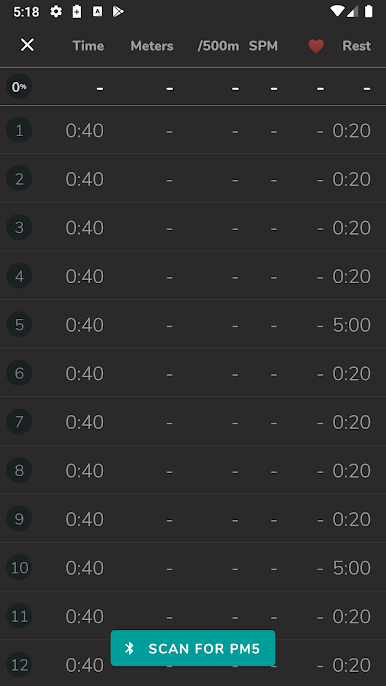
• Easy Monitor Setup: No need to manually set intervals – simply connect to the ergometer, and the app handles the rest. Start moving right away.
• Live Metrics: View real-time data during workouts, including time, distance, pace, strokes/minute (SPM), calories, watts, heart rate (HR) zones, and more.
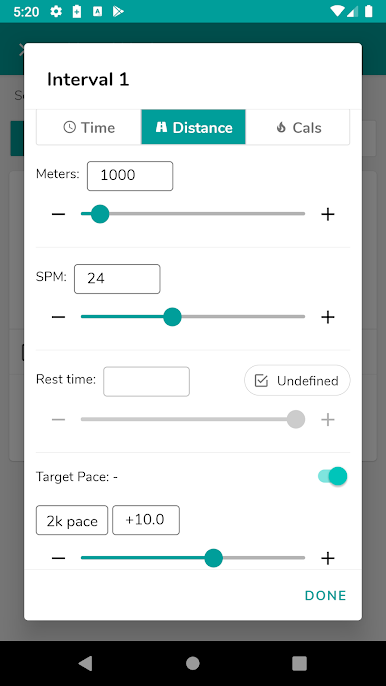
• Smart Interval Pacing: Suggested pace per interval based on personal benchmarks (1K, 2K, 5K for rowing and skiing; 2K, 4K, 10K for cycling).
• Real-Time Alerts: Instant feedback if your pace, SPM, or split time drifts from the target.
• Workout Variety: Options to train by time, distance, or calories with flexibility for mixed or weighted workouts.
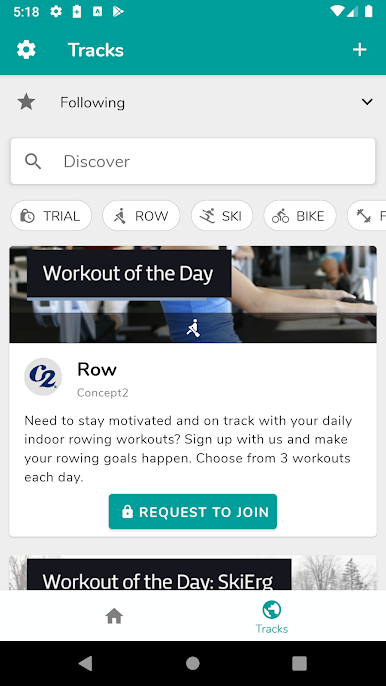
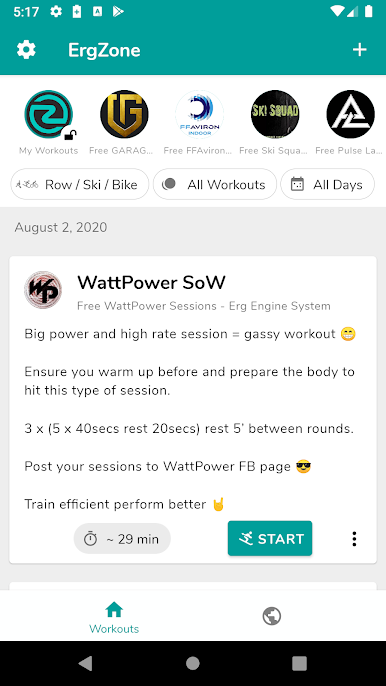
• Daily Workouts: Access the Concept2 Workout of the Day, plus discover workouts and training plans from top coaches.
• Performance History: Save your favorite workouts, track heart rate progress, and monitor key metrics.
• Compete & Connect: Join challenges, follow ErgFlix workouts, and interact with our partner coaches who release weekly free workouts.
• Beyond Default Metrics: Track advanced metrics like stroke count, drag factor (DF), calories, watts, SPI, HR zones, and more.
• Automatic Syncing: Results are automatically uploaded to the Concept2 LogBook.
Unlock ErgZone+ for Premium Tools:
• Enhanced Metrics & Graphs: View each interval's post-workout heart rate and power zones in a single graph.
• Expanded Metrics: Access Drive Length, Max Power, Avg. Force, Force Curve, and more. The app remembers your last-used metrics for easy setup.
• Time Cap & AMRAP: For added versatility, use automatic time-capped workouts and AMRAP (as many rounds as possible).
• Flexible Targets: Set workout intensity using power metrics like FTP (Functional Threshold Power), SPI, or Watts percentage.
• ReRow, ReSki, ReRide: Revisit previous sessions and strive to beat your pace or time.
• Communities: Create and join communities, share workouts, and engage with friends. Enable leaderboards for a fun, competitive edge.
• Heart Rate Monitor: Connect your favorite Bluetooth HRM to track your heart rate in real-time during workouts.
• Web Dashboard: Manage workouts, schedule training, and view live stats on a computer.
• MultiErg Workouts: Create custom workouts incorporating two or all three Concept2 machines in a single workout.
• Dynamic Interval Intensity: Set workout pace based on a previous interval.
• Organize Your Training: Create groups, libraries, and training plans to manage better and organize your workouts.
• FIT Workouts: Track non-erg workouts such as weight training, HYROX, CrossFit, etc.
Requirements:
• Supported Machines: Concept2 RowErg, BikeErg, SkiErg with PM5, RP3 Rower, Rogue Echo Bike or Rower, WaterRower S4 (with ComModule or CR BLE), FTMS-enabled machines.
• Device: Phone or Tablet
Play ErgZone on PC. It’s easy to get started.
-
Download and install BlueStacks on your PC
-
Complete Google sign-in to access the Play Store, or do it later
-
Look for ErgZone in the search bar at the top right corner
-
Click to install ErgZone from the search results
-
Complete Google sign-in (if you skipped step 2) to install ErgZone
-
Click the ErgZone icon on the home screen to start playing

