


Zoo VPN
Play on PC with BlueStacks – the Android Gaming Platform, trusted by 500M+ gamers.

Page Modified on: Aug 29, 2024
Play Zoo VPN on PC
In general:
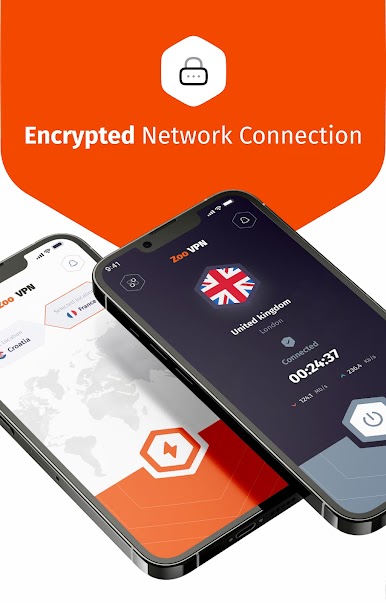
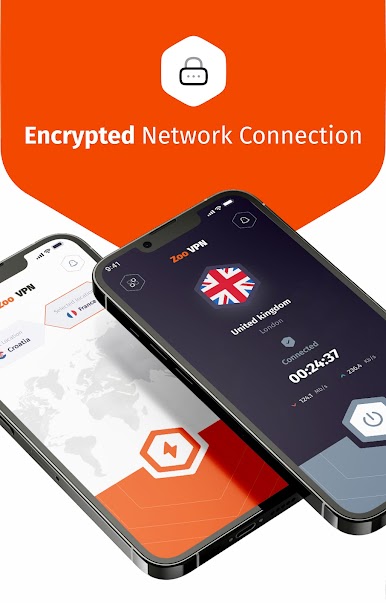
• Easy to use, only take one tap to secure your connection within seconds
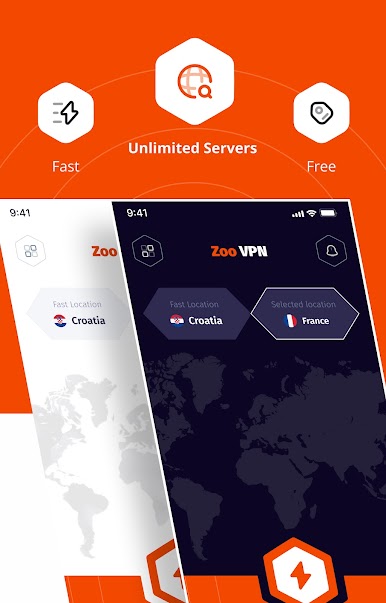
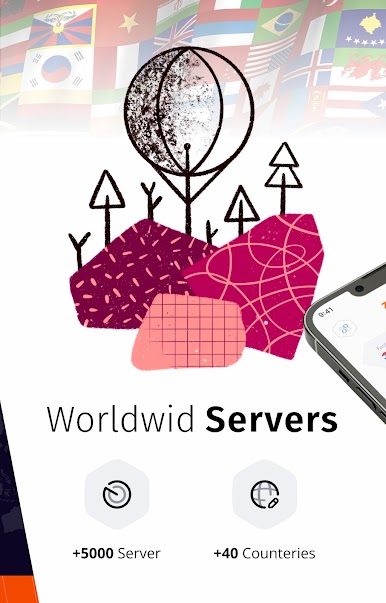
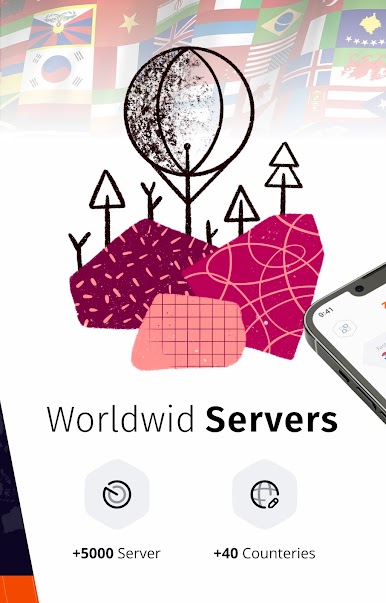
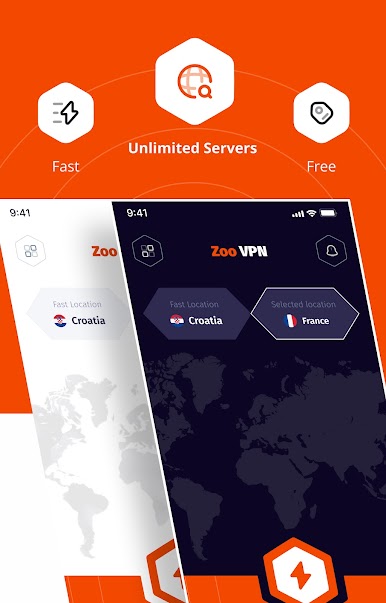
• Thousands of high-speed reliable servers around the globe
• Optimized for Android devices
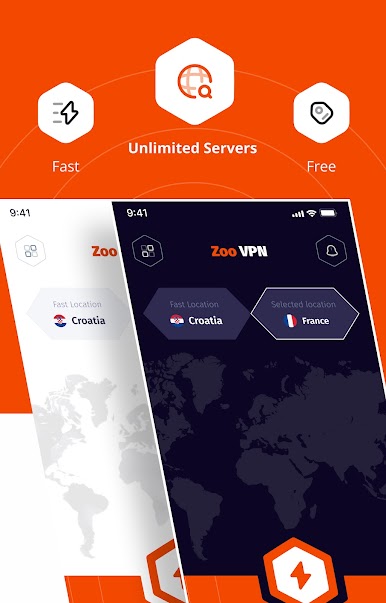
• No bandwidth limit for browsing, streaming, or downloading. Unlimited!
• No sign up or registration required
• Enjoy the most secure VPN on the go!
Unblock your access:
• Unblock any content anywhere
• Bypass censorship and restore your freedom
• No IP bands, the world is at your fingertips
• Circumvent firewall security blocks
Security with Zoo VPN:
• DNS and IP Leak protected technology
• You are fully protected with the best-in-class encryption used by the military
• Privacy is fully protected, there is no record of your internet browsing
• Optimized servers for all countries
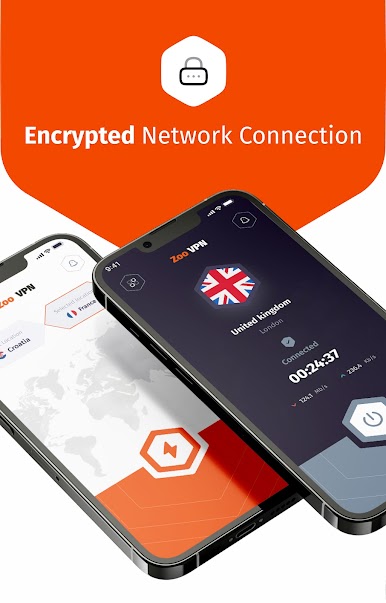
• Encryption via OpenVPN protocols (UDP and TCP)
Global coverage:
• vpn for Russia
• vpn for Limitd Arab Emirates (UAE)
• vpn for Singapore
• vpn for Germany
• vpn for India
• vpn for USA
• vpn for Japan
• vpn for Iraq
Zoo VPN Service.
Play Zoo VPN on PC. It’s easy to get started.
-
Download and install BlueStacks on your PC
-
Complete Google sign-in to access the Play Store, or do it later
-
Look for Zoo VPN in the search bar at the top right corner
-
Click to install Zoo VPN from the search results
-
Complete Google sign-in (if you skipped step 2) to install Zoo VPN
-
Click the Zoo VPN icon on the home screen to start playing

