


Parallel Space - 64Bit Support
Play on PC with BlueStacks – the Android Gaming Platform, trusted by 500M+ gamers.

Page Modified on: Dec 28, 2023
Run Parallel Space - 64Bit Support on PC or Mac
Parallel Space – 64Bit Support is a Tools app developed by LBE Tech. BlueStacks app player is the best platform to play Android games on your PC or Mac for an immersive gaming experience.
Are you tired of your apps crashing or freezing on your 64-bit device while using Parallel Space? Well, fear no more because Parallel Space 64-Bit Support is here to save the day!
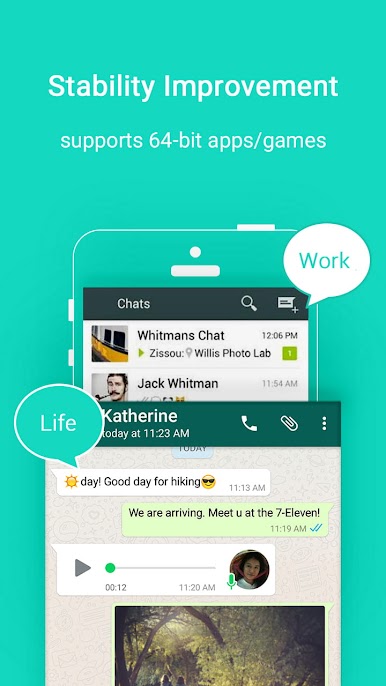
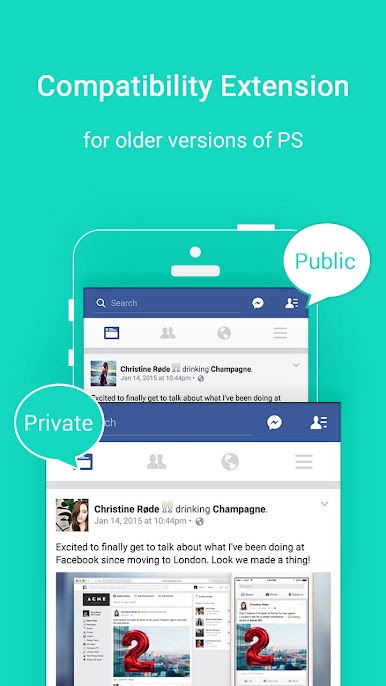
This amazing app will help boost the performance of Parallel Space and fix compatibility issues between Parallel Space and 64-bit devices running Android 6.0 or 6.0.1. No more black screens while opening your favorite apps on Parallel Space!
Say goodbye to the frustration of having to constantly restart Parallel Space and hello to smooth and stable app usage. Parallel Space 64-Bit Support is like the superhero sidekick to your favorite app, making sure it stays strong and steady to support all your multitasking needs.
This app is like the magic wand you’ve been waiting for to fix all those pesky compatibility issues. It’s like giving your Parallel Space app a power-up to help it perform at its best.
Download Parallel Space – 64Bit Support APK with BlueStacks and enjoy all your favorite apps in smooth and stable Parallel Space.
Learn how to download and play APK Games on your PC or MAC.
Play Parallel Space - 64Bit Support on PC. It’s easy to get started.
-
Download and install BlueStacks on your PC
-
Complete Google sign-in to access the Play Store, or do it later
-
Look for Parallel Space - 64Bit Support in the search bar at the top right corner
-
Click to install Parallel Space - 64Bit Support from the search results
-
Complete Google sign-in (if you skipped step 2) to install Parallel Space - 64Bit Support
-
Click the Parallel Space - 64Bit Support icon on the home screen to start playing

