

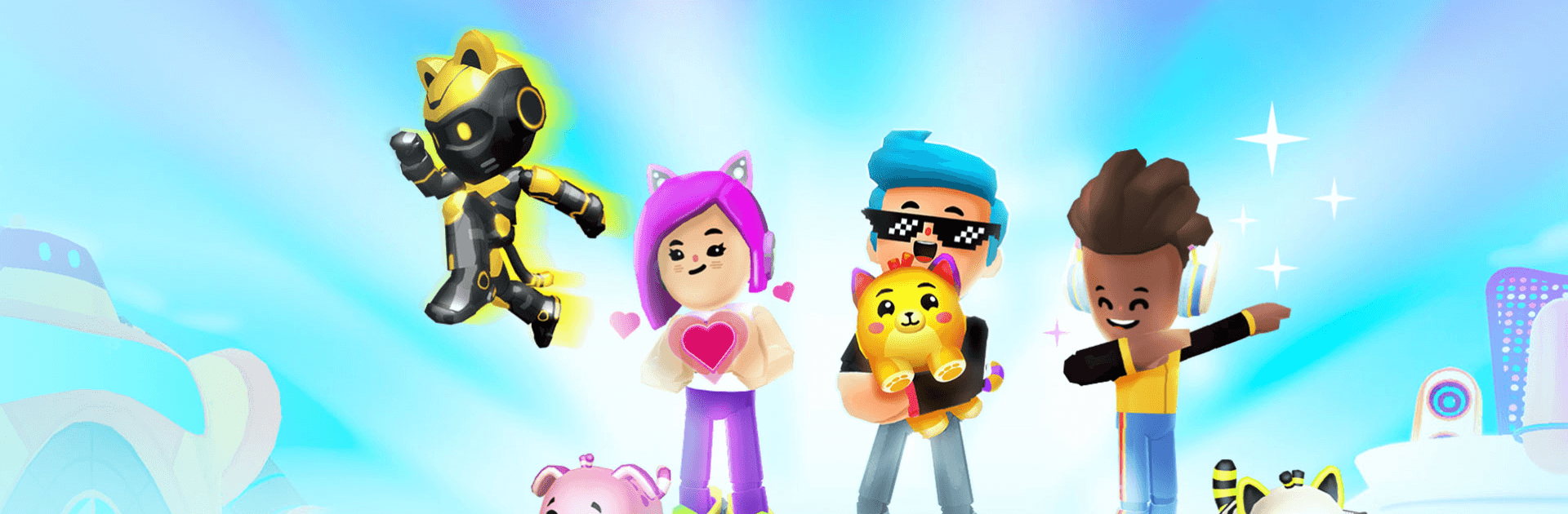
PK XD: Fun, friends & games
Play on PC with BlueStacks – the Android Gaming Platform, trusted by 500M+ gamers.

Page Modified on: Sep 11, 2026
Play PK XD: Fun, friends & games on PC or Mac
PK XD: Fun, friends & games is an Adventure game developed by Afterverse Games. BlueStacks app player is the best platform to play this Android game on your PC or Mac for an immersive gaming experience.
About the Game
PK XD: Fun, friends & games is a creative game built for kids. It immerses them in a colorful world where they can bring their imaginations to life and have fun. Kids can create their unique avatars and style them however they see fit. The app also allows them to join shared adventures with friends and other players.
Game Features
- Virtual Pets: Create special hybrid creatures by combining two pets. They can take care of the pets, train them, and watch them evolve into fantastic creatures.
- Character Building: Express your creativity by building avatars that come with distinct personalities. Players can also equip these characters with swords, wings, armor, and more.
- Fun Mini Games: Participate in loads of fun mini-games like racing, pizza delivery, etc. Players can also create amusement parks, soccer fields, shopping malls, and more.
- Seamless Development: Kids get to live in their dream homes with pools, game rooms, and several more. It also offers access to cars, skateboards, and other vehicles. Moreover, the game offers special content for select events, such as Christmas, Easter, Halloween, and more. Players can get into these events to have fun & claim themed items.
What’s New?
- Foot Racing: Kids can now showcase their ninja power and challenge friends in a different way.
- The Lunch of Anime Season: The season of many references is here again. How are you planning to pull up?
How to Play?
Download PK XD: Fun, friends & games for free from the Google Play Store using the BlueStacks app player.
Learn how to download and play APK Games on your PC or MAC.





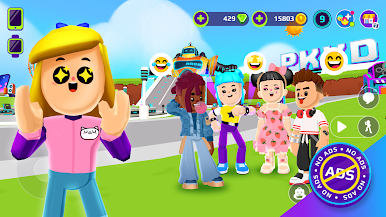
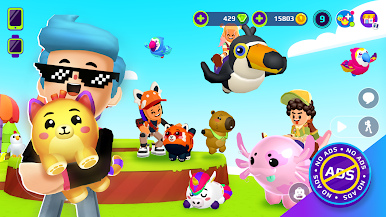
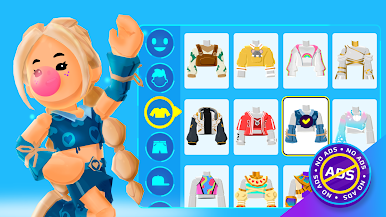
Play PK XD: Fun, friends & games on PC. It’s easy to get started.
-
Download and install BlueStacks on your PC
-
Complete Google sign-in to access the Play Store, or do it later
-
Look for PK XD: Fun, friends & games in the search bar at the top right corner
-
Click to install PK XD: Fun, friends & games from the search results
-
Complete Google sign-in (if you skipped step 2) to install PK XD: Fun, friends & games
-
Click the PK XD: Fun, friends & games icon on the home screen to start playing

