
4 Images 1 Mot
Play on PC with BlueStacks – the Android Gaming Platform, trusted by 500M+ gamers.

Page Modified on: Aug 12, 2025
Play 4 Images 1 Mot on PC or Mac
4 Images 1 Mot brings the Word genre to life, and throws up exciting challenges for gamers. Developed by Lotum GmbH, this Android game is best experienced on BlueStacks, the World’s #1 app player for PC and Mac users.
About the Game
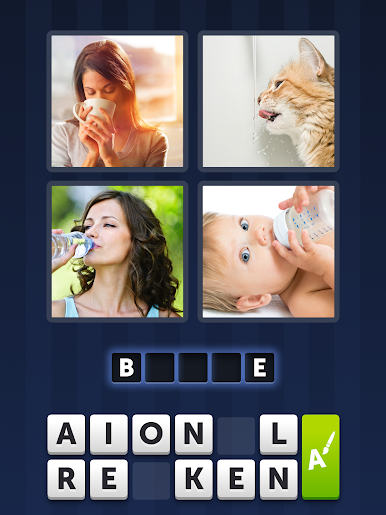
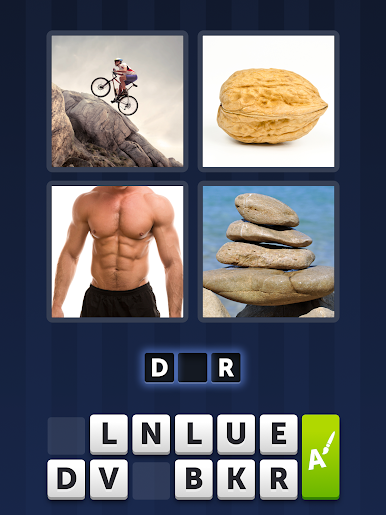
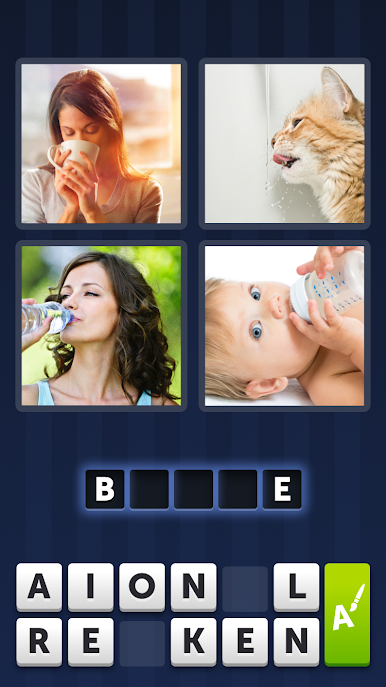
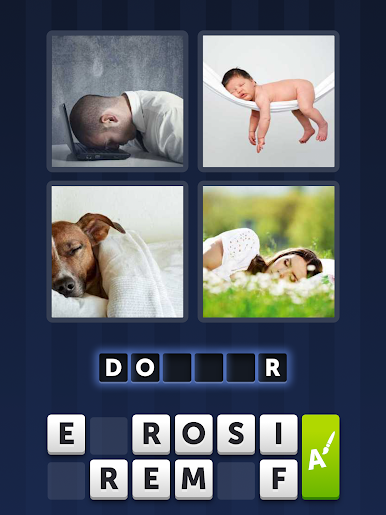
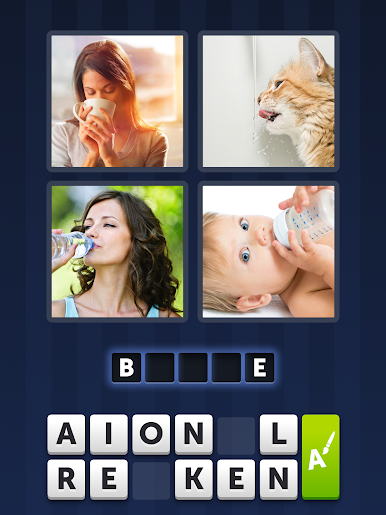
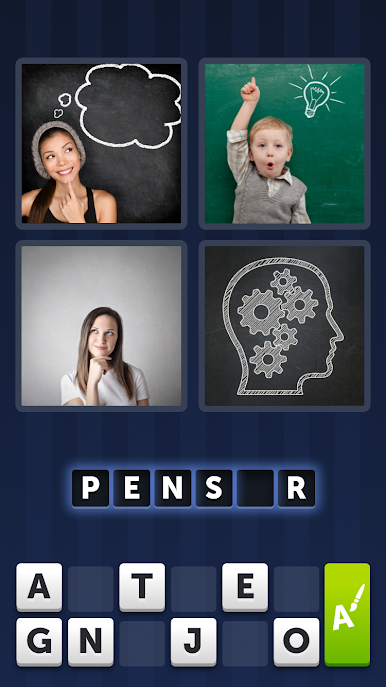
Ready to put your brain to the test while brushing up on your French? 4 Images 1 Mot from Lotum GmbH is one of those games that hooks you in with its simplicity—yet keeps you guessing puzzle after puzzle. Just take a look at four pictures and figure out the one word connecting them all. Whether you’re killing a few minutes on the bus or challenging your friends to see who’s faster, it’s always a fresh experience.
Game Features
-
Pure, Quick Fun
Jump right in—no sign-ups, no tricky menus. 4 Images 1 Mot lets you start puzzling instantly, and it’s easy enough for just about anyone to get into. -
French Puzzles, Made for You
Every riddle comes in French, so it’s perfect if you want to sharpen your language skills while flexing those deduction muscles. -
Endless Challenges
With puzzles that range from super simple to positively head-scratching, you’ll never run out of new words to guess. Plus, there are updates with new challenges coming in all the time. -
One-Word Connection
Spot the link between four different images and find the secret word. Sometimes it feels obvious, but trust me—plenty of answers will catch you off guard. -
Accessible Anywhere
Enjoy the game in short bursts on your phone or really lean in by playing on your PC with BlueStacks for that bigger screen advantage. -
Addictive Puzzle Solving
Short on fluff but big on satisfaction, each solved puzzle feels like a happy little “aha!”—you’ll find it hard to stop after just one round.
Slay your opponents with your epic moves. Play it your way on BlueStacks and dominate the battlefield.
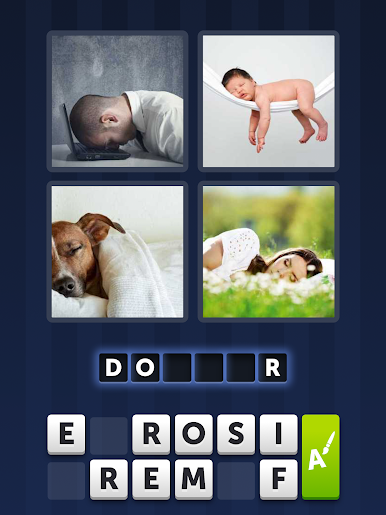
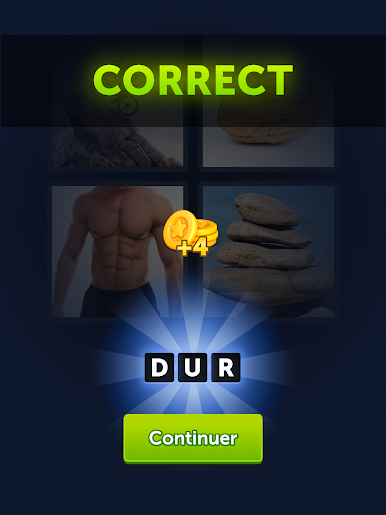
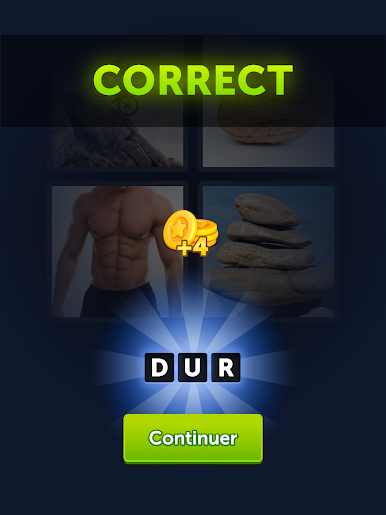
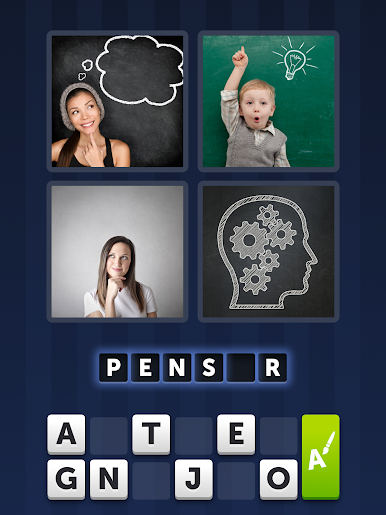
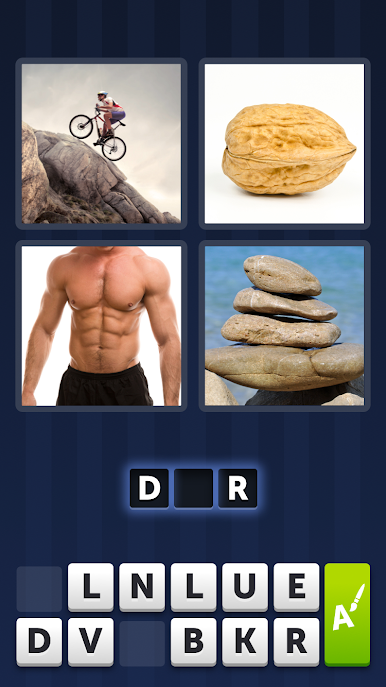
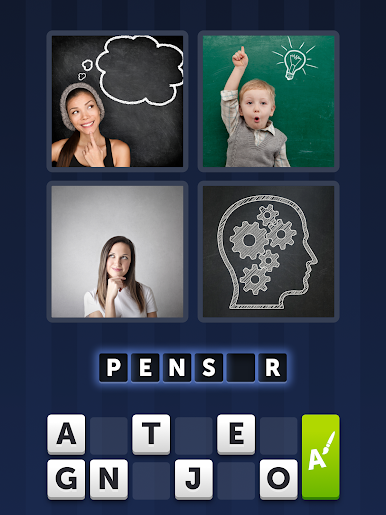
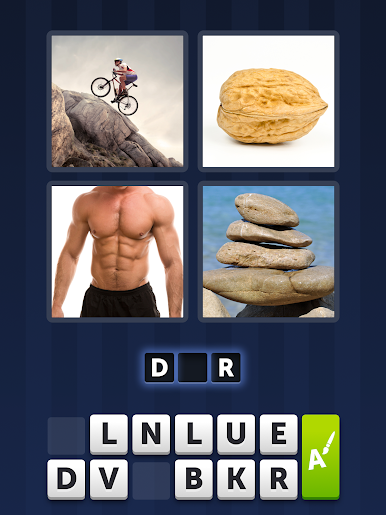

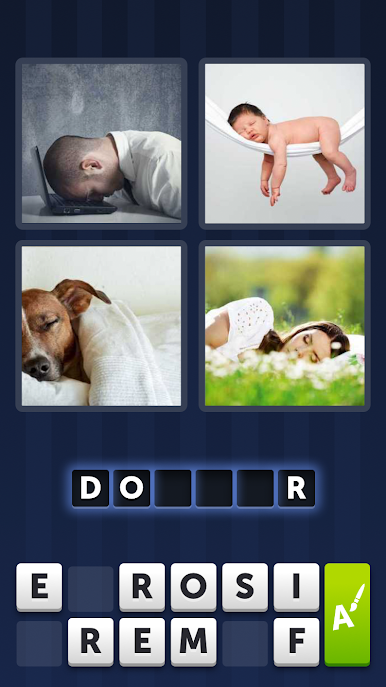
Play 4 Images 1 Mot on PC. It’s easy to get started.
-
Download and install BlueStacks on your PC
-
Complete Google sign-in to access the Play Store, or do it later
-
Look for 4 Images 1 Mot in the search bar at the top right corner
-
Click to install 4 Images 1 Mot from the search results
-
Complete Google sign-in (if you skipped step 2) to install 4 Images 1 Mot
-
Click the 4 Images 1 Mot icon on the home screen to start playing