Demons Must Die (Stickman Slasher)

Demons Must Die (Stickman Slasher)

Action

| ViperGames

Play on PC with BlueStacks or from our cloud

  • Overview
  • Game Features
  • How to Play

Page Modified On: January 06, 2026

Play Demons Must Die (Stickman Slasher) on PC or Mac

Demons Must Die (Stickman Slasher) brings the Action genre to life, and throws up exciting challenges for gamers. Developed by ViperGames, this Android game is best experienced on BlueStacks, the World’s #1 app player for PC and Mac users.

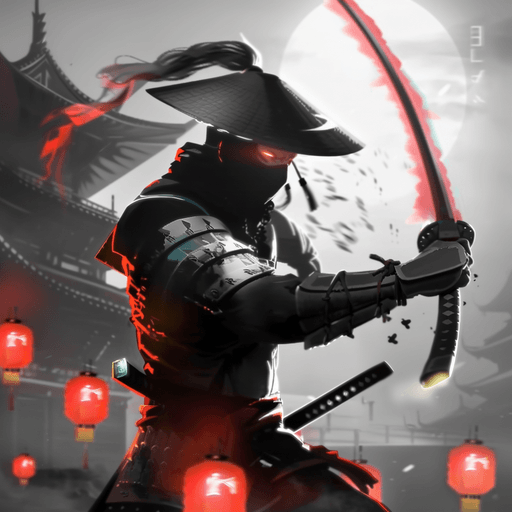
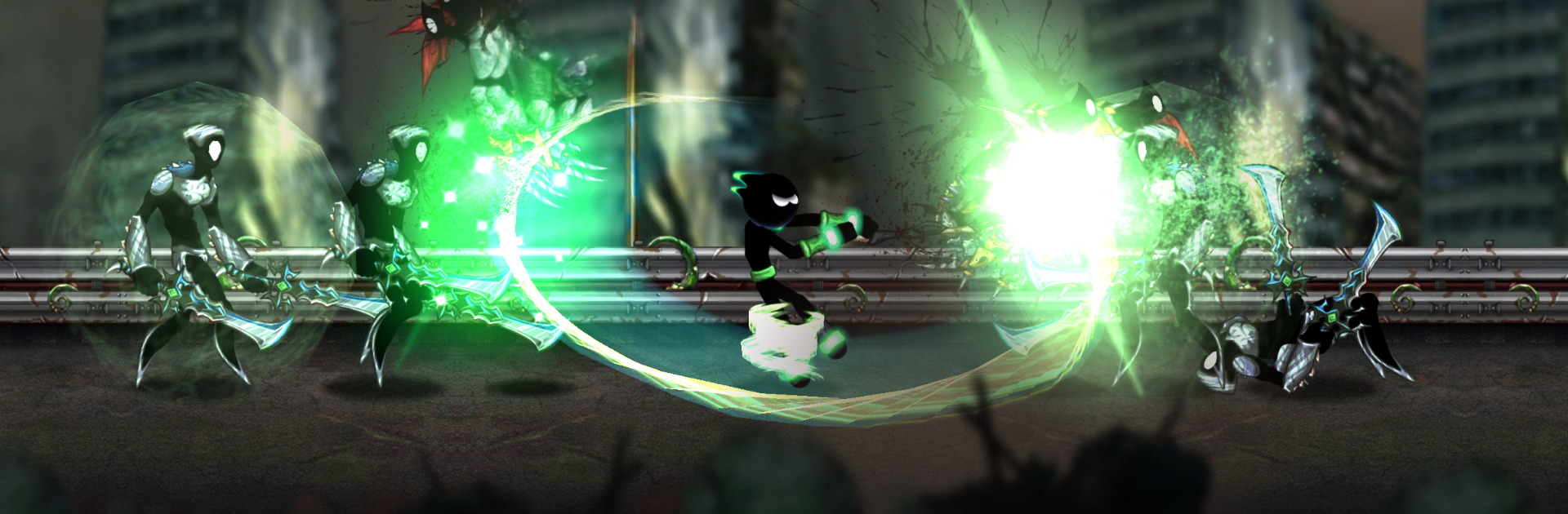
Demons Must Die is a side-scrolling stickman slasher that moves fast and hits hard. The player tears through demon mobs with quick strikes, launchers, and a dash that keeps the whole thing flowing. The best part is the combo system. It does not lock anyone into stiff patterns, so strings can be mixed on the fly, pop an enemy into the air, swap targets mid-swing, then slide out of danger and keep the chain alive. Hits feel crunchy, the screen pops with sparks and smoke, and the stickman look keeps it clean so the action never gets lost. On PC with BlueStacks, the keyboard mapping makes dodges and cancels easier, so those long air juggles are way less fumbly.

There is steady progression without getting bloated. New skills open more combo routes, damage perks stack, and builds start to feel personal, like choosing safer blocks or greedier crits. Stages push out thousands of enemies over time, and bosses come with tells that punish button mashing. A miss-timed dash can cost a run, so the difficulty leans toward hardcore, but fair once patterns click. Locations shift enough to keep it fresh, with different enemy mixes and hazards changing how a fight plays out. It suits short sessions or longer grinds, and it is the sort of game that rewards chasing a higher combo count just because it feels good when everything connects.

Slay your opponents with your epic moves. Play it your way on BlueStacks and dominate the battlefield.


Game Features

Enhancements

  • Macros
  • Multi Instance
  • Multi Instance Sync
  • Eco Mode
  • Enhancements
Macros

Macros

Skip the boring parts of a game. Play Demons Must Die (Stickman Slasher) with Macros and get the edge. Simply record a sequence of commands and execute them at any moment.
Multi Instance

Multi Instance

Why limit to one game on your phone when you can play many on your PC? Open multiple instances of Demons Must Die (Stickman Slasher) at once with Multi-Instance. Leverage the power of different accounts by doing more.
Multi Instance Sync

Multi Instance Sync

Get the best out of Demons Must Die (Stickman Slasher) with Multi-Instance Sync. Play the game from different accounts and build your own empire. Use Multi-instance sync to repeat the action in the main BlueStacks instance on all other instances.
Eco Mode

Eco Mode

Find the rarest heroes by making multiple summons in Demons Must Die (Stickman Slasher). And while you are at it, reduce your PC’s resource consumption with the Eco Mode. Farm efficiently. Get the best results.
Read More

How to Download and Play Demons Must Die (Stickman Slasher) on PC or Mac

  • Download and install BlueStacks on your PC or Mac

  • Complete Google sign-in to access the Play Store, or do it later

  • Look for Demons Must Die (Stickman Slasher) in the search bar at the top right corner

  • Click to install Demons Must Die (Stickman Slasher) from the search results

  • Complete Google sign-in (if you skipped step 2) to install Demons Must Die (Stickman Slasher)

  • Click the Demons Must Die (Stickman Slasher) icon on the home screen to start playing

video
Watch Video

Minimum System Requirements

With BlueStacks 5, you can get started on a PC that fulfills the following requirements.

  • Operating System

    Microsoft Windows 7 or above, macOS 11 (Big Sur) or above

  • Processor

    Intel, AMD or Apple Silicon Processor

  • RAM

    at least 4GB

  • HDD

    10GB Free Disk Space

Note:

* You must be an Administrator on your PC. Up to date graphics drivers from Microsoft or the chipset vendor.

Demons Must Die (Stickman Slasher) - FAQs

  • How to play Demons Must Die (Stickman Slasher) on Windows PC & Mac?

    Play Demons Must Die (Stickman Slasher) on your PC or Mac by following these simple steps.

    • Click on 'Play Demons Must Die (Stickman Slasher) on PC’ to download BlueStacks
    • Install it and log-in to Google Play Store
    • Launch and play the game.
  • Why is BlueStacks the fastest and safest platform to play games on PC?

    BlueStacks respects your privacy and is always safe and secure to use. It does not carry any malware, spyware, or any sort of additional software that could harm your PC.

    It is engineered to optimize speed and performance for a seamless gaming experience.

  • What are Demons Must Die (Stickman Slasher) PC requirements?

    Minimum requirement to run Demons Must Die (Stickman Slasher) on your PC

    • OS: Microsoft Windows 7 or above MacOS 11 (Big Sur) or above
    • Processor: Intel, AMD or Apple Silicon Processor
    • RAM: Your PC must have at least 4GB of RAM. (Note that having 4GB or more disk space is not a substitute for RAM)
    • HDD: 10GB Free Disk Space.
    • You must be an Administrator on your PC.