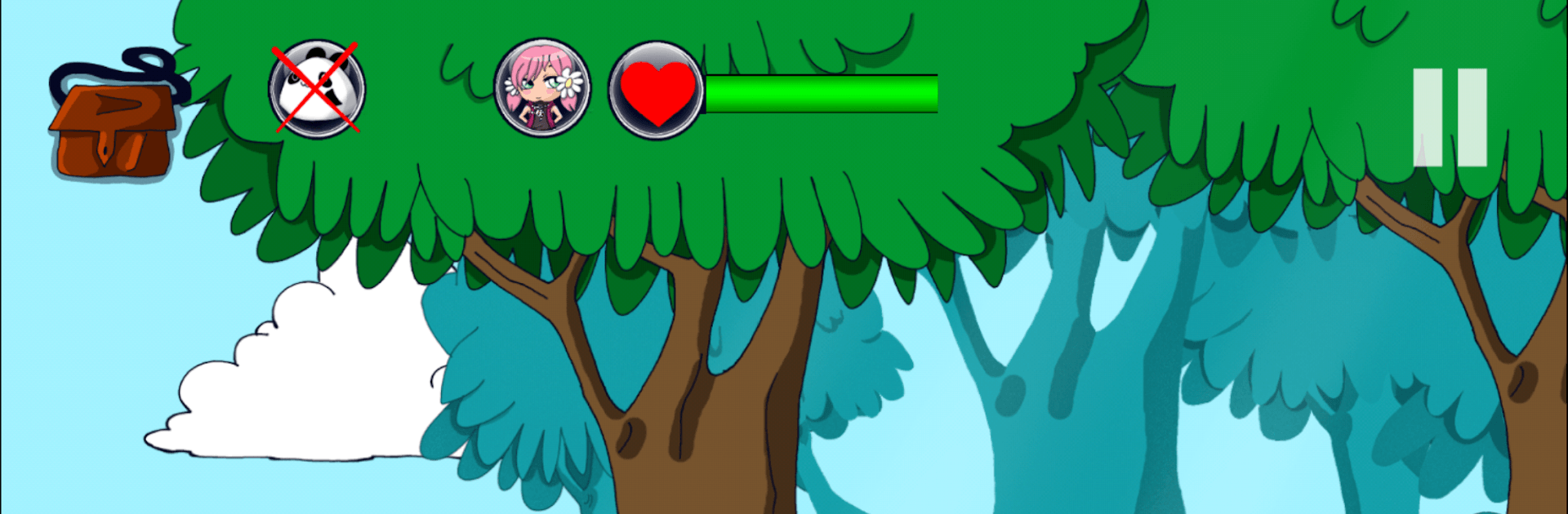
Celestwald – Adventure Game

Celestwald – Adventure Game

Adventure

| Annemu Games - AML Creation

Play on PC with BlueStacks or from our cloud

  • Overview
  • Game Features
  • How to Play

Page Modified On: May 20, 2026

Play Celestwald – Adventure Game on PC or Mac

Play Celestwald – Adventure Game by Annemu Games – AML Creation on PC or Mac with BlueStacks. Use a bigger screen, mouse and keyboard controls, and smoother performance while you play.

About the Game

Celestwald – Adventure Game is a cozy, brain-tickling journey through a world of alchemy, curiosities, and hidden rooms. You’re the new apprentice invited to Master Theo’s eccentric home, where a magical tree needs tending and nothing is quite as ordinary as it looks. Expect clever, point-and-click puzzling across a story-rich hunt for artifacts, keys, and clues.

Game Features

  • Five Playable Characters: Pick from five distinct heroes and see how each one’s personality colors the journey through Celestwald.
  • Smart, Sneaky Puzzles: Solve layered, point-and-click challenges that reward observation, logic, and a bit of experimentation.
  • A House Full of Secrets: Explore Master Theo’s workshop, study, and odd little corners packed with locks, mechanisms, and surprises.
  • Six Story Chapters: Work through a handcrafted narrative that unfolds chapter by chapter, with fresh objectives and escalating stakes.
  • Treasure and Artifacts: Crack open chests, gather rare items, and piece together how everything fits into the alchemist’s grand plan.
  • Apprentice to an Alchemist: Prove you’re worthy of the role by completing tasks tied to the magical tree at the heart of Celestwald.
  • Play Your Way, Offline: No connection? No problem. Tackle puzzles anywhere, anytime.
  • Multilingual Support: Available in English, German, French, Portuguese, Japanese, Russian, Spanish, and Italian.
  • Easy on PC with BlueStacks: Prefer a bigger screen and mouse clicks? The game plays nicely on BlueStacks without getting in your way.

Start your journey now. Download the game on BlueStacks, invite your friends, and march on a new adventure.


Game Features

Enhancements

  • Macros
  • Multi Instance
  • Multi Instance Sync
  • Script
  • Enhancements
Macros

Macros

Automate the predictable in Celestwald – Adventure Game and transform your gameplay with Macros. Get access to inventive Macros in the BlueStacks Macro Community
Multi Instance

Multi Instance

Play Celestwald – Adventure Game on one window. And chat with your friend on the other. Press CTRL + Shift + 8 to open the Multi-Instance Manager. And start creating fresh instances or clone an existing one.
Multi Instance Sync

Multi Instance Sync

Play Celestwald – Adventure Game with the power of Multi-Instance Sync. Replicate what you are doing on the main instance on all other instances. Level up faster, play more.
Script

Script

Script your way to gaming glory in Celestwald – Adventure Game with BlueStacks Script. Write and run a set of commands to automate repeated tasks. Trigger the command by assigning it to any key.
Read More

How to Download and Play Celestwald – Adventure Game on PC or Mac

  • Download and install BlueStacks on your PC or Mac

  • Complete Google sign-in to access the Play Store, or do it later

  • Look for Celestwald – Adventure Game in the search bar at the top right corner

  • Click to install Celestwald – Adventure Game from the search results

  • Complete Google sign-in (if you skipped step 2) to install Celestwald – Adventure Game

  • Click the Celestwald – Adventure Game icon on the home screen to start playing

video
Watch Video

Minimum System Requirements

With BlueStacks 5, you can get started on a PC that fulfills the following requirements.

  • Operating System

    Microsoft Windows 7 or above, macOS 11 (Big Sur) or above

  • Processor

    Intel, AMD or Apple Silicon Processor

  • RAM

    at least 4GB

  • HDD

    10GB Free Disk Space

Note:

* You must be an Administrator on your PC. Up to date graphics drivers from Microsoft or the chipset vendor.

Celestwald – Adventure Game - FAQs

  • How to play Celestwald – Adventure Game on Windows PC & Mac?

    Play Celestwald – Adventure Game on your PC or Mac by following these simple steps.

    • Click on 'Play Celestwald – Adventure Game on PC’ to download BlueStacks
    • Install it and log-in to Google Play Store
    • Launch and play the game.
  • Why is BlueStacks the fastest and safest platform to play games on PC?

    BlueStacks respects your privacy and is always safe and secure to use. It does not carry any malware, spyware, or any sort of additional software that could harm your PC.

    It is engineered to optimize speed and performance for a seamless gaming experience.

  • What are Celestwald – Adventure Game PC requirements?

    Minimum requirement to run Celestwald – Adventure Game on your PC

    • OS: Microsoft Windows 7 or above MacOS 11 (Big Sur) or above
    • Processor: Intel, AMD or Apple Silicon Processor
    • RAM: Your PC must have at least 4GB of RAM. (Note that having 4GB or more disk space is not a substitute for RAM)
    • HDD: 10GB Free Disk Space.
    • You must be an Administrator on your PC.