


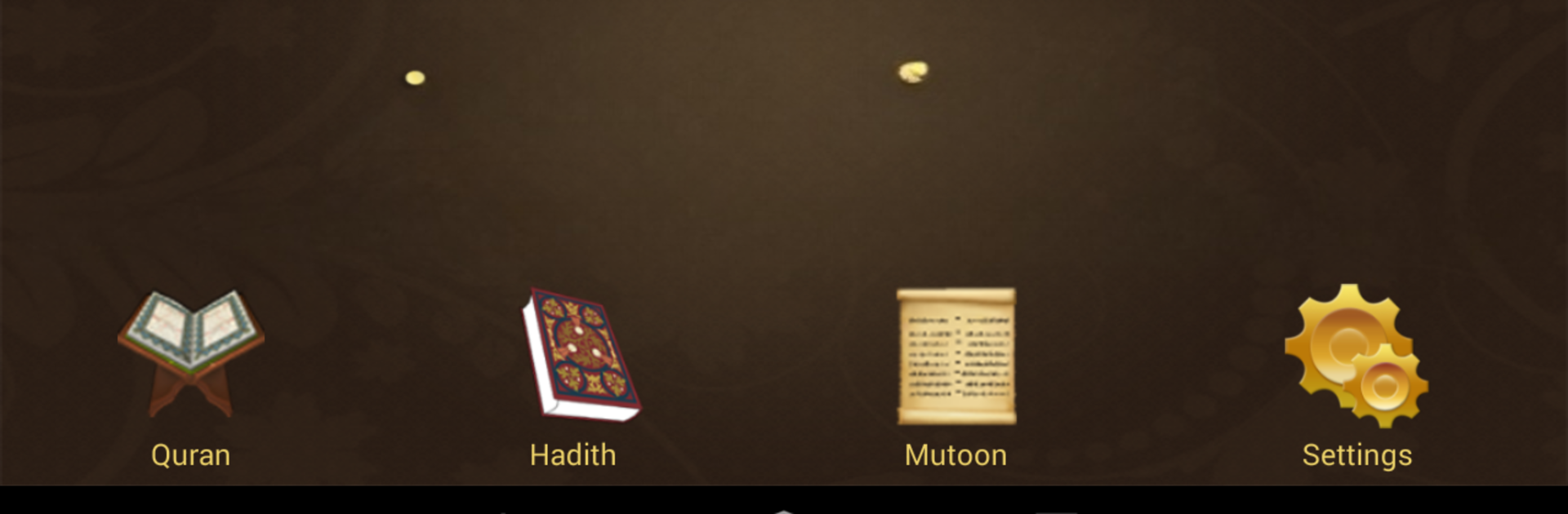


Upgrade your experience. Try محفظ الوحيين El-Mohafez, the fantastic Education app from International Waqf Foundation, from the comfort of your laptop, PC, or Mac, only on BlueStacks.
About the App
محفظ الوحيين El-Mohafez brings an interactive, modern approach to memorizing and understanding the Quran, Hadith, and classical Islamic texts. Whether you’re studying solo or with a group, it’s designed to make learning practical, easy, and even a little fun—for everyone from beginners to advanced learners. Curious about practicing your recitation or tracking your progress? You’ll find that all right here. And if you’d rather use a bigger screen with BlueStacks, it works seamlessly for classroom or home study sessions.
App Features
-
Comprehensive Quran Experience
Read the entire Quran in the traditional Uthmani script, just like the familiar print of the Madinah Mushaf. There’s support for 16 different recitations and audio from 15 popular reciters. -
Smart Memorization Tools
Want to test your memory? Choose a verse or text, listen to it, and then record yourself reciting while the text is hidden. The app will replay your recitation and show the original so you can match them up and spot any mistakes. -
Interactive Highlighting
Watch as each verse gets highlighted word-by-word while you listen, making it easier to follow along and improve pronunciation—especially handy for anyone working on Tajweed. -
Word-by-Word Playback
Tap any word in a verse and hear it recited on its own. Perfect for breaking down tricky words or refining your own pronunciation. -
Classroom and Big Screen Ready
Present the app on external screens via Chromecast or Google Cast. Whether you’re at home or in a teaching setting, sharing content full-screen is a breeze. -
Powerful Search
Instantly look up verses, Hadith, or key concepts in Islamic texts. No more flipping through pages—just quick, precise results. -
Flexible Listening Options
Play full pages, surahs, sections, or even the entire Quran. Not in the app? Audio playback continues in the background and keeps lock screen info up to date. -
Track Your Progress
Keep tabs on how much you’ve memorized in each surah, hadith book, or text. You can also revisit and play back your own recordings anytime. -
Custom Recitation Repeats
Easily select specific verses, hadiths, or sections to repeat for focused practice. Handy repeat tools help cement what you’re learning. -
Translations and Tafseer
Read interpretations and translations of the Quran and Hadith in English, French, Spanish, Indonesian, Chinese, and more. There’s even topical and simplified explanations for deeper understanding. -
Bulk Downloads
Download entire surahs or hadith books with a single tap, so you can access them offline whenever you want. -
Colorful Bookmarks and Notes
Highlight verses or passages with custom-colored bookmarks, move them around as you study, and jot down notes to keep your insights organized. -
Sharing Made Easy
Copy or share any verse, hadith, or text directly through your favorite messaging or social media app. Spread knowledge with just a tap.
No matter how you study, محفظ الوحيين El-Mohafez by International Waqf Foundation gives you tools to learn at your own pace—while keeping things organized, interactive, and a bit more engaging. Try it on a larger screen with BlueStacks if you want extra space for your studies or group sessions.
Switch to BlueStacks and make the most of your apps on your PC or Mac.





