
Learn English For Beginners!

Learn English For Beginners!

Education

| Mobiteach LTD

Play on PC with BlueStacks or from our cloud

  • Overview
  • How to Download

Page Modified On: January 15, 2026

Run Learn English For Beginners! on PC or Mac

Get freedom from your phone’s obvious limitations. Use Learn English For Beginners!, made by Mobiteach LTD, a Education app on your PC or Mac with BlueStacks, and level up your experience.

Learn English For Beginners! feels like a calm starter pack for English, built around bite sized lessons that do not take much brainpower after a long day. On PC with BlueStacks it clicks along nicely, the pictures look clearer on a big screen and dragging letters for spelling is easier with a mouse. The app is very vocabulary first: cards with bright images, simple translations, and clean audio so a learner can hear the word and say it back without guessing.

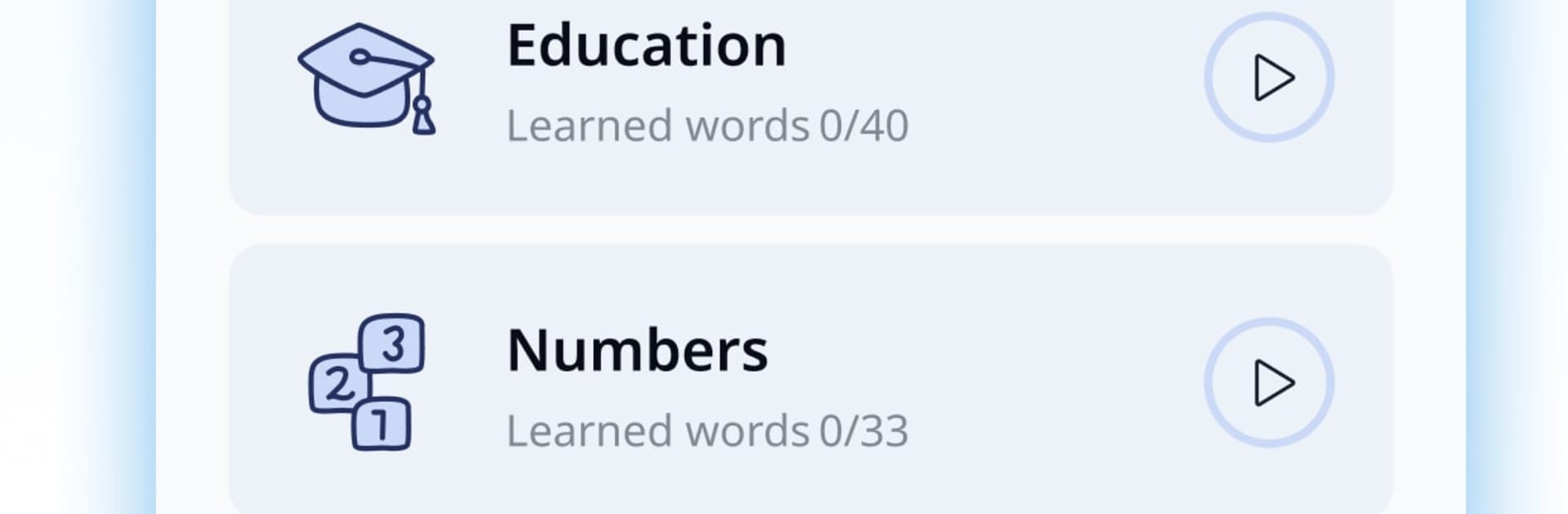
Each set sticks to a clear topic, so it is easy to focus. There are classic basics like family, people, clothes, numbers, colors, time and holidays, then everyday life stuff such as rooms in the house, chores, kitchen, food, vegetables and fruit, weather, city, transport, shops. It keeps going with school, jobs, computers, sports, hobbies, books and music, travel, nature, health, even politics and toys. Lessons ask for four things in rotation. Listen and repeat to work on pronunciation. Match pictures to words to train understanding. Read and pick the right option to check meaning. Then the tricky part, build the word from mixed letters to lock in spelling.

The app nudges for 5 to 20 minutes a day, and there is a small progress report that shows what was learned, which feels honest and helps keep pace. It is light on grammar or long dialogues, the goal here is quick recognition and saying common words out loud so everyday phrases start to feel normal rather than foreign, and the routine is easy to return to tomorrow without stress

Switch to BlueStacks and make the most of your apps on your PC or Mac.

How to Download and Run Learn English For Beginners! on PC or Mac

  • Download and install BlueStacks on your PC or Mac

  • Complete Google sign-in to access the Play Store, or do it later

  • Look for Learn English For Beginners! in the search bar at the top right corner

  • Click to install Learn English For Beginners! from the search results

  • Complete Google sign-in (if you skipped step 2) to install Learn English For Beginners!

  • Click the Learn English For Beginners! icon on the home screen to start playing

video
Watch Video

Minimum System Requirements

With BlueStacks 5, you can get started on a PC that fulfills the following requirements.

  • Operating System

    Microsoft Windows 7 or above, macOS 11 (Big Sur) or above

  • Processor

    Intel, AMD or Apple Silicon Processor

  • RAM

    at least 4GB

  • HDD

    10GB Free Disk Space

Note:

* You must be an Administrator on your PC. Up to date graphics drivers from Microsoft or the chipset vendor.

Learn English For Beginners! - FAQs

  • How to Run Learn English For Beginners! on Windows PC & Mac?

    Run Learn English For Beginners! on your PC or Mac by following these simple steps.

    • Click on ‘Download Learn English For Beginners! on PC’ to download BlueStacks
    • Install it and log-in to Google Play Store
    • Launch and run the app.
  • Why is BlueStacks the fastest and safest platform to play games on PC?

    BlueStacks respects your privacy and is always safe and secure to use. It does not carry any malware, spyware, or any sort of additional software that could harm your PC.

    It is engineered to optimize speed and performance for a seamless gaming experience.

  • What are Learn English For Beginners! PC requirements?

    Minimum requirement to run Learn English For Beginners! on your PC

    • OS: Microsoft Windows 7 and above:
    • Processor: Intel or AMD Processor:
    • RAM: Your PC must have at least 2GB of RAM. (Note that having 2GB or more disk space is not a substitute for RAM):
    • HDD: 5GB Free Disk Space.
    • You must be an Administrator on your PC.




