
파닉스 초등영어, abc 알파벳으로 어린이영어 기초잡기

파닉스 초등영어, abc 알파벳으로 어린이영어 기초잡기

Education

| 하노비트

Play on PC with BlueStacks or from our cloud

  • Overview
  • How to Download

Page Modified On: December 10, 2025

Run 파닉스 초등영어, abc 알파벳으로 어린이영어 기초잡기 on PC or Mac

Get freedom from your phone’s obvious limitations. Use 파닉스 초등영어, abc 알파벳으로 어린이영어 기초잡기, made by 하노비트, a Education app on your PC or Mac with BlueStacks, and level up your experience.

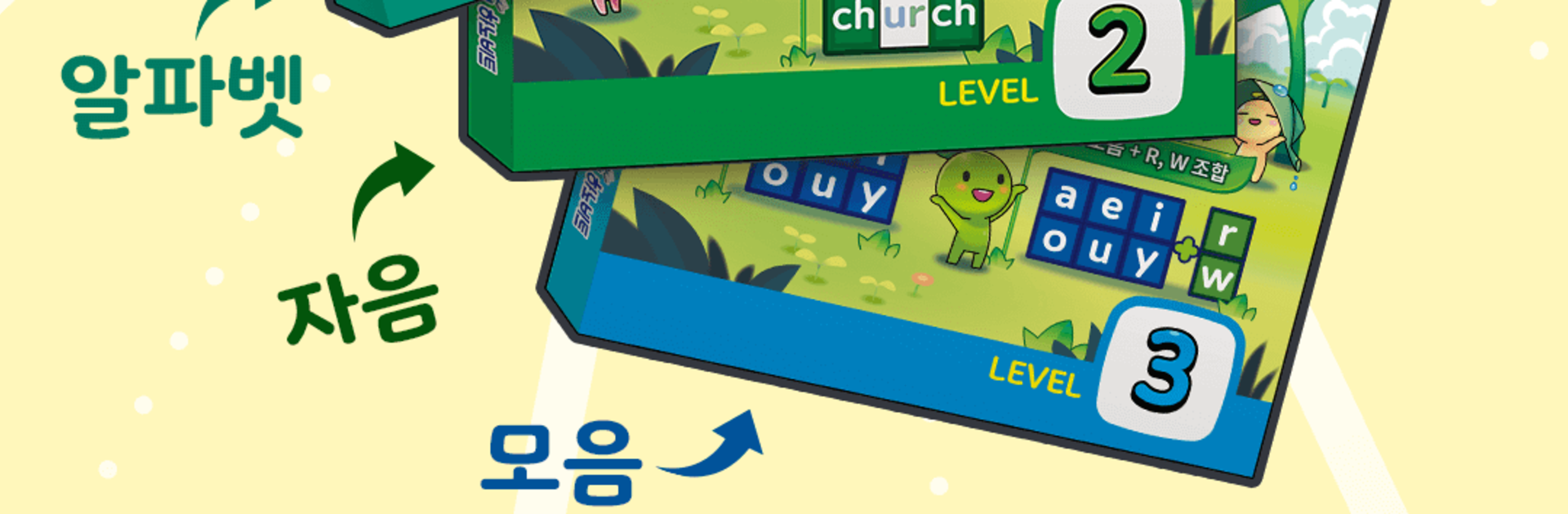
This is a simple, no-stress phonics app that starts with the ABCs and moves into basic reading. It walks kids from tracing and writing each letter to hearing the sounds and then blending those sounds into short words. Think cat, dog, sun, that kind of thing. The screens are clean and big buttons are easy for small hands, with lots of repeat-after-me audio so the sound sticks. It feels very beginner friendly, more like preschool to early elementary, and it keeps things short so attention does not drift. There is not a ton of fluff, just steady practice that builds up.

The voice prompts are clear, the letter tracing is smooth, and there are little check-ins where a child matches letters to sounds or picks the right word for a picture. It is fairly calm in tone, not noisy or over animated, which makes it easier to focus. Menus look Korean, but the learning content is English, so it still makes sense even if a parent does not read Korean. On PC with BlueStacks, the bigger screen helps a lot, and using a mouse for tracing feels surprisingly neat. It is the kind of app that rewards repetition. A few minutes each day and those sounds start to click, from single letters to simple phonics patterns. Nothing complicated, just solid practice that feels doable.

Big screen. Bigger performance. Use BlueStacks on your PC or Mac to run your favorite apps.

How to Download and Run 파닉스 초등영어, abc 알파벳으로 어린이영어 기초잡기 on PC or Mac

  • Download and install BlueStacks on your PC or Mac

  • Complete Google sign-in to access the Play Store, or do it later

  • Look for 파닉스 초등영어, abc 알파벳으로 어린이영어 기초잡기 in the search bar at the top right corner

  • Click to install 파닉스 초등영어, abc 알파벳으로 어린이영어 기초잡기 from the search results

  • Complete Google sign-in (if you skipped step 2) to install 파닉스 초등영어, abc 알파벳으로 어린이영어 기초잡기

  • Click the 파닉스 초등영어, abc 알파벳으로 어린이영어 기초잡기 icon on the home screen to start playing

video
Watch Video

Minimum System Requirements

With BlueStacks 5, you can get started on a PC that fulfills the following requirements.

  • Operating System

    Microsoft Windows 7 or above, macOS 11 (Big Sur) or above

  • Processor

    Intel, AMD or Apple Silicon Processor

  • RAM

    at least 4GB

  • HDD

    10GB Free Disk Space

Note:

* You must be an Administrator on your PC. Up to date graphics drivers from Microsoft or the chipset vendor.

파닉스 초등영어, abc 알파벳으로 어린이영어 기초잡기 - FAQs

  • How to Run 파닉스 초등영어, abc 알파벳으로 어린이영어 기초잡기 on Windows PC & Mac?

    Run 파닉스 초등영어, abc 알파벳으로 어린이영어 기초잡기 on your PC or Mac by following these simple steps.

    • Click on ‘Download 파닉스 초등영어, abc 알파벳으로 어린이영어 기초잡기 on PC’ to download BlueStacks
    • Install it and log-in to Google Play Store
    • Launch and run the app.
  • Why is BlueStacks the fastest and safest platform to play games on PC?

    BlueStacks respects your privacy and is always safe and secure to use. It does not carry any malware, spyware, or any sort of additional software that could harm your PC.

    It is engineered to optimize speed and performance for a seamless gaming experience.

  • What are 파닉스 초등영어, abc 알파벳으로 어린이영어 기초잡기 PC requirements?

    Minimum requirement to run 파닉스 초등영어, abc 알파벳으로 어린이영어 기초잡기 on your PC

    • OS: Microsoft Windows 7 and above:
    • Processor: Intel or AMD Processor:
    • RAM: Your PC must have at least 2GB of RAM. (Note that having 2GB or more disk space is not a substitute for RAM):
    • HDD: 5GB Free Disk Space.
    • You must be an Administrator on your PC.




