
Speak English!
Speak English!

Speak English!

Education

| Speak Languages

Play on PC with BlueStacks or from our cloud

  • Overview
  • How to Download

Page Modified On: December 10, 2025

Run Speak English! on PC or Mac

Get freedom from your phone’s obvious limitations. Use Speak English!, made by Speak Languages, a Education app on your PC or Mac with BlueStacks, and level up your experience.

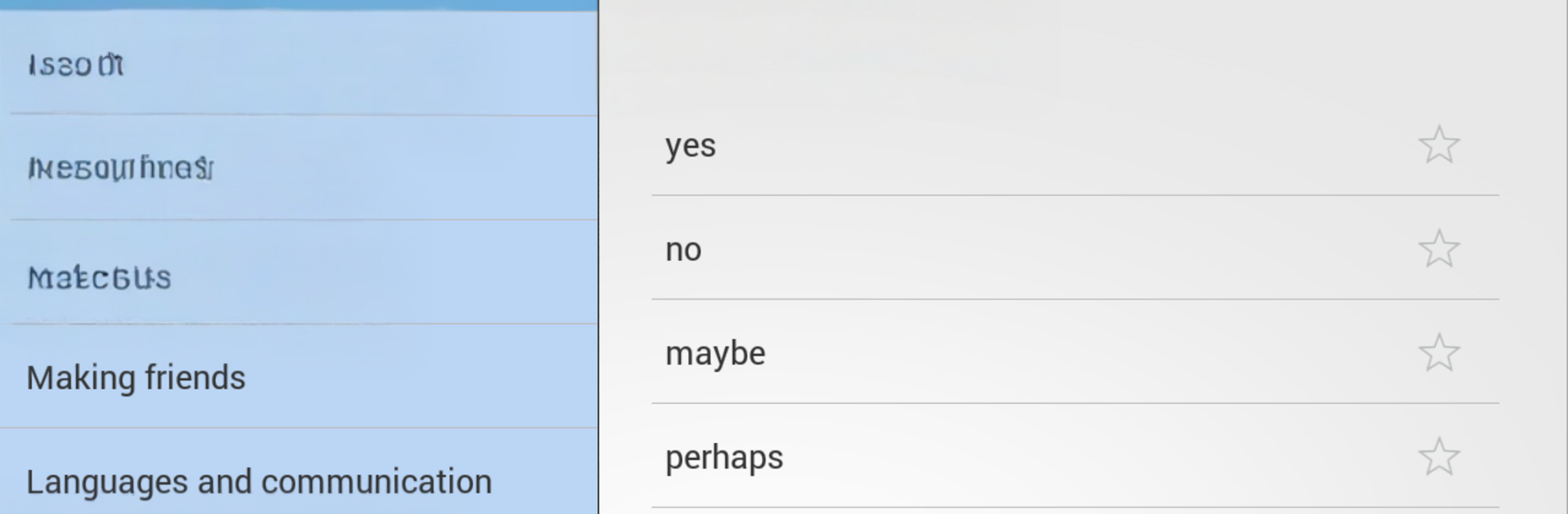
Speak English! feels like a giant pocket phrasebook that talks back, which is great for anyone who needs everyday English fast. It is built around real situations, so there are sections for travel, food, shopping, transport, small talk, all that. The audio is clear and done by native speakers, so the words sound natural and not robotic. There are over 6,000 entries in total, split between about 2,500 useful phrases across sixty topics and another 3,500 core words grouped into themed lists. It works both as a quick reference when someone just needs the right phrase right now, and as a simple self-study tool when there is a few minutes to practice. Search is quick, favorites help keep go-to phrases in one place, and everything runs offline, which is perfect on a flight or when data is spotty. It is also translated into a bunch of languages, so beginners are not stuck staring at English-only screens.

On a PC with BlueStacks it is even easier to use. Big screen, fast typing in the search bar, and the audio sounds fuller on desktop speakers. Clicking through topics feels snappy and the layout scales fine, so it is good for long practice sessions. There is no fluff or heavy lessons, just clean lists that get to the point. Travelers, students, and anyone brushing up for work will find it handy, especially because it stays free and does not need an internet connection alot of the time.

Big screen. Bigger performance. Use BlueStacks on your PC or Mac to run your favorite apps.

How to Download and Run Speak English! on PC or Mac

  • Download and install BlueStacks on your PC or Mac

  • Complete Google sign-in to access the Play Store, or do it later

  • Look for Speak English! in the search bar at the top right corner

  • Click to install Speak English! from the search results

  • Complete Google sign-in (if you skipped step 2) to install Speak English!

  • Click the Speak English! icon on the home screen to start playing

video
Watch Video

Minimum System Requirements

With BlueStacks 5, you can get started on a PC that fulfills the following requirements.

  • Operating System

    Microsoft Windows 7 or above, macOS 11 (Big Sur) or above

  • Processor

    Intel, AMD or Apple Silicon Processor

  • RAM

    at least 4GB

  • HDD

    10GB Free Disk Space

Note:

* You must be an Administrator on your PC. Up to date graphics drivers from Microsoft or the chipset vendor.

Speak English! - FAQs

  • How to Run Speak English! on Windows PC & Mac?

    Run Speak English! on your PC or Mac by following these simple steps.

    • Click on ‘Download Speak English! on PC’ to download BlueStacks
    • Install it and log-in to Google Play Store
    • Launch and run the app.
  • Why is BlueStacks the fastest and safest platform to play games on PC?

    BlueStacks respects your privacy and is always safe and secure to use. It does not carry any malware, spyware, or any sort of additional software that could harm your PC.

    It is engineered to optimize speed and performance for a seamless gaming experience.

  • What are Speak English! PC requirements?

    Minimum requirement to run Speak English! on your PC

    • OS: Microsoft Windows 7 and above:
    • Processor: Intel or AMD Processor:
    • RAM: Your PC must have at least 2GB of RAM. (Note that having 2GB or more disk space is not a substitute for RAM):
    • HDD: 5GB Free Disk Space.
    • You must be an Administrator on your PC.




