




Why limit yourself to your small screen on the phone? Run ClicBot, an app by KEYi Technology Co., Ltd., best experienced on your PC or Mac with BlueStacks, the world’s #1 Android emulator.
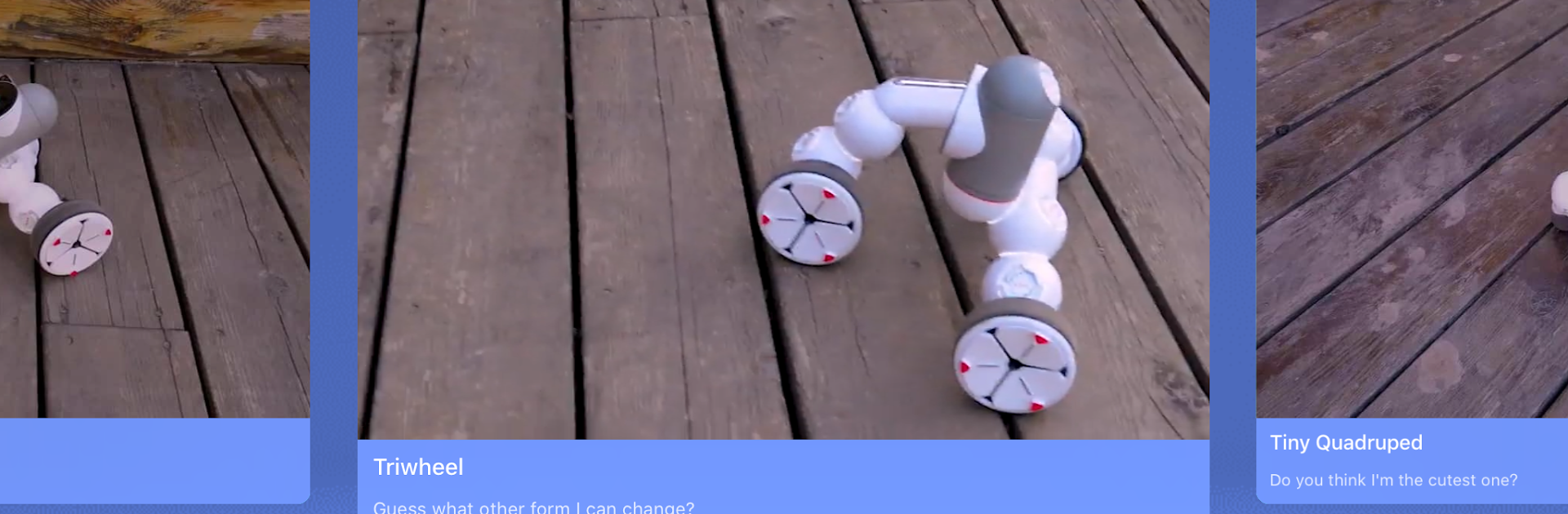
ClicBot feels like a little control room and workshop for a modular robot, all in one place. The app guides the setup very clearly, so the robot pieces get connected, named, and tested without much fuss. After that there are a bunch of ready projects to try, which is nice when someone just wants to see the bot move, spin, or run a routine without building anything from scratch. The fun part sits in the creator tools: there is a visual, drag and drop style editor for logic, plus a movement editor where angles, speed, and timing get tuned until the motion looks right. It is surprisingly approachable, but there is enough depth to keep tinkering for a while.
There is also a big learning side to it. The built in STEAM videos explain how motions work, what programming blocks do, and general robot ideas in a very friendly way. A community tab lets people browse other builds, grab shared programs, and join small challenges, so it does not feel like building alone. Running it on a PC with BlueStacks makes the block editing and timeline tweaks easier with a mouse, and the bigger screen helps when watching the lessons or comparing code. Day to day, it plays less like a game and more like a hands on lab, with quick controls to drive the bot, then save, tweak, and try a new idea again.
Switch to BlueStacks and make the most of your apps on your PC or Mac.





