

Multitask effortlessly on your PC or Mac as you try out mconnect Player HD – Cast AV, a Music & Audio app by Conversdigital Co., Ltd. on BlueStacks.
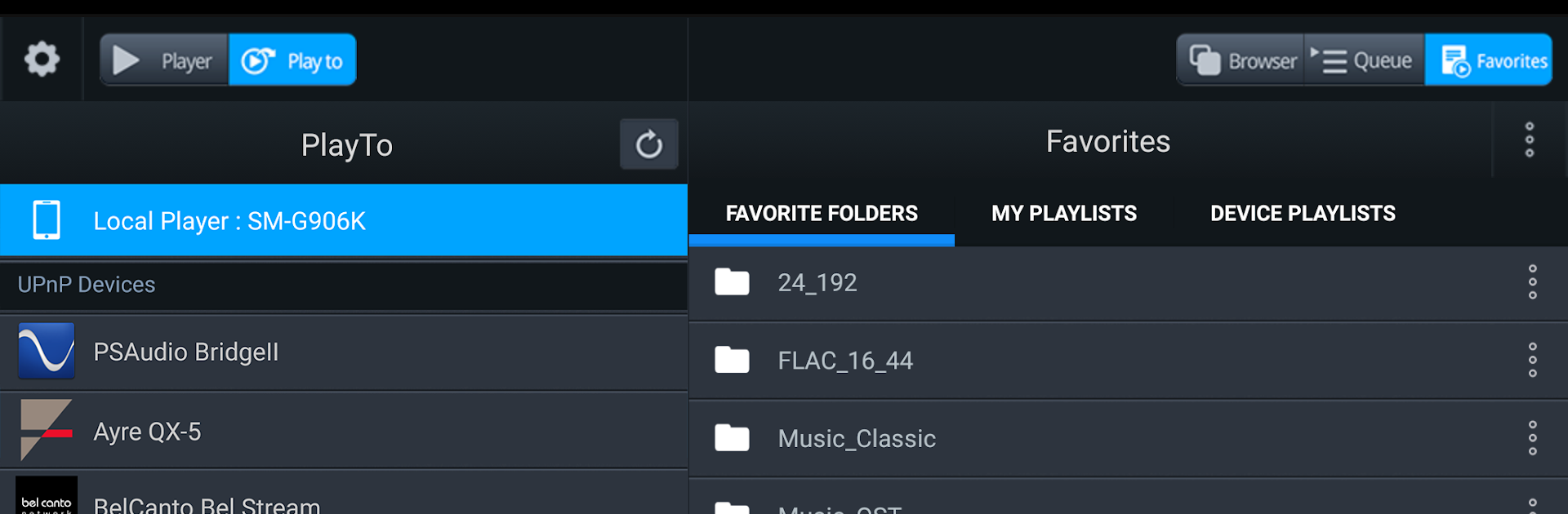
mconnect Player HD feels like a clean, no-nonsense control center for flinging music, videos, and photos around the house. It is the tablet version, so the whole layout is wide and horizontal, which actually fits a PC screen really well when running it on BlueStacks. The app spots UPnP and Google Cast gear on the network and lets someone pick a source on one side and a speaker or screen on the other. It is that classic server to device flow, and it keeps things simple enough that swapping targets does not feel like a chore.
What stands out is how many places it can pull media from. Local phone or tablet storage, a PC or NAS that speaks UPnP, cloud drives like OneDrive or Dropbox, and even TIDAL or Qobuz. If the gear supports it, MQA tracks from TIDAL Masters can be passed along to UPnP audio, which is nice for people who care about that. On a PC with a mouse, browsing big libraries and building a queue is smoother than on a small screen, and that horizontal UI helps. There is a small caveat that the remote device has to understand the file format, so a TV that does not decode something will just not play it. Device discovery is usually quick, album art loads fine, and the app basically turns the PC into a handy media remote without getting in the way.
Eager to take your app experience to the next level? Start right away by downloading BlueStacks on your PC or Mac.