
Abi-Planer | dein Manager für Abitur & Oberstufe

Abi-Planer | dein Manager für Abitur & Oberstufe

Productivity

| Daniel Jost

Play on PC with BlueStacks or from our cloud

  • Overview
  • How to Download

Page Modified On: December 05, 2025

Run Abi-Planer | dein Manager für Abitur & Oberstufe on PC or Mac

Why limit yourself to your small screen on the phone? Run Abi-Planer | dein Manager für Abitur & Oberstufe, an app by Daniel Jost, best experienced on your PC or Mac with BlueStacks, the world’s #1 Android emulator.

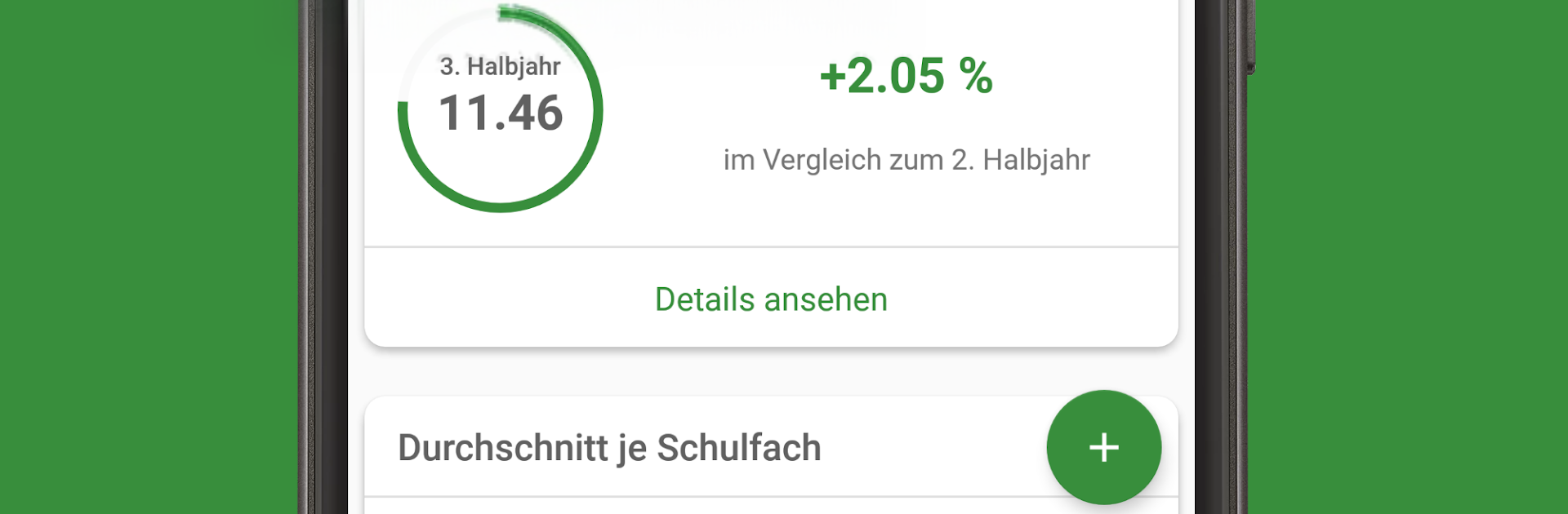
Abi-Planer is a straightforward planner for the German Oberstufe that focuses on grades, not fluff. Students enter marks as they go and it shows the running average plus a projected Abitur score that updates right away. It breaks down how the total points are built, so the weighting never feels mysterious. There is a simple what if tool where someone can try, what happens if that next Klausur ends up as 11 points or 8, and see the effect before the exam even happens. A built in exam calendar keeps dates in one place, and the little charts make progress clear without feeling busy. It feels calm to use, no clutter, just numbers and clear graphs.

What stands out is the no nonsense approach. No ads, no account, and everything stays on the device, which makes it feel private and focused. The calculator is tuned to the rules of the different German states, from Bavaria and Baden-Württemberg to NRW, Berlin, and the rest, so the math lines up with what schools actually use. On PC with BlueStacks, adding grades is faster with a keyboard and the overview looks cleaner on a big screen, especially the point breakdowns. It fits best for anyone who wants to know exactly where they stand in each subject and overall, and where a bit more effort would move the final Abitur number.

Ready to experience Abi-Planer | dein Manager für Abitur & Oberstufe on a bigger screen, in all its glory? Download BlueStacks now.


How to Download and Run Abi-Planer | dein Manager für Abitur & Oberstufe on PC or Mac

  • Download and install BlueStacks on your PC or Mac

  • Complete Google sign-in to access the Play Store, or do it later

  • Look for Abi-Planer | dein Manager für Abitur & Oberstufe in the search bar at the top right corner

  • Click to install Abi-Planer | dein Manager für Abitur & Oberstufe from the search results

  • Complete Google sign-in (if you skipped step 2) to install Abi-Planer | dein Manager für Abitur & Oberstufe

  • Click the Abi-Planer | dein Manager für Abitur & Oberstufe icon on the home screen to start playing

video
Watch Video

Minimum System Requirements

With BlueStacks 5, you can get started on a PC that fulfills the following requirements.

  • Operating System

    Microsoft Windows 7 or above, macOS 11 (Big Sur) or above

  • Processor

    Intel, AMD or Apple Silicon Processor

  • RAM

    at least 4GB

  • HDD

    10GB Free Disk Space

Note:

* You must be an Administrator on your PC. Up to date graphics drivers from Microsoft or the chipset vendor.

Abi-Planer | dein Manager für Abitur & Oberstufe - FAQs

  • How to Run Abi-Planer | dein Manager für Abitur & Oberstufe on Windows PC & Mac?

    Run Abi-Planer | dein Manager für Abitur & Oberstufe on your PC or Mac by following these simple steps.

    • Click on ‘Download Abi-Planer | dein Manager für Abitur & Oberstufe on PC’ to download BlueStacks
    • Install it and log-in to Google Play Store
    • Launch and run the app.
  • Why is BlueStacks the fastest and safest platform to play games on PC?

    BlueStacks respects your privacy and is always safe and secure to use. It does not carry any malware, spyware, or any sort of additional software that could harm your PC.

    It is engineered to optimize speed and performance for a seamless gaming experience.

  • What are Abi-Planer | dein Manager für Abitur & Oberstufe PC requirements?

    Minimum requirement to run Abi-Planer | dein Manager für Abitur & Oberstufe on your PC

    • OS: Microsoft Windows 7 and above:
    • Processor: Intel or AMD Processor:
    • RAM: Your PC must have at least 2GB of RAM. (Note that having 2GB or more disk space is not a substitute for RAM):
    • HDD: 5GB Free Disk Space.
    • You must be an Administrator on your PC.


