

Why limit yourself to your small screen on the phone? Run Timecap care: ADHD Habit Timer, an app by AppInfluence, best experienced on your PC or Mac with BlueStacks, the world’s #1 Android emulator.
Timecap care: ADHD Habit Timer feels like a calm little control center for habits. It is built around a timer, streaks, and super simple check off lists, so it suits anyone who needs things clear and right in front of them, especially if attention floats. On PC with BlueStacks, the bigger screen makes it easier to see the day at a glance and type out tasks fast. There are no ads poking around, just a clean layout where you start a timer, log a count, or mark something done and keep moving. It has that satisfying click when a task flips to completed, and the streak counter gives a tiny push without being guilt heavy.
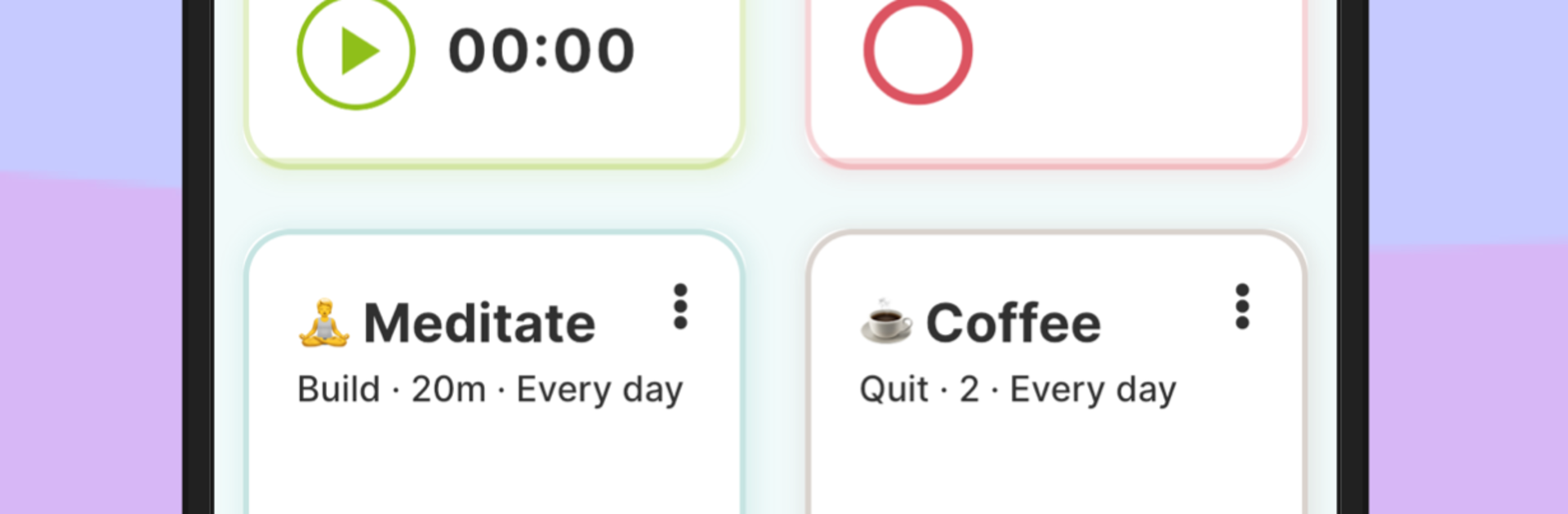
What stands out is how flexible it is. A habit can be time based, a simple done-or-not item, or a counter for stuff like glasses of water or sets at the gym. It covers good habits and also helps cap the not so good ones, like scrolling, smoking, or late night TV. Reminders are smart, nudging when the goal is close and warning when a limit is hit. Scheduling is relaxed, so a habit can repeat daily, weekly, or only on certain days, and the calendar view with stats and streaks makes progress feel visible. Custom bits like emojis, colors, themes, and dark mode make it feel personal without turning into clutter. Widgets are handy if they use a phone, and syncing plus backup means habits show up across devices, which is nice if someone hops between desktop and mobile. It will not do the work for anyone, but it does remove friction, and that alone makes the routine easier to stick to, even on messy days.
Switch to BlueStacks and make the most of your apps on your PC or Mac.