Rust Mobile
Rust Mobile

Rust Mobile

Role Playing

| Level Infinite

Play on PC with BlueStacks or from our cloud

  • Overview
  • Game Features
  • How to Play

Page Modified On: December 16, 2025

Play Rust Mobile on PC or Mac

Explore a whole new adventure with Rust Mobile, a Role Playing game created by Level Infinite. Experience great gameplay with BlueStacks, the most popular gaming platform to play Android games on your PC or Mac.

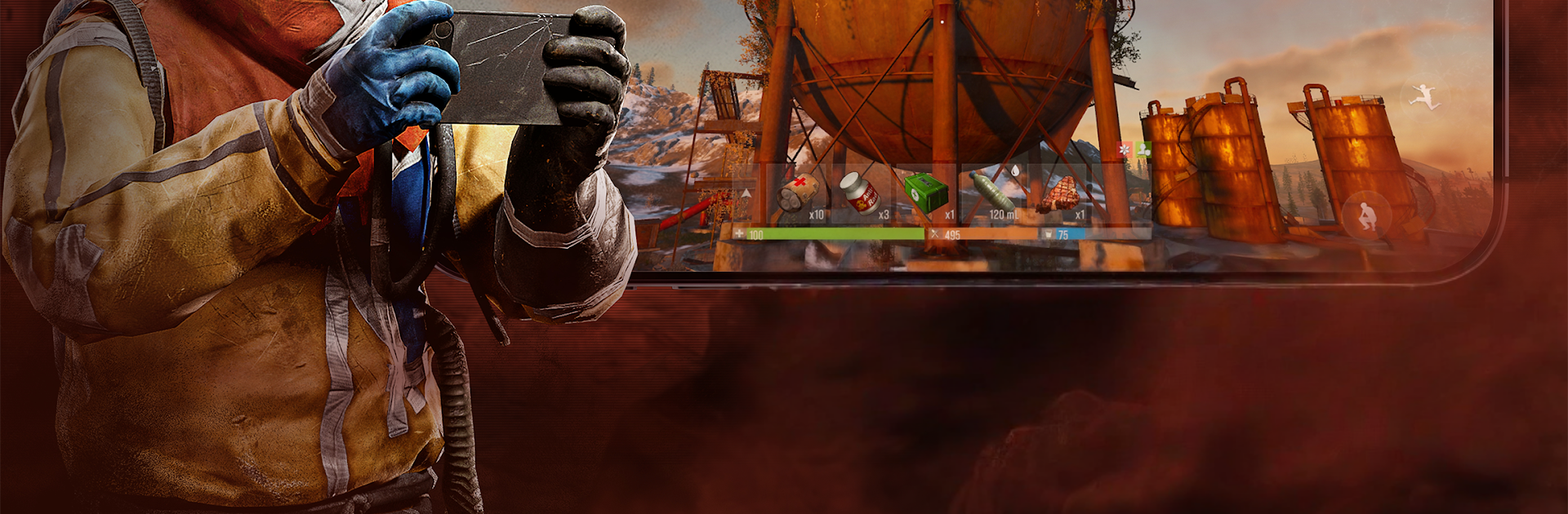
Rust Mobile feels like the same tough sandbox people know from PC, just trimmed for phones, and it still plays great on a keyboard and mouse through BlueStacks. The loop is simple to explain and hard to master. Start with scraps, hunt for parts, craft tools and weapons, and throw together a base that hopefully does not get peeled open by strangers while you are away. PvP is tense because every encounter can flip fast. Talk to a wanderer and maybe trade, or misread it and lose everything. The game really pushes that never trust anyone mood without shouting about it.

The world is wide open, with weather that actually matters. Rain and fog hide movement, clear skies make you feel exposed. Different biomes change what resources show up and how risky a trip might be, and the day and night cycle makes nighttime runs scary but useful if you do not want to be seen. Scavenging, crafting, raiding, permadeath style setbacks, all of it is here, so choices carry weight. A bad fight can cost a whole evening of progress, a smart ambush can set a group up for hours. On PC the mouse aim and quick hotkeys help with building and gunfights, but it still has that scrappy, desperate feel. What stands out most is the constant pressure to plan. Spend metal on doors or a new rifle, explore deeper or head home, talk or hide.

Start your journey now. Download the game on BlueStacks, invite your friends, and march on a new adventure.


Game Features

Enhancements

  • Macros
  • Rerolling
  • Eco Mode
  • Multi Instance Sync
  • Enhancements
Macros

Macros

Focus more on the fun part of the game, skip the tedious aspects. Master Rust Mobile with Macros. Record yourself completing the monotonous tasks you wish to automate and replay them later with just one keypress.
Rerolling

Rerolling

Speed up the rerolling process in Rust Mobile. Perform multiple summons and keep looking for the best Heroes. Use Multi-Instance sync to replicate the rerolling mechanism in all instances.
Eco Mode

Eco Mode

Farm in-game resources with ease in Rust Mobile. Enable the Eco Mode when running the game in multiple instances. And lower your PC's resource consumption.
Multi Instance Sync

Multi Instance Sync

With the Multi-instance Sync, you can do even more in Rust Mobile. Sync the action of the main instance and repeat them in real time for all other instances. Sync and sit back, let the game progress unfold.
Read More

How to Download and Play Rust Mobile on PC or Mac

  • Download and install BlueStacks on your PC or Mac

  • Complete Google sign-in to access the Play Store, or do it later

  • Look for Rust Mobile in the search bar at the top right corner

  • Click to install Rust Mobile from the search results

  • Complete Google sign-in (if you skipped step 2) to install Rust Mobile

  • Click the Rust Mobile icon on the home screen to start playing

video
Watch Video

Minimum System Requirements

With BlueStacks 5, you can get started on a PC that fulfills the following requirements.

  • Operating System

    Microsoft Windows 7 or above, macOS 11 (Big Sur) or above

  • Processor

    Intel, AMD or Apple Silicon Processor

  • RAM

    at least 4GB

  • HDD

    10GB Free Disk Space

Note:

* You must be an Administrator on your PC. Up to date graphics drivers from Microsoft or the chipset vendor.

Rust Mobile - FAQs

  • How to play Rust Mobile on Windows PC & Mac?

    Play Rust Mobile on your PC or Mac by following these simple steps.

    • Click on 'Play Rust Mobile on PC’ to download BlueStacks
    • Install it and log-in to Google Play Store
    • Launch and play the game.
  • Why is BlueStacks the fastest and safest platform to play games on PC?

    BlueStacks respects your privacy and is always safe and secure to use. It does not carry any malware, spyware, or any sort of additional software that could harm your PC.

    It is engineered to optimize speed and performance for a seamless gaming experience.

  • What are Rust Mobile PC requirements?

    Minimum requirement to run Rust Mobile on your PC

    • OS: Microsoft Windows 7 or above MacOS 11 (Big Sur) or above
    • Processor: Intel, AMD or Apple Silicon Processor
    • RAM: Your PC must have at least 4GB of RAM. (Note that having 4GB or more disk space is not a substitute for RAM)
    • HDD: 10GB Free Disk Space.
    • You must be an Administrator on your PC.