

Exclusive Gaming Content. And More.
Get the latest updates on the BlueStacks Blog.
See MorePlay on PC with BlueStacks or from our cloud
Page Modified On: December 31, 2025
Tales of Mecha brings the Role Playing genre to life, and throws up exciting challenges for gamers. Developed by Hifun Game, this Android game is best experienced on BlueStacks, the World’s #1 app player for PC and Mac users.
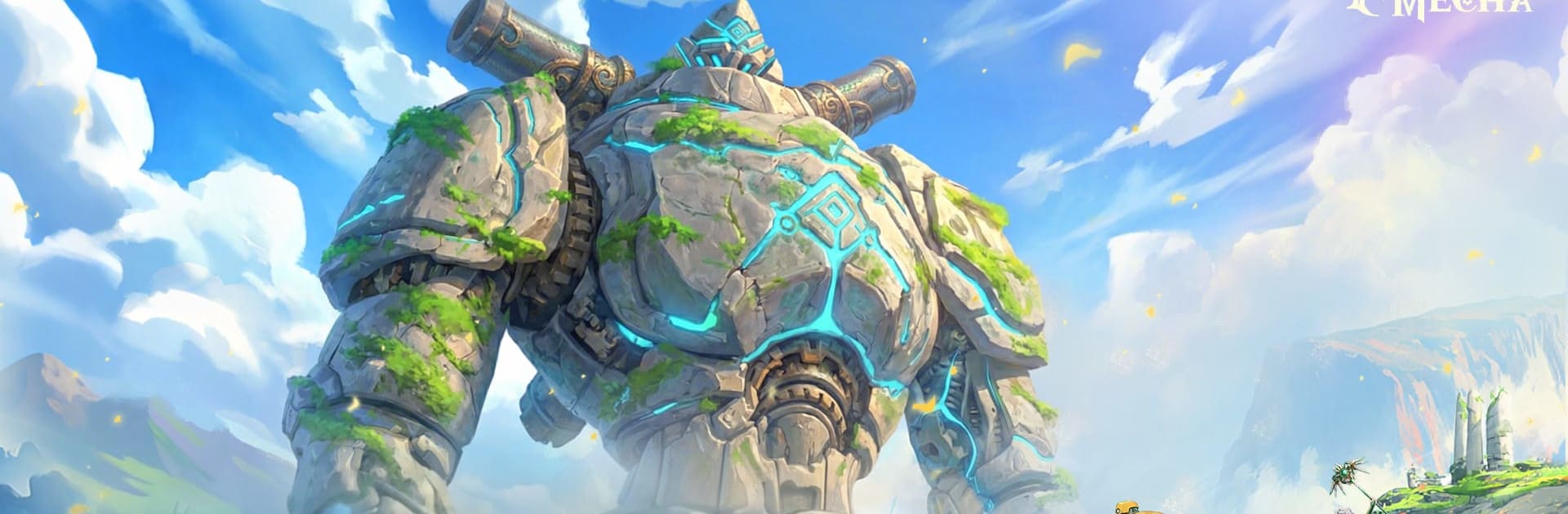
Tales of Mecha is a Role Playing adventure from Hifun Game set at the moment when old-world sorcery sputters out and ancient engines rumble back to life. You awaken an Arcane Mecha that isn’t just a tool—it’s a partner with a personality, a history, and a bond that grows as you play. Prefer a keyboard and a big monitor? It runs smoothly with BlueStacks.
A Mecha That Matters: Your Arcane Mecha is more than firepower. Build a relationship, learn its quirks, and watch how your choices shape how it fights and reacts.
Hunt Colossal Relics: Track down towering war machines left behind by a lost civilization. These encounters are tough, punchy, and all about timing, positioning, and smart builds.
Build It Your Way: Swap cores, armor plates, weapons, and support modules to craft a machine that fits your approach—burst damage, sustained pressure, tanky control, or something weird that just works.
Classes With Teeth: Change classes to unlock fresh skills and playstyles. Each shift is a genuine shake-up, not just a new coat of paint, opening different strategies for different battles.
Evolve on Your Terms: Pick what to pursue, which threats to tackle first, and how to specialize your Mecha. Your path, your legend—no one’s telling you there’s only one “right” build.
Battles With Crunch: Feel every slam, dash, and cannon volley. Encounters reward clean execution and clever tinkering, so experimenting actually pays off.
Start your journey now. Download the game on BlueStacks, invite your friends, and march on a new adventure.
Focus more on the fun part of the game, skip the tedious aspects. Master Tales of Mecha with Macros. Record yourself completing the monotonous tasks you wish to automate and replay them later with just one keypress.
Build a kingdom. Collect resources. Do more. With Multi-Instance, playing Tales of Mecha is even more thrilling. Open multiple instances and play the same game from different accounts.
With the Multi-instance Sync, you can do even more in Tales of Mecha. Sync the action of the main instance and repeat them in real time for all other instances. Sync and sit back, let the game progress unfold.
Automate repetitive tasks in Tales of Mecha with BlueStacks Script. Write a set of commands to execute a series of actions that you want to automate. Bind it to one key and you are done.
Download and install BlueStacks on your PC or Mac
Complete Google sign-in to access the Play Store, or do it later
Look for Tales of Mecha in the search bar at the top right corner
Click to install Tales of Mecha from the search results
Complete Google sign-in (if you skipped step 2) to install Tales of Mecha
Click the Tales of Mecha icon on the home screen to start playing
With BlueStacks 5, you can get started on a PC that fulfills the following requirements.
Microsoft Windows 7 or above, macOS 11 (Big Sur) or above
Intel, AMD or Apple Silicon Processor
at least 4GB
10GB Free Disk Space
* You must be an Administrator on your PC. Up to date graphics drivers from Microsoft or the chipset vendor.

Leave your email and we will notify
you when the game launches
Play Tales of Mecha on your PC or Mac by following these simple steps.
BlueStacks respects your privacy and is always safe and secure to use. It does not carry any malware, spyware, or any sort of additional software that could harm your PC.
It is engineered to optimize speed and performance for a seamless gaming experience.
Minimum requirement to run Tales of Mecha on your PC

Since you are on your phone, we are going to send you to the Google Play page.
In some cases BlueStacks uses affiliate links when linking to Google Play
BlueStacks 4 is not available on Windows XP. You must have Windows 7 or higher. Windows 10 is recommended.