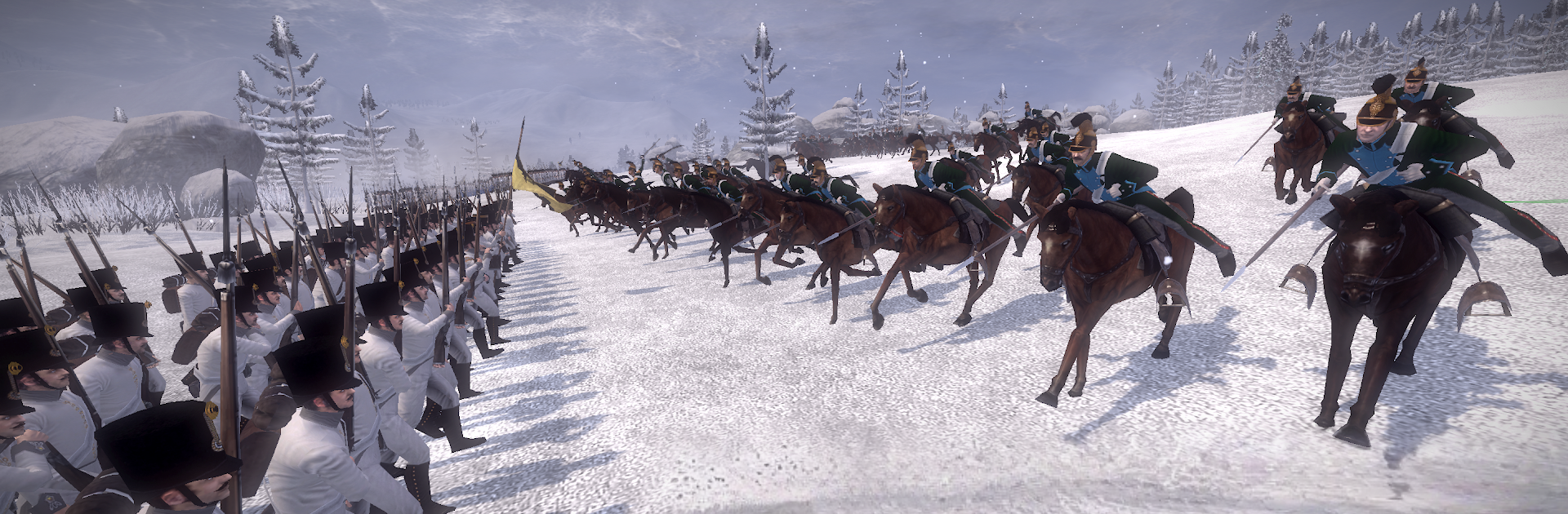


Total War: NAPOLEON is a Strategy game developed by Feral Interactive. BlueStacks app player is the best platform to play this Android game on your PC or Mac for an immersive gaming experience.
Go back in time to the early 19th century to take command of a time that shaped modern-day Europe’s history. Take up the role of Napoleon and recreate his epic military career from the roads of Italy to Egypt to France. Are you ready to dominate Europe? Play this game to get started.
About the Game
Total War: NAPOLEON blends conquest, diplomacy, trade, and subterfuge. It features different factions — you can play as Spain, Portugal, Denmark, or even the Ottoman Empire. The game also lets you refight some of the greatest battles in Europe to build the first French Empire.
Gameplay Overview
This game gives you control of thousands of troops to dominate battles on land and sea. You can even rewrite some of Napoleon’s defeats just to prove yourself as the ultimate battle strategist. You can join forces with the Austrians, Brits, or Russians to go against Napoleon.
Game Features
- Realistic 3D graphics
- Detailed maps
- Intuitive user interface
How to Play?
Download Total War: NAPOLEON for free from the Google Play Store using the BlueStacks app player.