

Typing Speed Test is a Word game developed by Yeah Buddy Studios. BlueStacks app player is the best platform to play this Android game on your PC or Mac for an immersive gaming experience.
Learn how to type faster on your PC using the Typing Speed Test game. It doesn’t matter whether you are practicing for school, work, or anything random. The game has something exciting for everyone. Do you want to see how fast you can type?
About the Game
Typing Speed Test is designed to improve your speed when typing. It gives you a quick, accurate Words per Minute (WPM) score that shows how fast you are moving. The game also lets you monitor your pace and track your progress from time to time.
Gameplay Overview
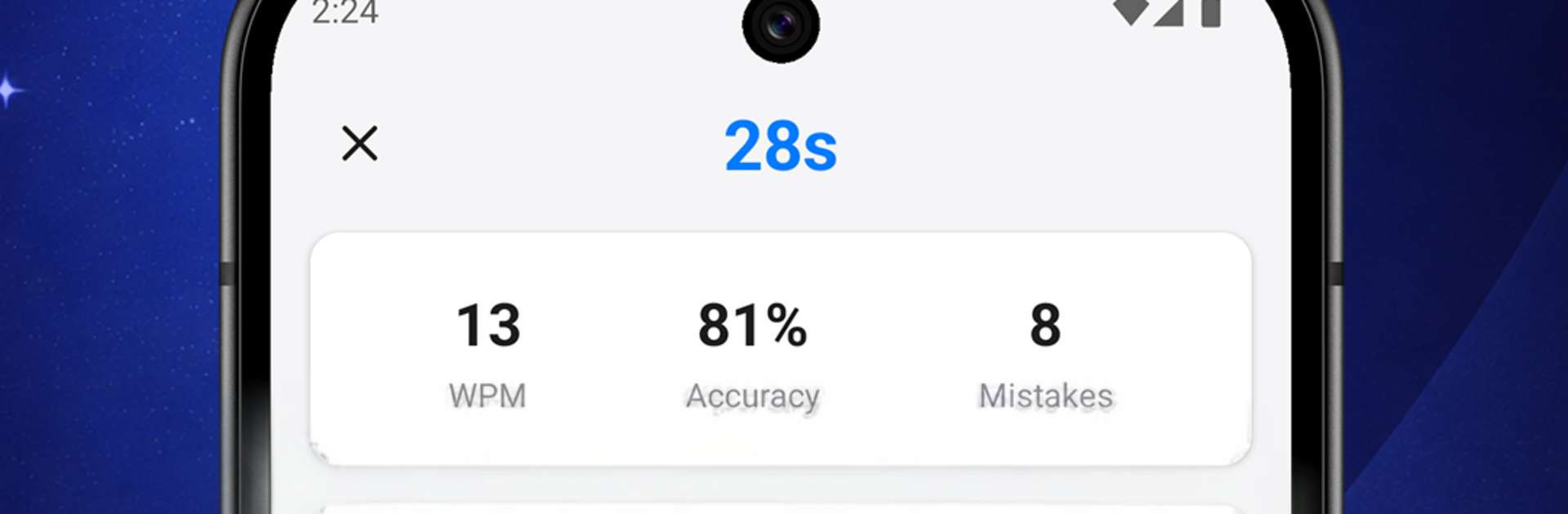
Typing Speed Test features unique gameplay where you can adjust the difficulty mode and even change text size. It challenges you with different test lengths, ranging from 15s, 30s, and up to 60s. When typing, you get to see your accuracy rate and mistakes made to keep up with your improvements.
Game Features
- User-friendly interface
- Random word generator
- Intuitive error tracker
How to Play?
Download Typing Speed Test for free from the Google Play Store using the BlueStacks app player.