Alpha Returns: NFT Battle

Alpha Returns: NFT Battle

Action

| Caesium Lab

Play on PC with BlueStacks or from our cloud

  • Overview
  • Game Features
  • How to Play

Page Modified On: September 02, 2025

Play Alpha Returns: NFT Battle on PC or Mac

Step into the World of Alpha Returns: NFT Battle, a thrilling Action game from the house of Caesium Lab. Play this Android game on BlueStacks App Player and experience immersive gaming on PC or Mac.

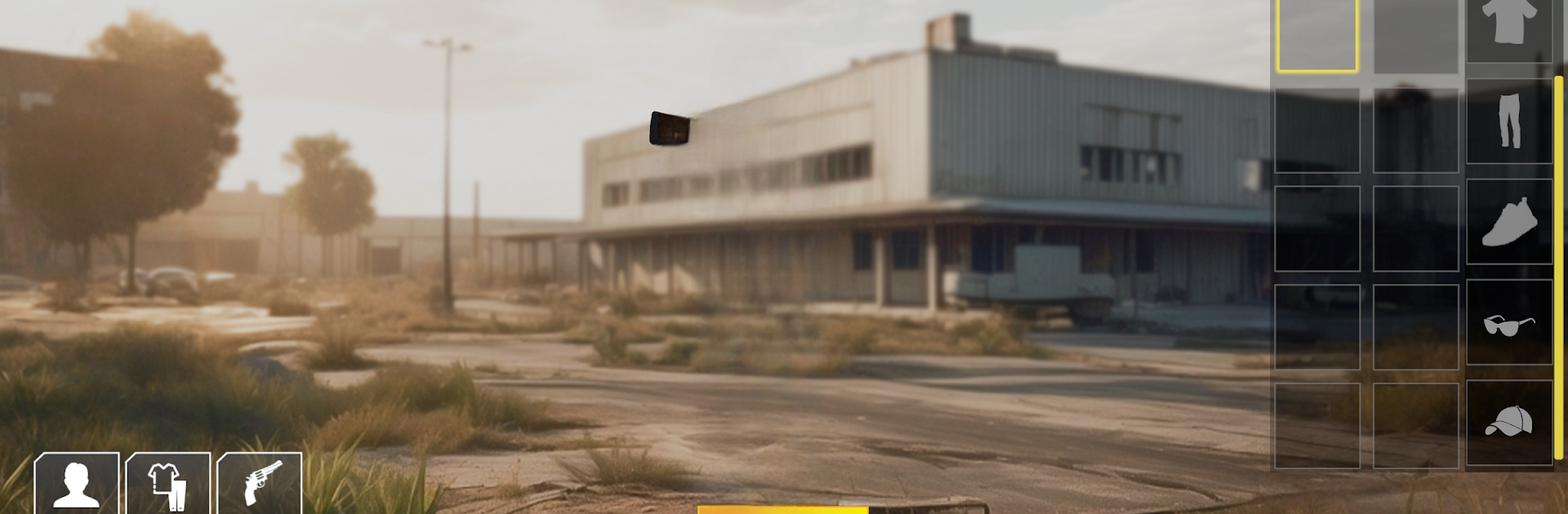
Alpha Returns: NFT Battle feels like a straight-up shooter with a crypto layer wrapped around it. The gunplay is fast and loud, with a big spread of weapons that actually matter in fights, from spray-heavy SMGs to slow sniper rifles and a pile of throwables. It supports both first-person and third-person views, so players can pick what suits the fight. Modes swing from a tight Team 4v4 DeathMatch race to 40 kills to a looser Duos setup on a bigger map. Controls are fully remappable, which helps a lot, and the friend list and clan system make it easy to keep a regular squad. On PC through BlueStacks it runs clean, mouse aim and keybinds make tracking and peeking feel more natural, and the visuals have that shiny 3D look without turning the screen into clutter.

The hook is the web3 side. Time spent playing can turn into Caesium token rewards, and there are NFTs tied to the game that players can win, collect, upgrade, or trade if that is their thing. There is a public market for items and tokens, and squads can push value together by grinding matches and tasks. It still lives and dies on the matches though, which are snappy and simple to read, and the inventory cosmetics let someone look serious or silly while doing it. For anyone curious about shooters that experiment with ownership and rewards, this one lays it out plainly, no heavy hoops, just matches, tasks, and the option to mess with NFTs if the wallet is already open.

Make your gaming sessions memorable with precise controls that give you an edge in close combats and visuals that pop up, bringing every character to life.


Game Features

Enhancements

  • Macros
  • Multi Instance
  • Multi Instance Sync
  • Eco Mode
  • Enhancements
Macros

Macros

Skip the boring parts of a game. Play Alpha Returns: NFT Battle with Macros and get the edge. Simply record a sequence of commands and execute them at any moment.
Multi Instance

Multi Instance

Why limit to one game on your phone when you can play many on your PC? Open multiple instances of Alpha Returns: NFT Battle at once with Multi-Instance. Leverage the power of different accounts by doing more.
Multi Instance Sync

Multi Instance Sync

Get the best out of Alpha Returns: NFT Battle with Multi-Instance Sync. Play the game from different accounts and build your own empire. Use Multi-instance sync to repeat the action in the main BlueStacks instance on all other instances.
Eco Mode

Eco Mode

Find the rarest heroes by making multiple summons in Alpha Returns: NFT Battle. And while you are at it, reduce your PC’s resource consumption with the Eco Mode. Farm efficiently. Get the best results.
Read More

How to Download and Play Alpha Returns: NFT Battle on PC or Mac

  • Download and install BlueStacks on your PC or Mac

  • Complete Google sign-in to access the Play Store, or do it later

  • Look for Alpha Returns: NFT Battle in the search bar at the top right corner

  • Click to install Alpha Returns: NFT Battle from the search results

  • Complete Google sign-in (if you skipped step 2) to install Alpha Returns: NFT Battle

  • Click the Alpha Returns: NFT Battle icon on the home screen to start playing

video
Watch Video

Minimum System Requirements

With BlueStacks 5, you can get started on a PC that fulfills the following requirements.

  • Operating System

    Microsoft Windows 7 or above, macOS 11 (Big Sur) or above

  • Processor

    Intel, AMD or Apple Silicon Processor

  • RAM

    at least 4GB

  • HDD

    10GB Free Disk Space

Note:

* You must be an Administrator on your PC. Up to date graphics drivers from Microsoft or the chipset vendor.

Alpha Returns: NFT Battle - FAQs

  • How to play Alpha Returns: NFT Battle on Windows PC & Mac?

    Play Alpha Returns: NFT Battle on your PC or Mac by following these simple steps.

    • Click on 'Play Alpha Returns: NFT Battle on PC’ to download BlueStacks
    • Install it and log-in to Google Play Store
    • Launch and play the game.
  • Why is BlueStacks the fastest and safest platform to play games on PC?

    BlueStacks respects your privacy and is always safe and secure to use. It does not carry any malware, spyware, or any sort of additional software that could harm your PC.

    It is engineered to optimize speed and performance for a seamless gaming experience.

  • What are Alpha Returns: NFT Battle PC requirements?

    Minimum requirement to run Alpha Returns: NFT Battle on your PC

    • OS: Microsoft Windows 7 or above MacOS 11 (Big Sur) or above
    • Processor: Intel, AMD or Apple Silicon Processor
    • RAM: Your PC must have at least 4GB of RAM. (Note that having 4GB or more disk space is not a substitute for RAM)
    • HDD: 10GB Free Disk Space.
    • You must be an Administrator on your PC.