Crazy Uncle: Slap & Punch Game

Crazy Uncle: Slap & Punch Game

Action

| Dreamland Games Inc.

Play on PC with BlueStacks or from our cloud

  • Overview
  • Game Features
  • How to Play

Page Modified On: February 17, 2026

Play Crazy Uncle: Slap & Punch Game on PC or Mac

Crazy Uncle: Slap & Punch Game brings the Action genre to life, and throws up exciting challenges for gamers. Developed by Dreamland Games Inc., this Android game is best experienced on BlueStacks, the World’s #1 app player for PC and Mac users.

About the Game

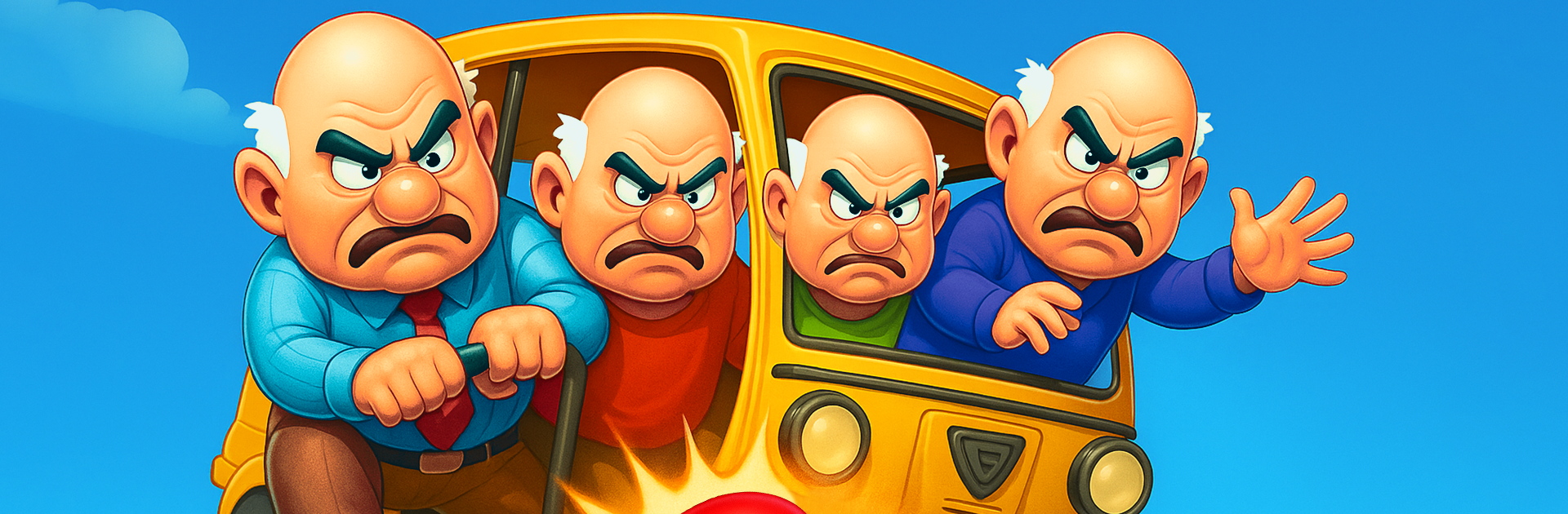
Crazy Uncle: Slap & Punch Game is a wild slapstick playground where Uncle Gary loses his cool and you bring the chaos. It’s an Action title from Dreamland Games Inc. that turns everyday objects into hilarious ammo—sandals, eggs, bricks, even lasers. Tap to aim, switch gear on the fly, and watch each hit trigger bigger reactions and louder laughs. Prefer playing on a PC? It runs smoothly on BlueStacks without making a big fuss about it.

Game Features

  • Pick‑up‑and‑hit controls: Quick taps to aim and toss. It’s snappy, responsive, and perfect for short, chaotic sessions or long streaks of mayhem.
  • A toolbox of trouble: Sling sandals, crack eggs, chuck bricks, and rotate through paintballs, darts, laser guns, crossbows, and cannons. Every item lands with its own punchline.
  • Power‑ups that escalate fast: Trigger Acid Rain, Stone Drops, or Electric Currents to flip the scene from silly to absolutely unhinged in seconds.
  • Office meltdowns: Papers fly, tempers flare, and your pranks keep the workplace in glorious disarray.
  • Street scuffles: Pelt Uncle from the curb, weave around his comebacks, and keep the laughter rolling.
  • Party mayhem: Balloons, paint splashes, and physics that send Uncle cartwheeling across the room—good times all around.
  • Lab shenanigans: Dial up the sci‑fi with lasers and heavy cannons for over-the-top blasts and cartoon chaos.
  • Kitchen throwdowns: Rolling pins, tomatoes, and more—turn dinner prep into a comedic battlefield.
  • Rewards for precision: Nail targets to unlock new gear and crank up the reactions. The better you hit, the funnier it gets.
  • Play anywhere: Works online or offline, so the prank train never stops—on the go, on the couch, or at your desk.
  • Punchy sound effects: Sizzling rain, splashing balloons, cracking eggs, crunchy punches, flitting sandals, and cannon booms sell every smack.

Start your journey now. Download the game on BlueStacks, invite your friends, and march on a new adventure.


Game Features

Enhancements

  • Macros
  • Multi Instance
  • Multi Instance Sync
  • Eco Mode
  • Enhancements
Macros

Macros

Skip the boring parts of a game. Play Crazy Uncle: Slap & Punch Game with Macros and get the edge. Simply record a sequence of commands and execute them at any moment.
Multi Instance

Multi Instance

Why limit to one game on your phone when you can play many on your PC? Open multiple instances of Crazy Uncle: Slap & Punch Game at once with Multi-Instance. Leverage the power of different accounts by doing more.
Multi Instance Sync

Multi Instance Sync

Get the best out of Crazy Uncle: Slap & Punch Game with Multi-Instance Sync. Play the game from different accounts and build your own empire. Use Multi-instance sync to repeat the action in the main BlueStacks instance on all other instances.
Eco Mode

Eco Mode

Find the rarest heroes by making multiple summons in Crazy Uncle: Slap & Punch Game. And while you are at it, reduce your PC’s resource consumption with the Eco Mode. Farm efficiently. Get the best results.
Read More

How to Download and Play Crazy Uncle: Slap & Punch Game on PC or Mac

  • Download and install BlueStacks on your PC or Mac

  • Complete Google sign-in to access the Play Store, or do it later

  • Look for Crazy Uncle: Slap & Punch Game in the search bar at the top right corner

  • Click to install Crazy Uncle: Slap & Punch Game from the search results

  • Complete Google sign-in (if you skipped step 2) to install Crazy Uncle: Slap & Punch Game

  • Click the Crazy Uncle: Slap & Punch Game icon on the home screen to start playing

video
Watch Video

Minimum System Requirements

With BlueStacks 5, you can get started on a PC that fulfills the following requirements.

  • Operating System

    Microsoft Windows 7 or above, macOS 11 (Big Sur) or above

  • Processor

    Intel, AMD or Apple Silicon Processor

  • RAM

    at least 4GB

  • HDD

    10GB Free Disk Space

Note:

* You must be an Administrator on your PC. Up to date graphics drivers from Microsoft or the chipset vendor.

Crazy Uncle: Slap & Punch Game - FAQs

  • How to play Crazy Uncle: Slap & Punch Game on Windows PC & Mac?

    Play Crazy Uncle: Slap & Punch Game on your PC or Mac by following these simple steps.

    • Click on 'Play Crazy Uncle: Slap & Punch Game on PC’ to download BlueStacks
    • Install it and log-in to Google Play Store
    • Launch and play the game.
  • Why is BlueStacks the fastest and safest platform to play games on PC?

    BlueStacks respects your privacy and is always safe and secure to use. It does not carry any malware, spyware, or any sort of additional software that could harm your PC.

    It is engineered to optimize speed and performance for a seamless gaming experience.

  • What are Crazy Uncle: Slap & Punch Game PC requirements?

    Minimum requirement to run Crazy Uncle: Slap & Punch Game on your PC

    • OS: Microsoft Windows 7 or above MacOS 11 (Big Sur) or above
    • Processor: Intel, AMD or Apple Silicon Processor
    • RAM: Your PC must have at least 4GB of RAM. (Note that having 4GB or more disk space is not a substitute for RAM)
    • HDD: 10GB Free Disk Space.
    • You must be an Administrator on your PC.