Exclusive Gaming Content. And More.
Get the latest updates on the BlueStacks Blog.
See MorePlay on PC with BlueStacks or from our cloud
Page Modified On: January 02, 2026
From the innovators and creators at Needs Games Inc., Dark December is another fun addition to the World of Action games. Go beyond your mobile screen and play it bigger and better on your PC or Mac. An immersive experience awaits you.
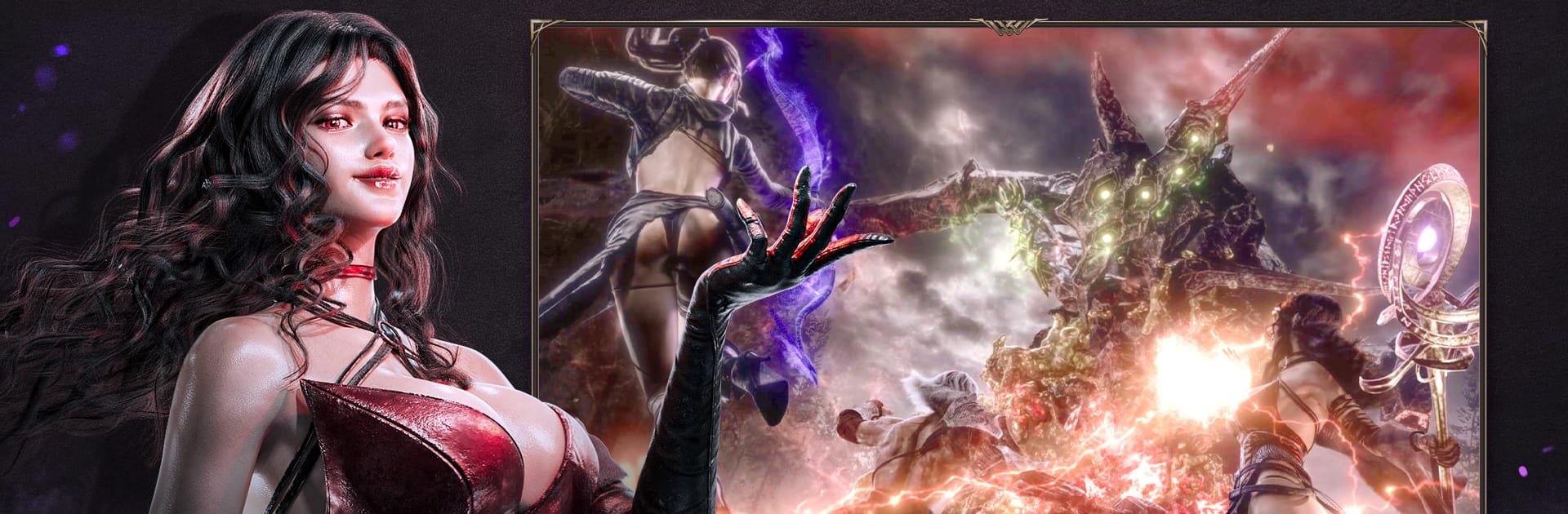
Dark December is a top down action RPG set before Undecember, and it leans into a moody, bleak world where players chase the truth about Serpens and the Twelve Gods. Combat is quick and punchy, with a free camera that players swing to keep bosses and packs in view. On PC through BlueStacks it feels smooth, mouse aim and keys make dodging and lining up skills easier without turning the whole thing into a clickfest. It is easy to get started, but once enemies stack up, spacing, timing, and cooldowns suddenly matter a lot.
Classes keep things simple but distinct. Berserker is the big blade bruiser, lots of health and defense, clears groups by getting right in. Raven plays the archer role with fast movement, precise shots, and special arrows that swap how fights flow. Morgana brings fire and poison, layering debuffs and tossing out summons to keep pressure up. The game flips between fast dungeon runs and boss arenas. Abyss of Chaos is the core loop, pick a region and push the difficulty for better rewards. Realm of Chaos pops up inside that with meaner bosses that drop rare materials. Hall of Oblivion is a straight boss gauntlet where learning patterns and tailoring a build actually pays off, and Dimensional Rift Veles is wave survival for up to four players, a good stress test for any party. Story quests move players through new zones, loot feeds into crafting and upgrades, and it all has that just one more run pull. The dark fantasy tone sticks without going overboard, and party play keeps it lively when a boss really will not go down.
Ready to top the leaderboard? We bet you do. Let precise controls and sharp visuals optimized on BlueStacks lead you to victory.

Skip the boring parts of a game. Play Dark December with Macros and get the edge. Simply record a sequence of commands and execute them at any moment.
Why limit to one game on your phone when you can play many on your PC? Open multiple instances of Dark December at once with Multi-Instance. Leverage the power of different accounts by doing more.
Get the best out of Dark December with Multi-Instance Sync. Play the game from different accounts and build your own empire. Use Multi-instance sync to repeat the action in the main BlueStacks instance on all other instances.
Find the rarest heroes by making multiple summons in Dark December. And while you are at it, reduce your PC’s resource consumption with the Eco Mode. Farm efficiently. Get the best results.
Download and install BlueStacks on your PC or Mac
Complete Google sign-in to access the Play Store, or do it later
Look for Dark December in the search bar at the top right corner
Click to install Dark December from the search results
Complete Google sign-in (if you skipped step 2) to install Dark December
Click the Dark December icon on the home screen to start playing
With BlueStacks 5, you can get started on a PC that fulfills the following requirements.
Microsoft Windows 7 or above, macOS 11 (Big Sur) or above
Intel, AMD or Apple Silicon Processor
at least 4GB
10GB Free Disk Space
* You must be an Administrator on your PC. Up to date graphics drivers from Microsoft or the chipset vendor.
Leave your email and we will notify
you when the game launches
Play Dark December on your PC or Mac by following these simple steps.
BlueStacks respects your privacy and is always safe and secure to use. It does not carry any malware, spyware, or any sort of additional software that could harm your PC.
It is engineered to optimize speed and performance for a seamless gaming experience.
Minimum requirement to run Dark December on your PC
Since you are on your phone, we are going to send you to the Google Play page.
In some cases BlueStacks uses affiliate links when linking to Google Play
BlueStacks 4 is not available on Windows XP. You must have Windows 7 or higher. Windows 10 is recommended.