Dark War Survival
Dark War Survival

Dark War Survival

Action

| Florere Game

Play on PC with BlueStacks or from our cloud

  • Overview
  • Tips & Tricks
  • Game Features
  • How to Play

Page Modified On: November 25, 2025

Play Dark War Survival on PC or Mac

Bring your A-game to Dark War Survival, the Strategy game sensation from Florere Game. Give your gameplay the much-needed boost with precise game controls, high FPS graphics, and top-tier features on your PC or Mac with BlueStacks.

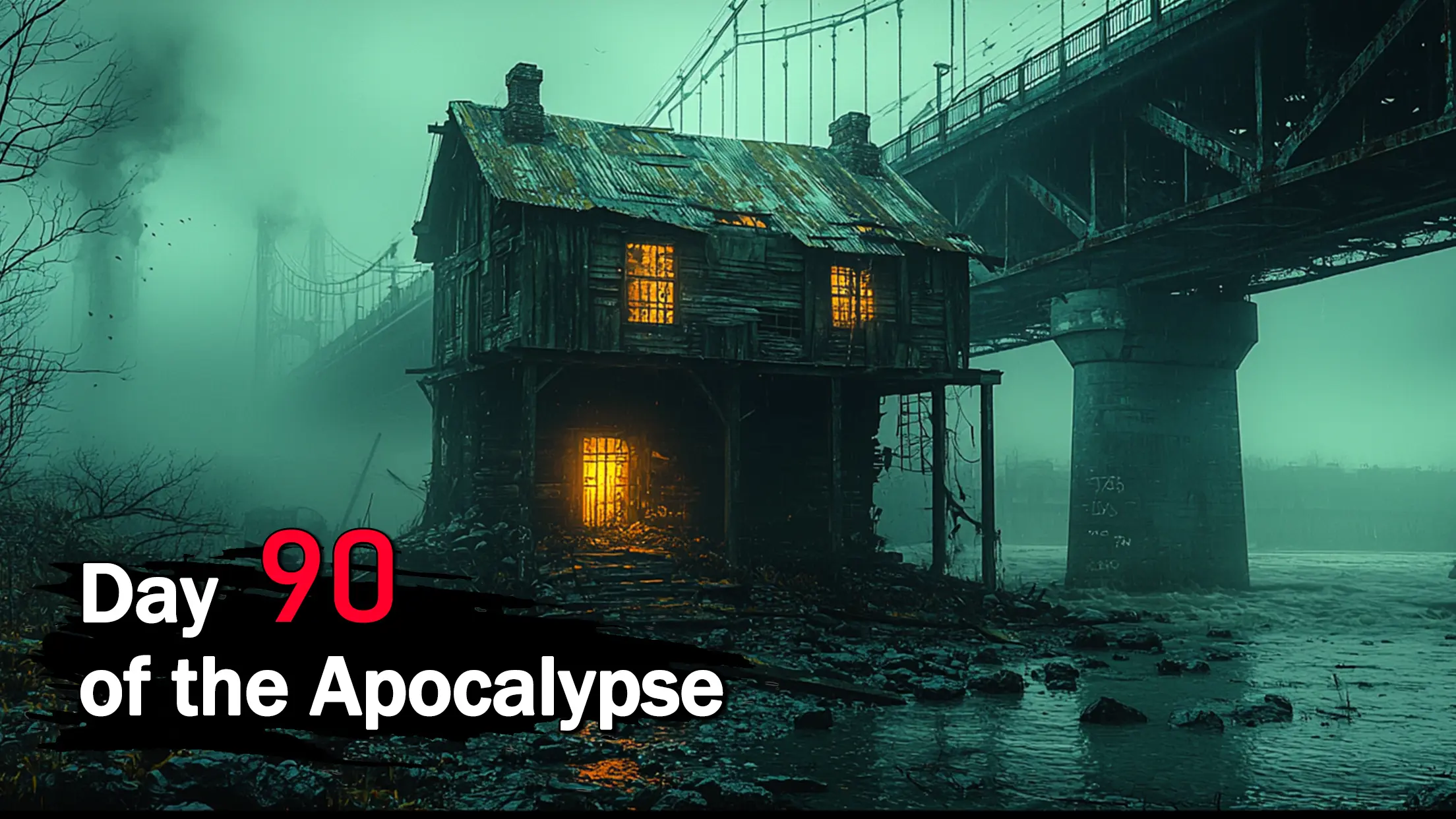
Dark War Survival feels like one of those base-building zombie games that actually cares about the people in the base. It throws players into a ruined city and says, here are a handful of survivors, now make this mess work. The loop is all about assigning jobs, like putting a medic on clinic duty or sending a scrapper to the yard, and then keeping an eye on health and happiness so productivity does not tank. The zombies are not just a backdrop either. Runs into the wasteland matter, with risky routes, random finds, and the occasional scare that sends a team limping home with broken gear but a priceless part.

Building out the shelter is steady and oddly satisfying, rooms slotting in and defenses getting thicker as the undead grow nastier. New tech trees open better weapons and utilities, and recruits come with real differences, so a sharpshooter does not feel the same as a mechanic or a cook. Alliances give the game some teeth on the world map, where players help each other, rally on large threats, and chip away at territory that never feels fully safe. It is a timer driven strategy game, for sure, with smart planning beating fast fingers. On PC through BlueStacks, the mouse clicks make juggling menus and drag paths smoother, and the larger screen helps track who is tired, who is hungry, and who is ready for the next run.

Start your journey now. Download the game on BlueStacks, invite your friends, and march on a new adventure.


Game Features

Enhancements

  • Macros
  • Multi Instance
  • Multi Instance Sync
  • Eco Mode
  • Enhancements
Macros

Macros

Skip the boring parts of a game. Play Dark War Survival with Macros and get the edge. Simply record a sequence of commands and execute them at any moment.
Multi Instance

Multi Instance

Why limit to one game on your phone when you can play many on your PC? Open multiple instances of Dark War Survival at once with Multi-Instance. Leverage the power of different accounts by doing more.
Multi Instance Sync

Multi Instance Sync

Get the best out of Dark War Survival with Multi-Instance Sync. Play the game from different accounts and build your own empire. Use Multi-instance sync to repeat the action in the main BlueStacks instance on all other instances.
Eco Mode

Eco Mode

Find the rarest heroes by making multiple summons in Dark War Survival. And while you are at it, reduce your PC’s resource consumption with the Eco Mode. Farm efficiently. Get the best results.
Read More

How to Download and Play Dark War Survival on PC or Mac

  • Download and install BlueStacks on your PC or Mac

  • Complete Google sign-in to access the Play Store, or do it later

  • Look for Dark War Survival in the search bar at the top right corner

  • Click to install Dark War Survival from the search results

  • Complete Google sign-in (if you skipped step 2) to install Dark War Survival

  • Click the Dark War Survival icon on the home screen to start playing

video
Watch Video

Minimum System Requirements

With BlueStacks 5, you can get started on a PC that fulfills the following requirements.

  • Operating System

    Microsoft Windows 7 or above, macOS 11 (Big Sur) or above

  • Processor

    Intel, AMD or Apple Silicon Processor

  • RAM

    at least 4GB

  • HDD

    10GB Free Disk Space

Note:

* You must be an Administrator on your PC. Up to date graphics drivers from Microsoft or the chipset vendor.

Dark War Survival - FAQs

  • How to play Dark War Survival on Windows PC & Mac?

    Play Dark War Survival on your PC or Mac by following these simple steps.

    • Click on 'Play Dark War Survival on PC’ to download BlueStacks
    • Install it and log-in to Google Play Store
    • Launch and play the game.
  • Why is BlueStacks the fastest and safest platform to play games on PC?

    BlueStacks respects your privacy and is always safe and secure to use. It does not carry any malware, spyware, or any sort of additional software that could harm your PC.

    It is engineered to optimize speed and performance for a seamless gaming experience.

  • What are Dark War Survival PC requirements?

    Minimum requirement to run Dark War Survival on your PC

    • OS: Microsoft Windows 7 or above MacOS 11 (Big Sur) or above
    • Processor: Intel, AMD or Apple Silicon Processor
    • RAM: Your PC must have at least 4GB of RAM. (Note that having 4GB or more disk space is not a substitute for RAM)
    • HDD: 10GB Free Disk Space.
    • You must be an Administrator on your PC.