Heaven's Relic
Heaven's Relic

Heaven's Relic

Action

| Dream Cultivation Game

Play on PC with BlueStacks or from our cloud

  • Overview
  • Game Features
  • How to Play

Page Modified On: November 20, 2025

Play Heaven's Relic on PC or Mac

Bring your A-game to Heaven’s Relic, the Action game sensation from Dream Cultivation Game. Give your gameplay the much-needed boost with precise game controls, high FPS graphics, and top-tier features on your PC or Mac with BlueStacks.

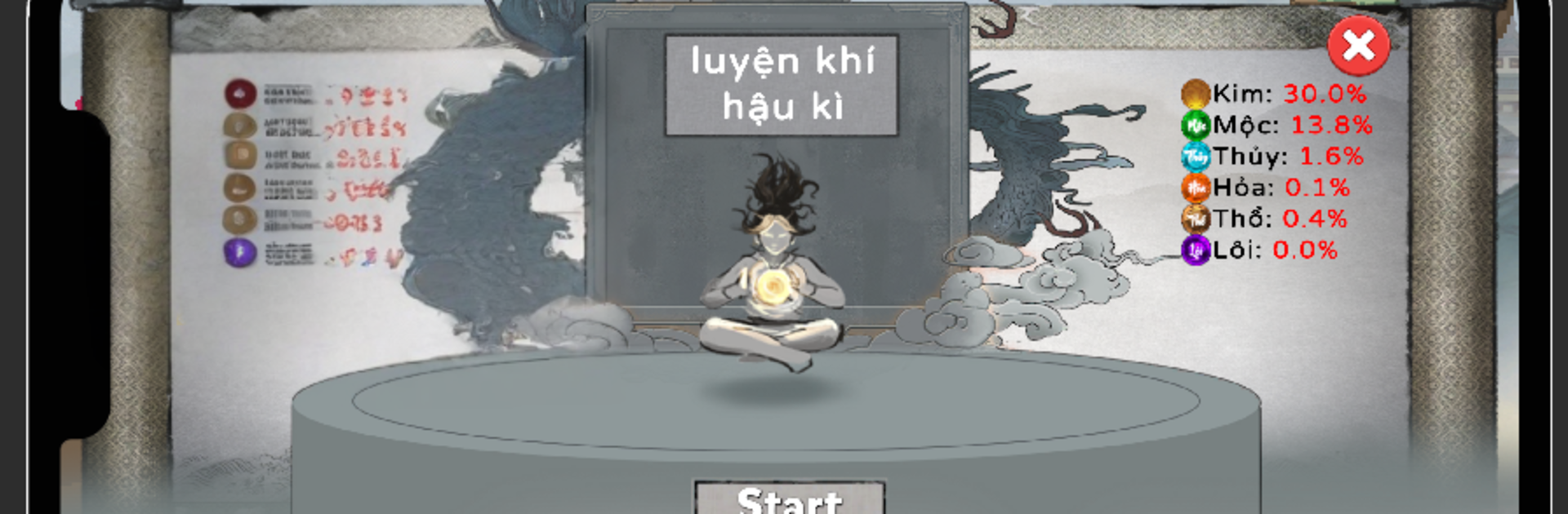
Heaven’s Relic plays like a martial fantasy where a rookie cultivator slowly climbs into serious power, realm by realm. It is all about tackling tough bosses, grabbing new skills and weapons, and tuning a build so fights go from barely surviving to clean and fast. Bosses hit hard and have patterns that actually matter, so timing a dodge and dropping the right combo feels good. The world leans into myth and legend, with strange beasts, shiny relics, and that whole celestial secrets vibe. Story bits pop up enough to set the mood, but the real hook is the loop of fight, earn, upgrade, then try a harder realm.

There is a steady sense of growth without needing a giant time sink each session. Runs can be short, just a few boss attempts to fish for a better drop or a stat boost that pushes the damage threshold. Skills and weapons mix in fun ways, so swapping a relic or changing a martial art can totally change how a fight plays. The effects are flashy but readable, and when the screen fills with sparks it still feels under control. On PC with BlueStacks it is easier to map skills to keys, which makes dodging cleaner and saves the thumbs during longer grinds. If someone enjoys action games that reward build tinkering and learning boss habits, this scratches that itch. It is simple to start, but there is enough depth to keep poking at for that next clean clear.

Start your journey now. Download the game on BlueStacks, invite your friends, and march on a new adventure.


Game Features

Enhancements

  • Macros
  • Multi Instance
  • Multi Instance Sync
  • Eco Mode
  • Enhancements
Macros

Macros

Skip the boring parts of a game. Play Heaven's Relic with Macros and get the edge. Simply record a sequence of commands and execute them at any moment.
Multi Instance

Multi Instance

Why limit to one game on your phone when you can play many on your PC? Open multiple instances of Heaven's Relic at once with Multi-Instance. Leverage the power of different accounts by doing more.
Multi Instance Sync

Multi Instance Sync

Get the best out of Heaven's Relic with Multi-Instance Sync. Play the game from different accounts and build your own empire. Use Multi-instance sync to repeat the action in the main BlueStacks instance on all other instances.
Eco Mode

Eco Mode

Find the rarest heroes by making multiple summons in Heaven's Relic. And while you are at it, reduce your PC’s resource consumption with the Eco Mode. Farm efficiently. Get the best results.
Read More

How to Download and Play Heaven's Relic on PC or Mac

  • Download and install BlueStacks on your PC or Mac

  • Complete Google sign-in to access the Play Store, or do it later

  • Look for Heaven's Relic in the search bar at the top right corner

  • Click to install Heaven's Relic from the search results

  • Complete Google sign-in (if you skipped step 2) to install Heaven's Relic

  • Click the Heaven's Relic icon on the home screen to start playing

video
Watch Video

Minimum System Requirements

With BlueStacks 5, you can get started on a PC that fulfills the following requirements.

  • Operating System

    Microsoft Windows 7 or above, macOS 11 (Big Sur) or above

  • Processor

    Intel, AMD or Apple Silicon Processor

  • RAM

    at least 4GB

  • HDD

    10GB Free Disk Space

Note:

* You must be an Administrator on your PC. Up to date graphics drivers from Microsoft or the chipset vendor.

Heaven's Relic - FAQs

  • How to play Heaven's Relic on Windows PC & Mac?

    Play Heaven's Relic on your PC or Mac by following these simple steps.

    • Click on 'Play Heaven's Relic on PC’ to download BlueStacks
    • Install it and log-in to Google Play Store
    • Launch and play the game.
  • Why is BlueStacks the fastest and safest platform to play games on PC?

    BlueStacks respects your privacy and is always safe and secure to use. It does not carry any malware, spyware, or any sort of additional software that could harm your PC.

    It is engineered to optimize speed and performance for a seamless gaming experience.

  • What are Heaven's Relic PC requirements?

    Minimum requirement to run Heaven's Relic on your PC

    • OS: Microsoft Windows 7 or above MacOS 11 (Big Sur) or above
    • Processor: Intel, AMD or Apple Silicon Processor
    • RAM: Your PC must have at least 4GB of RAM. (Note that having 4GB or more disk space is not a substitute for RAM)
    • HDD: 10GB Free Disk Space.
    • You must be an Administrator on your PC.