異塔領域 Savior Zone
異塔領域 Savior Zone

異塔領域 Savior Zone

Action

| Mad Head Limited

Play on PC with BlueStacks or from our cloud

  • Overview
  • Game Features
  • How to Play

Page Modified On: November 03, 2025

Play 異塔領域 Savior Zone on PC or Mac

Explore a whole new adventure with 異塔領域 Savior Zone, a Action game created by Mad Head Limited. Experience great gameplay with BlueStacks, the most popular gaming platform to play Android games on your PC or Mac.

異塔領域 Savior Zone plays like a straight-up survival shooter with a tower theme, where players hop into tight arenas and keep moving while picking the right tool for each threat. It throws a bunch of enemy types at once, and they do not all go down the same way. Some rush, some keep distance, some have armor quirks, so swapping weapons and timing skills actually matters. Progress feels steady since enemies drop coins and experience, which turn into new gear, perks, and a bit more power for the next run. Controls are simple virtual buttons, so it is easy to learn, but there is still that satisfying juggling of cooldowns and positioning when the screen fills up.

The style leans clean and punchy. Hits spark, shots sound chunky, and explosions pop without turning into visual soup. Stages mix up layouts so it is not just circle strafing forever. On PC with BlueStacks, the aiming and dodging feel smoother with keyboard and mouse, and it helps during those late waves when a tiny mistake snowballs. It is not a huge, endless grindfest, more a focused action loop that rewards smart weapon choices and learning enemy patterns. There is also a little anniversary energy to it, like a side project celebrating a long running series, which gives it a neat, self-contained vibe without a ton of fluff.

Slay your opponents with your epic moves. Play it your way on BlueStacks and dominate the battlefield.

Game Features

Enhancements

  • Shooting Mode
  • High FPS
  • Script
  • Free Look
  • Enhancements
Shooting Mode

Shooting Mode

Boom, headshot. With BlueStacks Shooting Mode, experience PC-like gameplay when playing 異塔領域 Savior Zone. Press F1 to aim and shoot with mouse.
High FPS

High FPS

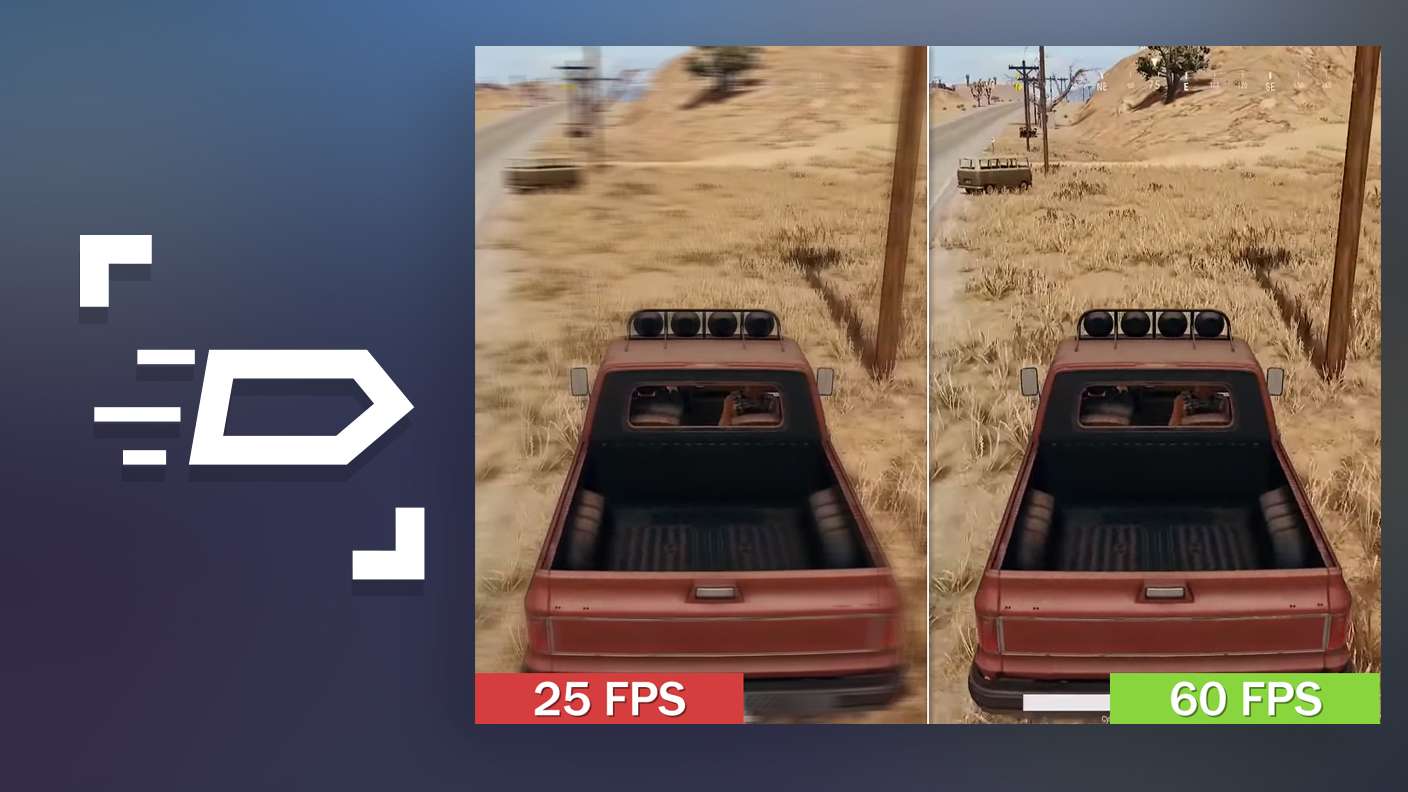
Enable the highest possible frame rate in 異塔領域 Savior Zone for a seamless gaming experience. Get smoother graphics and better reaction time.
Script

Script

Play 異塔領域 Savior Zone with the innovative Script feature. Create and run a script to fully automize a sequence of actions. Assign it a key to execute in one go.
Free Look

Free Look

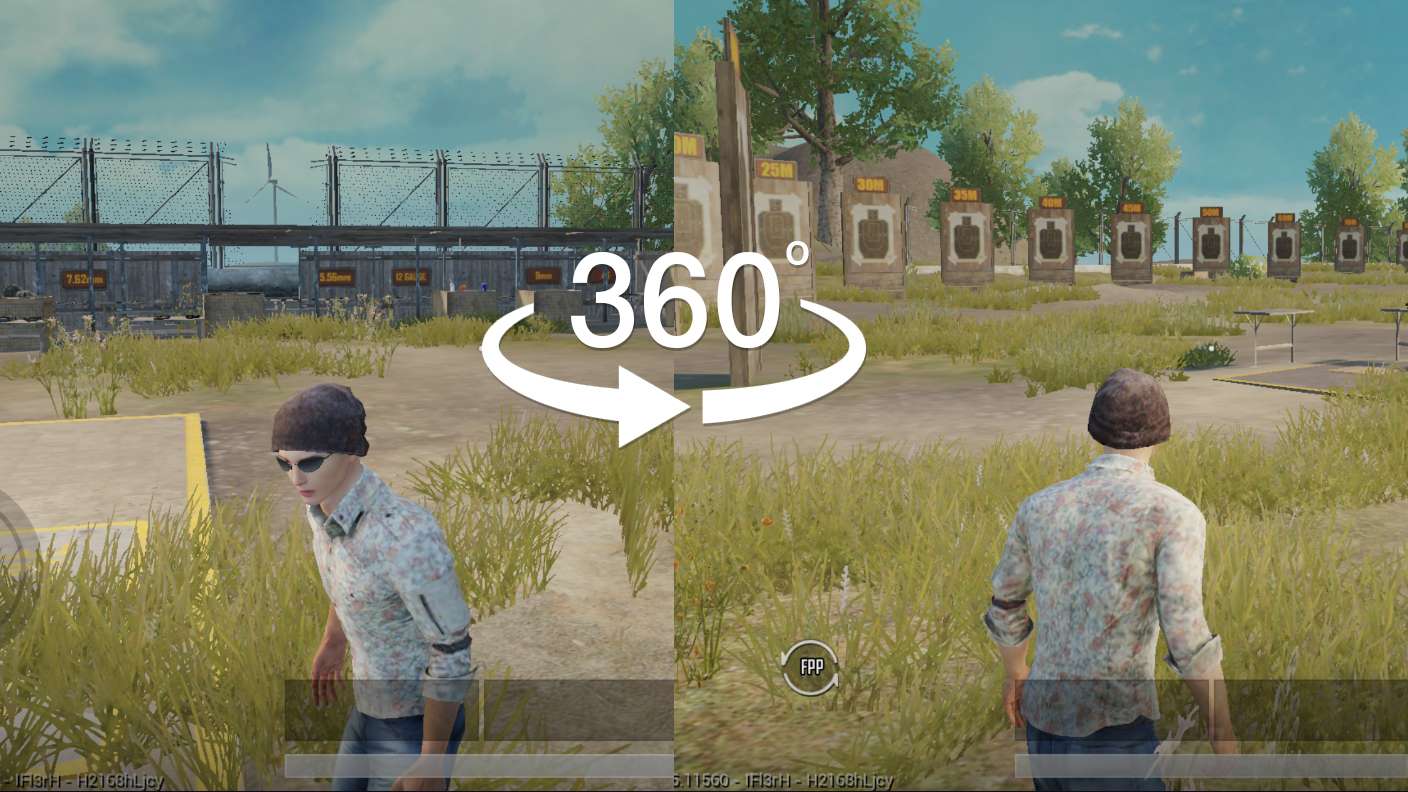
Turn and shoot in milliseconds. With Freelook, BlueStacks has always got your back. Rule 異塔領域 Savior Zone and get more kills.
Read More

How to Download and Play 異塔領域 Savior Zone on PC or Mac

  • Download and install BlueStacks on your PC or Mac

  • Complete Google sign-in to access the Play Store, or do it later

  • Look for 異塔領域 Savior Zone in the search bar at the top right corner

  • Click to install 異塔領域 Savior Zone from the search results

  • Complete Google sign-in (if you skipped step 2) to install 異塔領域 Savior Zone

  • Click the 異塔領域 Savior Zone icon on the home screen to start playing

video
Watch Video

Minimum System Requirements

With BlueStacks 5, you can get started on a PC that fulfills the following requirements.

  • Operating System

    Microsoft Windows 7 or above, macOS 11 (Big Sur) or above

  • Processor

    Intel, AMD or Apple Silicon Processor

  • RAM

    at least 4GB

  • HDD

    10GB Free Disk Space

Note:

* You must be an Administrator on your PC. Up to date graphics drivers from Microsoft or the chipset vendor.

異塔領域 Savior Zone - FAQs

  • How to play 異塔領域 Savior Zone on Windows PC & Mac?

    Play 異塔領域 Savior Zone on your PC or Mac by following these simple steps.

    • Click on 'Play 異塔領域 Savior Zone on PC’ to download BlueStacks
    • Install it and log-in to Google Play Store
    • Launch and play the game.
  • Why is BlueStacks the fastest and safest platform to play games on PC?

    BlueStacks respects your privacy and is always safe and secure to use. It does not carry any malware, spyware, or any sort of additional software that could harm your PC.

    It is engineered to optimize speed and performance for a seamless gaming experience.

  • What are 異塔領域 Savior Zone PC requirements?

    Minimum requirement to run 異塔領域 Savior Zone on your PC

    • OS: Microsoft Windows 7 or above MacOS 11 (Big Sur) or above
    • Processor: Intel, AMD or Apple Silicon Processor
    • RAM: Your PC must have at least 4GB of RAM. (Note that having 4GB or more disk space is not a substitute for RAM)
    • HDD: 10GB Free Disk Space.
    • You must be an Administrator on your PC.