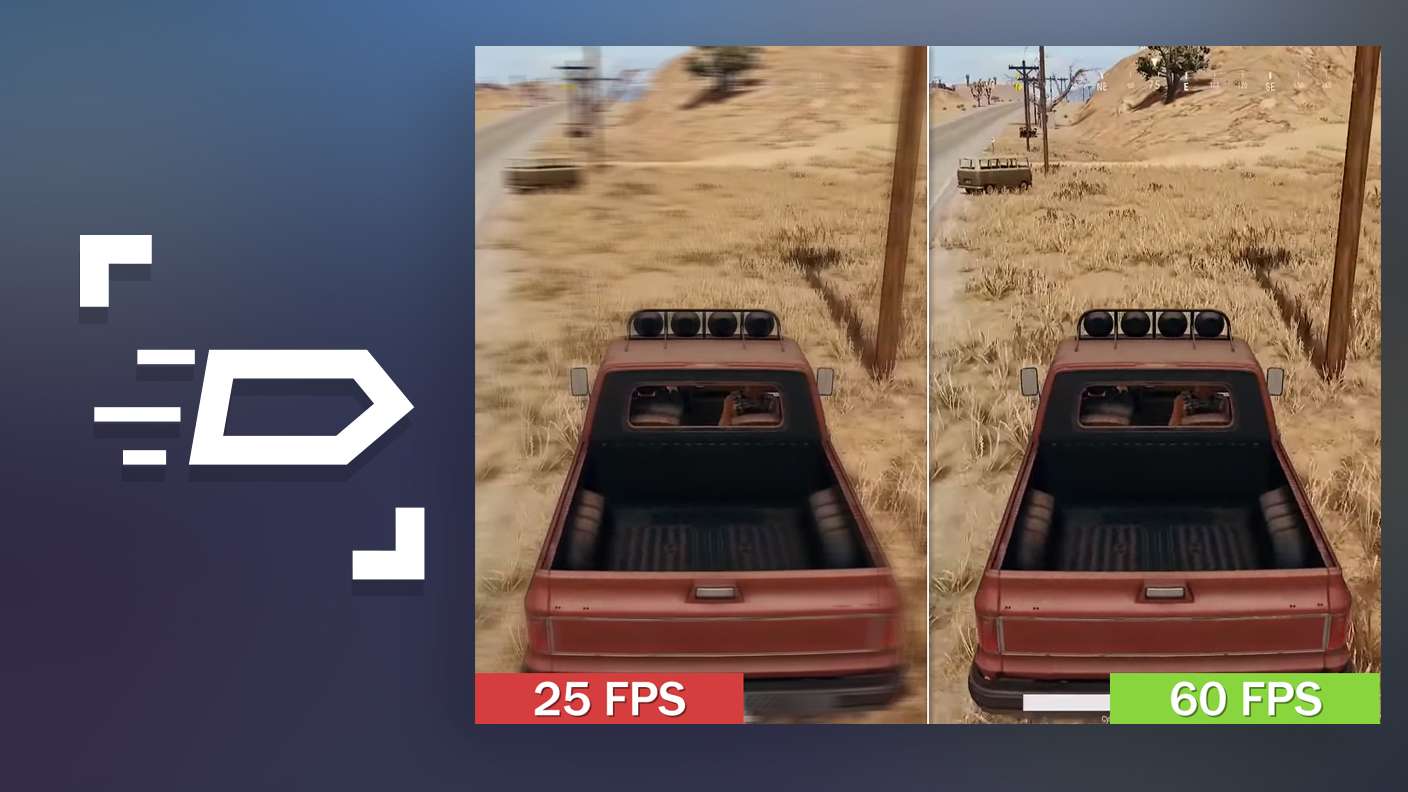


Bring your A-game to The Division Resurgence, the Action game sensation from Ubisoft Entertainment. Give your gameplay the much-needed boost with precise game controls, high FPS graphics, and top-tier features on your PC or Mac with BlueStacks.
About the Game
The Division Resurgence drops you into a crumbling New York, where you’re a freshly activated agent trying to pull a city back from the brink. It’s an Action game that blends gritty firefights, smart gear decisions, and a meaty storyline you can tackle solo or with a squad. Expect plenty to do, plenty to earn, and plenty of ways to play.
Game Features
- Shared NYC sandbox: Roam a large, connected New York with friends or on your own, hopping between recognizable neighborhoods and stumbling into dynamic encounters as they unfold.
- Story with real stakes: Work through a new, canon narrative that peels back a wider conspiracy threatening the city—and maybe more—one mission at a time.
- Build the agent you want: Scavenge and loot, then fine-tune weapons and armor with mods, skins, and cosmetics until your loadout feels just right.
- Specializations you can swap: Pick roles like the tanky Bulwark or the hard-hitting Demolitionist. Each path unlocks distinct skills, powerful ultimates, and a skill tree that grows with you—and you can change direction when the fight demands it.
- Tough factions, tougher choices: Go up against groups like the fire-obsessed Cleaners or the opportunistic Rikers while protecting civilians caught in the middle.
- PvE, PvP, and the infamous mix: Jump into cooperative missions, test yourself in competitive modes, or brave the Dark Zone—where PvPvE chaos and big rewards wait if you can make it out with your haul.
- A city that keeps evolving: Expect regular additions that expand the story, open-world activities, and late-game challenges to chase new goals.
- Play how you like: On mobile with touch controls, or on PC with BlueStacks if you’re into keyboard-and-mouse precision.
BlueStacks gives you more room to focus on the game and less time adjusting around mobile limitations.
What’s New?
Season 2: The Call has begun in The Division Resurgence, bringing a wave of exciting new features. Players can unlock up to 50 tiers of rewards in the Classified Ops Pass, which includes the free new Exotic Weapon, The Bighorn, as well as the Vintage Elegance Apparel Set and the Antique Weaponry Weapon Skin. Additionally, new Time-Limited Events offer exclusive rewards through Speedrun Missions, special challenges, and opportunities to team up with agents worldwide for a thrilling experience.