
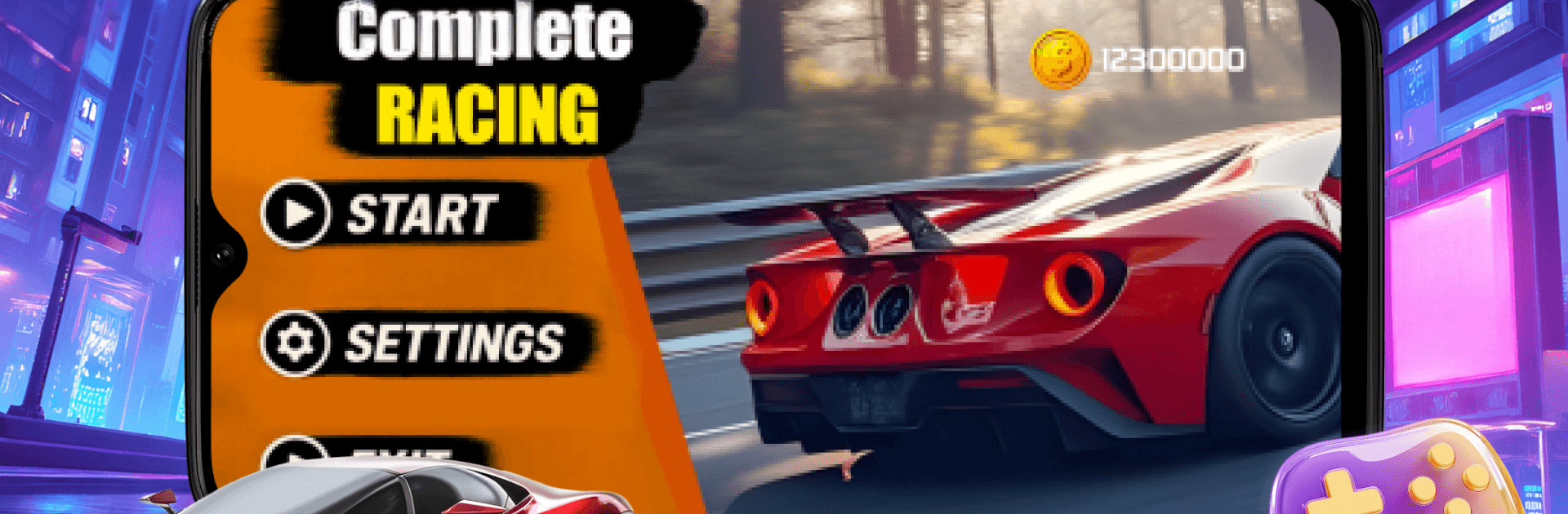
3D Hyper Drift Arena

3D Hyper Drift Arena

Adventure

| Honourin Care

Play on PC with BlueStacks or from our cloud

  • Overview
  • Game Features
  • How to Play

Page Modified On: May 05, 2026

Play 3D Hyper Drift Arena on PC or Mac

Join millions to experience 3D Hyper Drift Arena, an exciting Adventure game from Honourin Care. With BlueStacks App Player, you are always a step ahead of your opponent, ready to outplay them with faster gameplay and better control with the mouse and keyboard on your PC or Mac.

About the Game

3D Hyper Drift Arena is all about white‑knuckle cornering in glowing, hyper‑real tracks that look like they were carved from neon. Built by Honourin Care, this Adventure leans hard into stylish speed and razor‑thin margins—every slide feels amazing until it doesn’t. It’s fast, punchy, and built for players who love pushing a perfect line a little too far.

Game Features

  • Neon 3D Arenas: Race through slick, light-soaked circuits where reflections pop and color floods every turn, making each corner feel alive.
  • Edge-of-Failure Drifting: Hug barriers, shave milliseconds, and commit to high-speed slides—one mistake and you’re toast, but the payoff is sweet.
  • Responsive Handling: Steering feels tight and predictable, so you can feather the throttle, chain drifts, and correct mid-slide without losing the flow.
  • Clean, Focused Action: Minimal fuss, maximum rush—no distractions, just you, the track, and the next hairpin coming in hot.
  • High-Contrast Visual Cues: Bright lines and bold lighting help you read depth and angle fast, even when the arena floods your view.
  • Replay-Friendly Runs: Quick attempts make it easy to jump in, learn a layout, and go for that smoother, braver line on the next go.
  • Varied Corner Design: From sweeping arcs to nasty switchbacks, each section tests a different kind of control and nerve.
  • PC Precision with BlueStacks: Prefer a keyboard or a bigger screen? BlueStacks helps you stick your drifts with steady frames and crisp inputs.

Start your journey now. Download the game on BlueStacks, invite your friends, and march on a new adventure.


Game Features

Enhancements

  • Macros
  • Multi Instance
  • Multi Instance Sync
  • Script
  • Enhancements
Macros

Macros

Automate the predictable in 3D Hyper Drift Arena and transform your gameplay with Macros. Get access to inventive Macros in the BlueStacks Macro Community
Multi Instance

Multi Instance

Play 3D Hyper Drift Arena on one window. And chat with your friend on the other. Press CTRL + Shift + 8 to open the Multi-Instance Manager. And start creating fresh instances or clone an existing one.
Multi Instance Sync

Multi Instance Sync

Play 3D Hyper Drift Arena with the power of Multi-Instance Sync. Replicate what you are doing on the main instance on all other instances. Level up faster, play more.
Script

Script

Script your way to gaming glory in 3D Hyper Drift Arena with BlueStacks Script. Write and run a set of commands to automate repeated tasks. Trigger the command by assigning it to any key.
Read More

How to Download and Play 3D Hyper Drift Arena on PC or Mac

  • Download and install BlueStacks on your PC or Mac

  • Complete Google sign-in to access the Play Store, or do it later

  • Look for 3D Hyper Drift Arena in the search bar at the top right corner

  • Click to install 3D Hyper Drift Arena from the search results

  • Complete Google sign-in (if you skipped step 2) to install 3D Hyper Drift Arena

  • Click the 3D Hyper Drift Arena icon on the home screen to start playing

video
Watch Video

Minimum System Requirements

With BlueStacks 5, you can get started on a PC that fulfills the following requirements.

  • Operating System

    Microsoft Windows 7 or above, macOS 11 (Big Sur) or above

  • Processor

    Intel, AMD or Apple Silicon Processor

  • RAM

    at least 4GB

  • HDD

    10GB Free Disk Space

Note:

* You must be an Administrator on your PC. Up to date graphics drivers from Microsoft or the chipset vendor.

3D Hyper Drift Arena - FAQs

  • How to play 3D Hyper Drift Arena on Windows PC & Mac?

    Play 3D Hyper Drift Arena on your PC or Mac by following these simple steps.

    • Click on 'Play 3D Hyper Drift Arena on PC’ to download BlueStacks
    • Install it and log-in to Google Play Store
    • Launch and play the game.
  • Why is BlueStacks the fastest and safest platform to play games on PC?

    BlueStacks respects your privacy and is always safe and secure to use. It does not carry any malware, spyware, or any sort of additional software that could harm your PC.

    It is engineered to optimize speed and performance for a seamless gaming experience.

  • What are 3D Hyper Drift Arena PC requirements?

    Minimum requirement to run 3D Hyper Drift Arena on your PC

    • OS: Microsoft Windows 7 or above MacOS 11 (Big Sur) or above
    • Processor: Intel, AMD or Apple Silicon Processor
    • RAM: Your PC must have at least 4GB of RAM. (Note that having 4GB or more disk space is not a substitute for RAM)
    • HDD: 10GB Free Disk Space.
    • You must be an Administrator on your PC.







