Paris Rex
Paris Rex

Paris Rex

Adventure

| gametornado

Play on PC with BlueStacks or from our cloud

  • Overview
  • Game Features
  • How to Play

Page Modified On: November 29, 2025

Play Paris Rex on PC or Mac

From the innovators and creators at gametornado, Paris Rex is another fun addition to the World of Adventure games. Go beyond your mobile screen and play it bigger and better on your PC or Mac. An immersive experience awaits you.

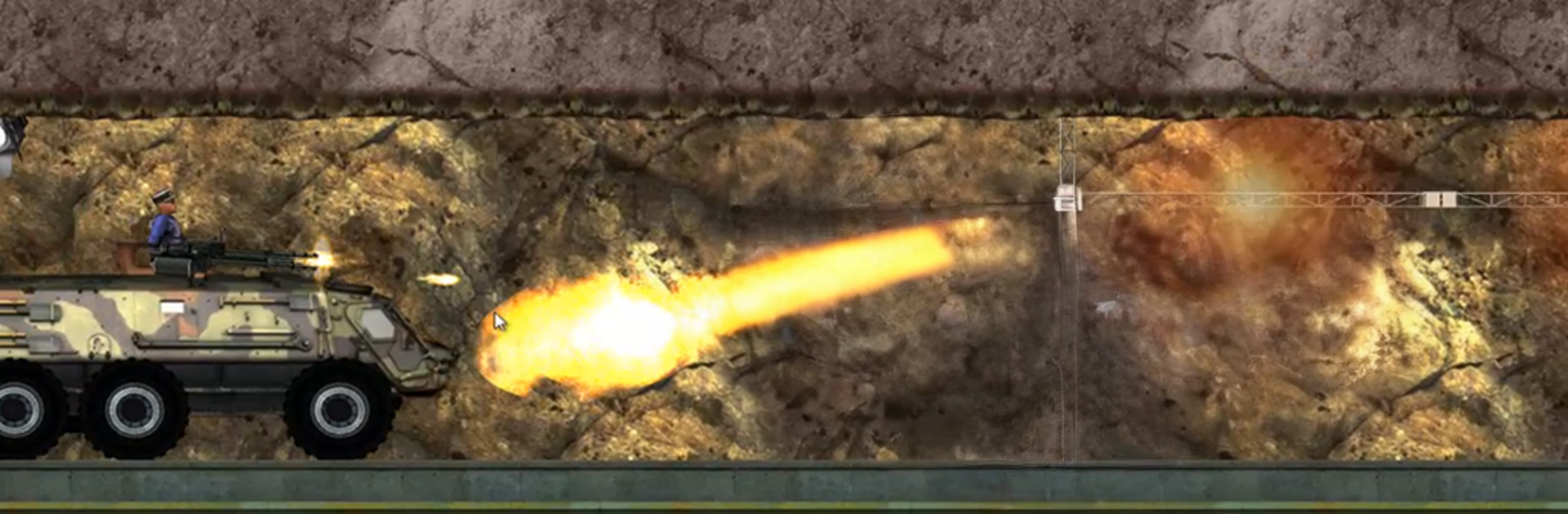
Paris Rex is a side-scrolling smash-everything game where a hungry T-Rex tears through Paris and treats the city like a buffet. Movement is simple left to right, bite and chomp with big, heavy animations, then stomp cars and buses until they flip or explode. The goofy ragdoll people make every grab feel over-the-top, and when the dinosaur gulps a gas canister it spits fire for a bit, so barricades melt and vehicles pop fast. There is no real story or fuss, just short stages that reward wrecking as much as possible. The 2D look is clean and old-school, with a chunky roar and crunch that makes each hit feel loud.

On PC with BlueStacks, keyboard controls or keymapping help a lot with steering and timing jumps, so lining up the bite is easier than tapping on glass. It runs light, starts quick, and does not ask for thinking, which is kind of the point. Finish a street, leave nothing standing, move on. It leans into dark humor and chaos, perfect for a quick break when someone wants instant mayhem without menus or grind. Anyone expecting upgrades, long missions, or deep systems may feel it is shallow, but as a noisy five-minute burst of destruction, it absolutely does the job and keeps the laughs coming.

Start your journey now. Download the game on BlueStacks, invite your friends, and march on a new adventure.


Game Features

Enhancements

  • Macros
  • Multi Instance
  • Multi Instance Sync
  • Script
  • Enhancements
Macros

Macros

Automate the predictable in Paris Rex and transform your gameplay with Macros. Get access to inventive Macros in the BlueStacks Macro Community
Multi Instance

Multi Instance

Play Paris Rex on one window. And chat with your friend on the other. Press CTRL + Shift + 8 to open the Multi-Instance Manager. And start creating fresh instances or clone an existing one.
Multi Instance Sync

Multi Instance Sync

Play Paris Rex with the power of Multi-Instance Sync. Replicate what you are doing on the main instance on all other instances. Level up faster, play more.
Script

Script

Script your way to gaming glory in Paris Rex with BlueStacks Script. Write and run a set of commands to automate repeated tasks. Trigger the command by assigning it to any key.
Read More

How to Download and Play Paris Rex on PC or Mac

  • Download and install BlueStacks on your PC or Mac

  • Complete Google sign-in to access the Play Store, or do it later

  • Look for Paris Rex in the search bar at the top right corner

  • Click to install Paris Rex from the search results

  • Complete Google sign-in (if you skipped step 2) to install Paris Rex

  • Click the Paris Rex icon on the home screen to start playing

video
Watch Video

Minimum System Requirements

With BlueStacks 5, you can get started on a PC that fulfills the following requirements.

  • Operating System

    Microsoft Windows 7 or above, macOS 11 (Big Sur) or above

  • Processor

    Intel, AMD or Apple Silicon Processor

  • RAM

    at least 4GB

  • HDD

    10GB Free Disk Space

Note:

* You must be an Administrator on your PC. Up to date graphics drivers from Microsoft or the chipset vendor.

Paris Rex - FAQs

  • How to play Paris Rex on Windows PC & Mac?

    Play Paris Rex on your PC or Mac by following these simple steps.

    • Click on 'Play Paris Rex on PC’ to download BlueStacks
    • Install it and log-in to Google Play Store
    • Launch and play the game.
  • Why is BlueStacks the fastest and safest platform to play games on PC?

    BlueStacks respects your privacy and is always safe and secure to use. It does not carry any malware, spyware, or any sort of additional software that could harm your PC.

    It is engineered to optimize speed and performance for a seamless gaming experience.

  • What are Paris Rex PC requirements?

    Minimum requirement to run Paris Rex on your PC

    • OS: Microsoft Windows 7 or above MacOS 11 (Big Sur) or above
    • Processor: Intel, AMD or Apple Silicon Processor
    • RAM: Your PC must have at least 4GB of RAM. (Note that having 4GB or more disk space is not a substitute for RAM)
    • HDD: 10GB Free Disk Space.
    • You must be an Administrator on your PC.