
Exclusive Gaming Content. And More.
Get the latest updates on the BlueStacks Blog.
See MorePlay on PC with BlueStacks or from our cloud
Page Modified On: March 03, 2026
Join millions to experience Subnautica: Below Zero, an exciting Adventure game from Unknown Worlds. With BlueStacks App Player, you are always a step ahead of your opponent, ready to outplay them with faster gameplay and better control with the mouse and keyboard on your PC or Mac.
Subnautica: Below Zero is a chilly, story-driven Adventure by Unknown Worlds that takes you to an alien ocean locked in ice. You’ve crash-landed with questions and a purpose: find out what really happened to your sister while staying warm, fed, and one step ahead of whatever lurks in the dark. The sea is massive, the ice is unforgiving, and every new discovery feels both gorgeous and a little dangerous.
A personal mystery
Follow scattered clues, recordings, and wreckage to piece together your sister’s last days and the secrets she was chasing.
Arctic survival with a twist
Balance hunger, oxygen, and now body heat. Craft a proper cold suit, sip something hot, and steal warmth from glowing Thermal Lilies when storms roll in.
Build, gear up, and get clever
Set up modular seabases, scavenge smarter routes for resources, and fabricate tools that make the deep less hostile and a lot more explorable.
Vehicles that change everything
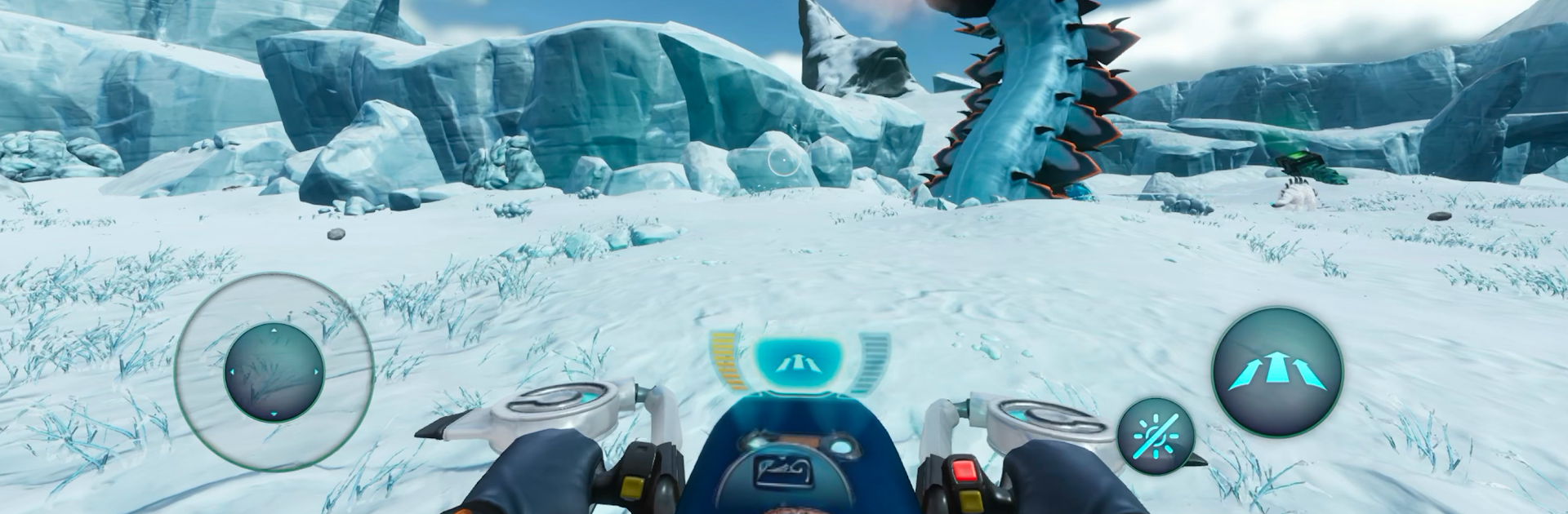
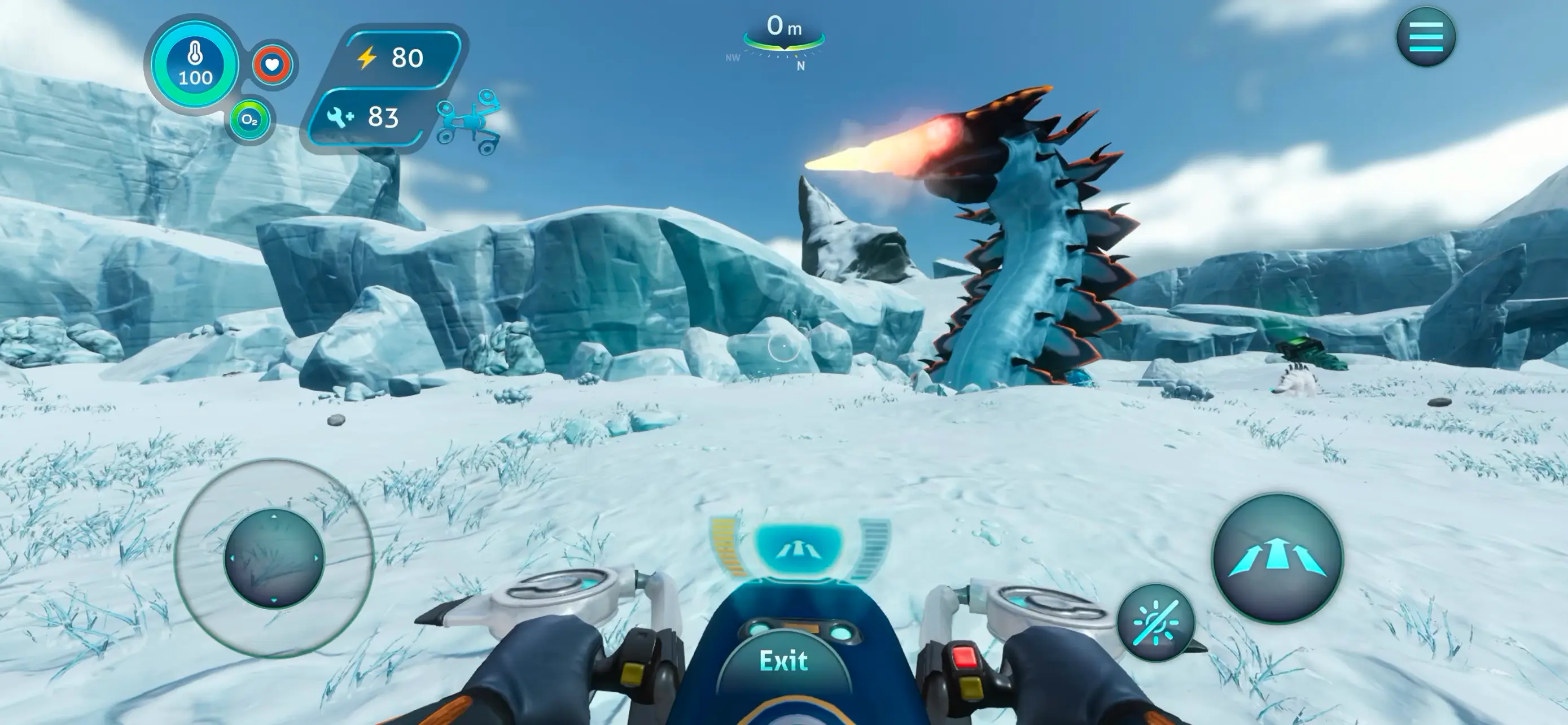
Skim across the snow on the nimble Snowfox hoverbike, then head underwater with a customizable Seatruck built the way you like to travel.
Biomes you won’t forget
Thread through the blue arches of Twisty Bridges, stare up at the glittering Crystal Caverns, squeeze through Glacial Basin ice tunnels, or sneak past rumbling Thermal Vents to find ancient tech.
Wildlife: adorable and alarming
Wave at Pengwings and Titan Holefish, but keep your nerve around creatures like the Shadow Leviathan. Curiosity pays off—recklessness, not so much.
Built for mobile play
A refreshed touch interface, Google Play Games achievements, and cloud saves make it easy to pick up where you left off on any supported Android device—or enjoy it on a bigger screen with BlueStacks.
Make your gaming sessions memorable with precise controls that give you an edge in close combats and visuals that pop up, bringing every character to life.
Automate the predictable in Subnautica: Below Zero and transform your gameplay with Macros. Get access to inventive Macros in the BlueStacks Macro Community
Play Subnautica: Below Zero on one window. And chat with your friend on the other. Press CTRL + Shift + 8 to open the Multi-Instance Manager. And start creating fresh instances or clone an existing one.
Play Subnautica: Below Zero with the power of Multi-Instance Sync. Replicate what you are doing on the main instance on all other instances. Level up faster, play more.
Script your way to gaming glory in Subnautica: Below Zero with BlueStacks Script. Write and run a set of commands to automate repeated tasks. Trigger the command by assigning it to any key.
Download and install BlueStacks on your PC or Mac
Complete Google sign-in to access the Play Store, or do it later
Look for Subnautica: Below Zero in the search bar at the top right corner
Click to install Subnautica: Below Zero from the search results
Complete Google sign-in (if you skipped step 2) to install Subnautica: Below Zero
Click the Subnautica: Below Zero icon on the home screen to start playing
With BlueStacks 5, you can get started on a PC that fulfills the following requirements.
Microsoft Windows 7 or above, macOS 11 (Big Sur) or above
Intel, AMD or Apple Silicon Processor
at least 4GB
10GB Free Disk Space
* You must be an Administrator on your PC. Up to date graphics drivers from Microsoft or the chipset vendor.

Leave your email and we will notify
you when the game launches
Play Subnautica: Below Zero on your PC or Mac by following these simple steps.
BlueStacks respects your privacy and is always safe and secure to use. It does not carry any malware, spyware, or any sort of additional software that could harm your PC.
It is engineered to optimize speed and performance for a seamless gaming experience.
Minimum requirement to run Subnautica: Below Zero on your PC

Since you are on your phone, we are going to send you to the Google Play page.
In some cases BlueStacks uses affiliate links when linking to Google Play
BlueStacks 4 is not available on Windows XP. You must have Windows 7 or higher. Windows 10 is recommended.