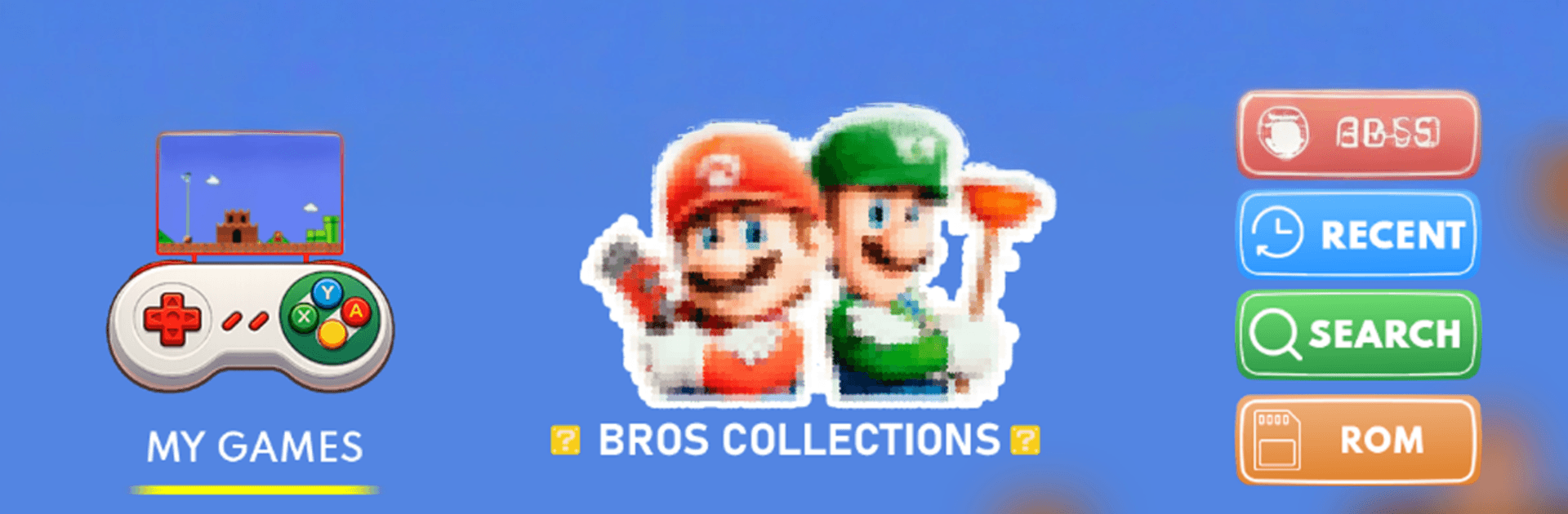
Super Bros Emulator - Retro

Super Bros Emulator - Retro

Adventure

| FireLeaf Studio

Play on PC with BlueStacks or from our cloud

  • Overview
  • Game Features
  • How to Play

Page Modified On: April 07, 2026

Play Super Bros Emulator - Retro on PC or Mac

Bring your A-game to Super Bros Emulator – Retro, the Adventure game sensation from FireLeaf Studio. Give your gameplay the much-needed boost with precise game controls, high FPS graphics, and top-tier features on your PC or Mac with BlueStacks.

About the Game

Super Bros Emulator – Retro from FireLeaf Studio is a clean, no-fuss way to play the classic games you already own, wherever you are. It’s built for people who’ve kept their cartridges, discs, and backups and want a smooth, modern way to enjoy them again. Prefer a larger screen? You can run it on your PC through BlueStacks without changing how you play. (Genre: Adventure)

Game Features

  • Multi-system support — Play across a wide range of classics, from NES and SNES to GBC, GBA, N64, NDS, PSX, and PSP. One app handles the heavy lifting so you don’t have to juggle different tools.
  • Clean, customizable controls — Tweak on-screen buttons to fit your thumbs, or connect an external game controller for that familiar feel. Map things how you like and get comfy fast.
  • Quick saves, anytime — Save and load your progress at any moment, whether you’re between boss attempts or pausing mid-level. No more hunting for in-game save points.
  • Your library, organized — Build a personal game list and keep everything tidy. Browse and launch straight from your device’s storage so your favorites are always within reach.
  • SD card and internal storage — Point the app to your files on internal memory or an SD card. It finds your backups and gets you playing in seconds.
  • Broad file compatibility — Works with a variety of backup formats, so your collection just… works.
  • Smooth performance focus — Designed for steady gameplay and responsive inputs, keeping the action feeling true to the originals.
  • Play your own backups only — No games are bundled. You supply legally obtained copies, for personal use with titles you own. It’s an independent emulation tool, not affiliated with any brand or developer, and you’re responsible for following local laws.

Start your journey now. Download the game on BlueStacks, invite your friends, and march on a new adventure.


Game Features

Enhancements

  • Macros
  • Multi Instance
  • Multi Instance Sync
  • Script
  • Enhancements
Macros

Macros

Automate the predictable in Super Bros Emulator - Retro and transform your gameplay with Macros. Get access to inventive Macros in the BlueStacks Macro Community
Multi Instance

Multi Instance

Play Super Bros Emulator - Retro on one window. And chat with your friend on the other. Press CTRL + Shift + 8 to open the Multi-Instance Manager. And start creating fresh instances or clone an existing one.
Multi Instance Sync

Multi Instance Sync

Play Super Bros Emulator - Retro with the power of Multi-Instance Sync. Replicate what you are doing on the main instance on all other instances. Level up faster, play more.
Script

Script

Script your way to gaming glory in Super Bros Emulator - Retro with BlueStacks Script. Write and run a set of commands to automate repeated tasks. Trigger the command by assigning it to any key.
Read More

How to Download and Play Super Bros Emulator - Retro on PC or Mac

  • Download and install BlueStacks on your PC or Mac

  • Complete Google sign-in to access the Play Store, or do it later

  • Look for Super Bros Emulator - Retro in the search bar at the top right corner

  • Click to install Super Bros Emulator - Retro from the search results

  • Complete Google sign-in (if you skipped step 2) to install Super Bros Emulator - Retro

  • Click the Super Bros Emulator - Retro icon on the home screen to start playing

video
Watch Video

Minimum System Requirements

With BlueStacks 5, you can get started on a PC that fulfills the following requirements.

  • Operating System

    Microsoft Windows 7 or above, macOS 11 (Big Sur) or above

  • Processor

    Intel, AMD or Apple Silicon Processor

  • RAM

    at least 4GB

  • HDD

    10GB Free Disk Space

Note:

* You must be an Administrator on your PC. Up to date graphics drivers from Microsoft or the chipset vendor.

Super Bros Emulator - Retro - FAQs

  • How to play Super Bros Emulator - Retro on Windows PC & Mac?

    Play Super Bros Emulator - Retro on your PC or Mac by following these simple steps.

    • Click on 'Play Super Bros Emulator - Retro on PC’ to download BlueStacks
    • Install it and log-in to Google Play Store
    • Launch and play the game.
  • Why is BlueStacks the fastest and safest platform to play games on PC?

    BlueStacks respects your privacy and is always safe and secure to use. It does not carry any malware, spyware, or any sort of additional software that could harm your PC.

    It is engineered to optimize speed and performance for a seamless gaming experience.

  • What are Super Bros Emulator - Retro PC requirements?

    Minimum requirement to run Super Bros Emulator - Retro on your PC

    • OS: Microsoft Windows 7 or above MacOS 11 (Big Sur) or above
    • Processor: Intel, AMD or Apple Silicon Processor
    • RAM: Your PC must have at least 4GB of RAM. (Note that having 4GB or more disk space is not a substitute for RAM)
    • HDD: 10GB Free Disk Space.
    • You must be an Administrator on your PC.