Welldiver
Welldiver

Welldiver

Adventure

| LoadComplete

Play on PC with BlueStacks or from our cloud

  • Overview
  • Game Features
  • How to Play

Page Modified On: August 31, 2026

Play Welldiver on PC or Mac

Explore a whole new adventure with Welldiver, a Adventure game created by LoadComplete. Experience great gameplay with BlueStacks, the most popular gaming platform to play Android games on your PC or Mac.

About the Game

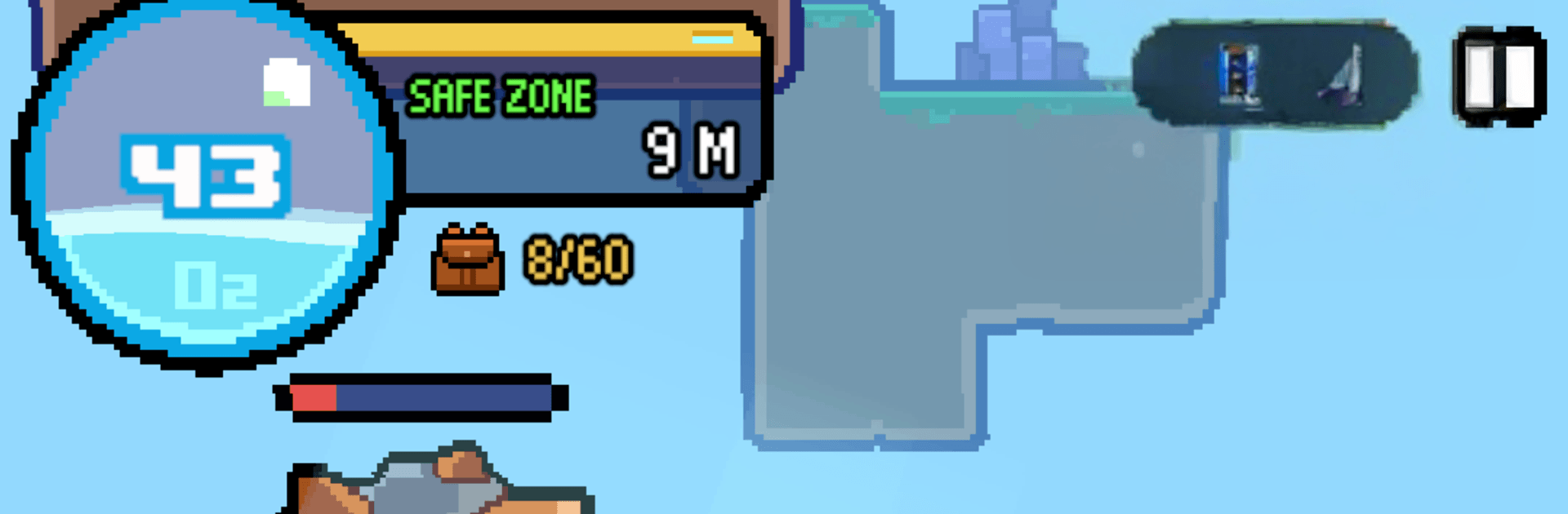
Welldiver is an Adventure that throws you into the wide blue and the pitch-black below, where rare minerals and strange fish wait in the dark. Each run is a push-your-luck expedition: grab what you can, manage the crushing pressure, and make it back to the surface in one piece. Prefer a bigger view and steady controls? You can play on PC with BlueStacks without changing how the game feels.

Game Features

  • Go deeper, find rarer stuff: The farther you descend, the more valuable the fish and minerals become—along with tougher hazards and trickier terrain.
  • Risk that actually matters: Haul a fortune or lose it all if you can’t reach the surface; every decision underwater carries real consequences.
  • Tools built for the job: From simple nets to specialized capture gear, swap equipment to handle nimble swimmers, armored lurkers, and hulking deep-sea beasts.
  • Research that changes your route: Unlock tech to harden your suit, expand your options, and open paths into perilous zones you couldn’t reach before.
  • Upgrades fueled by your catch: Sell what you’ve collected to boost strength, improve gear, and push your limits run after run.
  • A living bestiary: Track everything—from tiny, bright-eyed curios to colossal, shadowy giants—and watch your fish collection fill out piece by piece.
  • Pressure is the real enemy: The abyss doesn’t just look scary; it crushes, slows, and tests your nerve, so plan your descent and your escape.
  • Bring it back or it doesn’t count: Only what you successfully surface with becomes yours, making every return trip a breath-holding finish.

Get ready for a buttery smooth, high-performance gaming action only on BlueStacks.

Game Features

Enhancements

  • Macros
  • Multi Instance
  • Multi Instance Sync
  • Script
  • Enhancements
Macros

Macros

Automate the predictable in Welldiver and transform your gameplay with Macros. Get access to inventive Macros in the BlueStacks Macro Community
Multi Instance

Multi Instance

Play Welldiver on one window. And chat with your friend on the other. Press CTRL + Shift + 8 to open the Multi-Instance Manager. And start creating fresh instances or clone an existing one.
Multi Instance Sync

Multi Instance Sync

Play Welldiver with the power of Multi-Instance Sync. Replicate what you are doing on the main instance on all other instances. Level up faster, play more.
Script

Script

Script your way to gaming glory in Welldiver with BlueStacks Script. Write and run a set of commands to automate repeated tasks. Trigger the command by assigning it to any key.
Read More

How to Download and Play Welldiver on PC or Mac

  • Download and install BlueStacks on your PC or Mac

  • Complete Google sign-in to access the Play Store, or do it later

  • Look for Welldiver in the search bar at the top right corner

  • Click to install Welldiver from the search results

  • Complete Google sign-in (if you skipped step 2) to install Welldiver

  • Click the Welldiver icon on the home screen to start playing

video
Watch Video

Minimum System Requirements

With BlueStacks 5, you can get started on a PC that fulfills the following requirements.

  • Operating System

    Microsoft Windows 7 or above, macOS 11 (Big Sur) or above

  • Processor

    Intel, AMD or Apple Silicon Processor

  • RAM

    at least 4GB

  • HDD

    10GB Free Disk Space

Note:

* You must be an Administrator on your PC. Up to date graphics drivers from Microsoft or the chipset vendor.

Welldiver - FAQs

  • How to play Welldiver on Windows PC & Mac?

    Play Welldiver on your PC or Mac by following these simple steps.

    • Click on 'Play Welldiver on PC’ to download BlueStacks
    • Install it and log-in to Google Play Store
    • Launch and play the game.
  • Why is BlueStacks the fastest and safest platform to play games on PC?

    BlueStacks respects your privacy and is always safe and secure to use. It does not carry any malware, spyware, or any sort of additional software that could harm your PC.

    It is engineered to optimize speed and performance for a seamless gaming experience.

  • What are Welldiver PC requirements?

    Minimum requirement to run Welldiver on your PC

    • OS: Microsoft Windows 7 or above MacOS 11 (Big Sur) or above
    • Processor: Intel, AMD or Apple Silicon Processor
    • RAM: Your PC must have at least 4GB of RAM. (Note that having 4GB or more disk space is not a substitute for RAM)
    • HDD: 10GB Free Disk Space.
    • You must be an Administrator on your PC.