120hz mini games offline

120hz mini games offline

Arcade

| LonelyWolf

Play on PC with BlueStacks or from our cloud

  • Overview
  • Game Features
  • How to Play

Page Modified On: June 13, 2025

Play 120hz mini games offline on PC or Mac

Explore a whole new adventure with 120hz mini games offline, a Arcade game created by LonelyWolf. Experience great gameplay with BlueStacks, the most popular gaming platform to play Android games on your PC or Mac.

About the Game

If you’re into quick, addictive fun, 120hz mini games offline by LonelyWolf is made for you. This arcade-style collection is packed with mini games you can jump into anytime—totally without needing an internet connection. Whether your phone is the latest model with a silky smooth 120Hz display or a trusty old 60Hz device, you’re good to go. Expect crisp visuals and fast-paced action that feels satisfying on any screen, and honestly, it’s just cool to have a game that actually takes full advantage of your phone’s high refresh rate.

Game Features

  • Optimized for High Refresh Rate Screens
    Got a smartphone with a 90Hz, 120Hz, or even higher display? These mini games are built to look buttery smooth and super reactive, letting those high-frame-rate phones really show off. Still using 60Hz? The game plays great there, too.

  • Fully Offline
    No Wi-Fi? No mobile data? No problem. You can play anywhere, anytime, completely offline—and not worry about lag or connectivity.

  • Super Light on Storage
    Worried about running out of space? 120hz mini games offline barely takes up any room, so even older or budget phones won’t break a sweat installing it.

  • Works on Any Android Phone
    Whether you’re on a cutting-edge device or something a few years old, you won’t miss out. The game’s designed to run smoothly no matter what hardware you’ve got.

  • Low Power, Fast Action
    You won’t see your battery or RAM suddenly disappear while playing. The games are simple enough to be undemanding, but fast-paced enough to keep you coming back.

  • Lots of Mini Game Variety
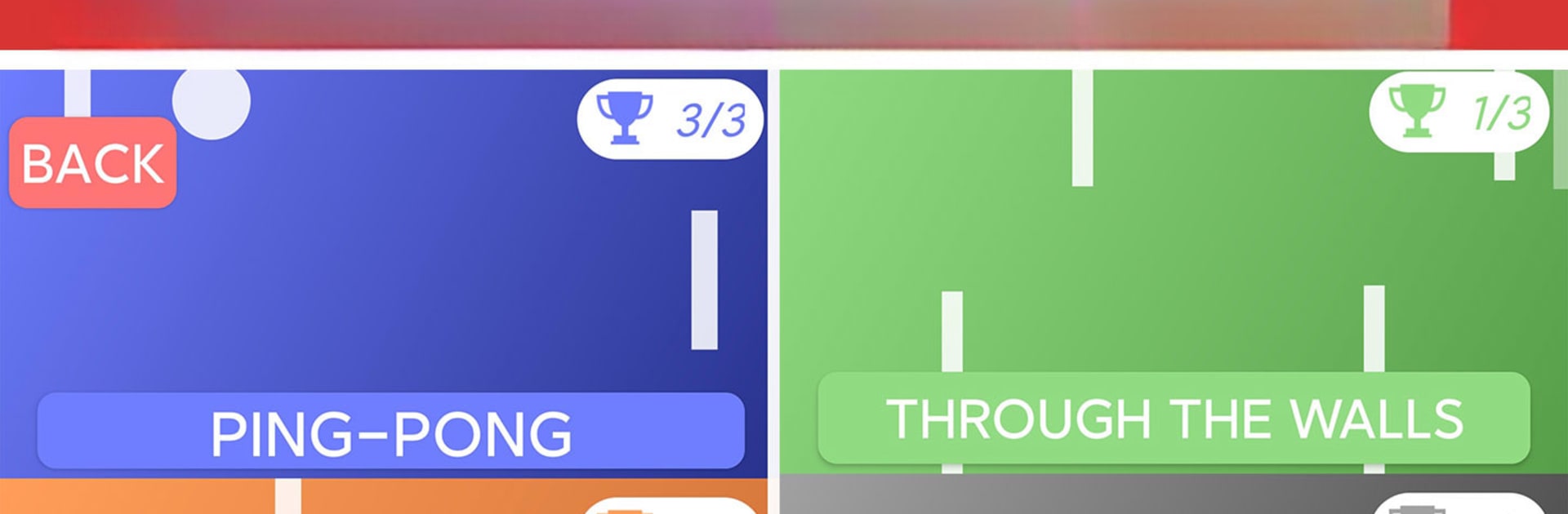
    There’s a little something for everyone, all packaged up in bite-sized rounds that never get stale. Arcade challenges, quick puzzles, and more—all ready to fill a spare minute or two.

  • Easy on Your Processor
    Unlike some high-frame-rate titles, this collection is designed to be efficient. You’ll get that smooth 120Hz thrill without frying your phone’s CPU.

  • Nice on Big and Small Screens
    Whether you’re gaming on a giant foldable or a compact device, the visuals adjust perfectly. And yep, it pops on BlueStacks for those who want to see every frame on a bigger display.

  • Totally Free, No Strings Attached
    Yep, that’s it—just download and play, with no sneaky catches.

  • Developer Is Super Open to Suggestions
    Got ideas for new mini games? You might actually see them in future updates—the developer loves hearing from players.

This one’s all about fast fun without fuss, wherever you happen to be.

Get ready for a buttery smooth, high-performance gaming action only on BlueStacks.

Game Features

Enhancements

  • Macros
  • Multi Instance
  • Multi Instance Sync
  • Script
  • Enhancements
Macros

Macros

Automate the predictable in 120hz mini games offline and transform your gameplay with Macros. Get access to inventive Macros in the BlueStacks Macro Community
Multi Instance

Multi Instance

Play 120hz mini games offline on one window. And chat with your friend on the other. Press CTRL + Shift + 8 to open the Multi-Instance Manager. And start creating fresh instances or clone an existing one.
Multi Instance Sync

Multi Instance Sync

Play 120hz mini games offline with the power of Multi-Instance Sync. Replicate what you are doing on the main instance on all other instances. Level up faster, play more.
Script

Script

Script your way to gaming glory in 120hz mini games offline with BlueStacks Script. Write and run a set of commands to automate repeated tasks. Trigger the command by assigning it to any key.
Read More

How to Download and Play 120hz mini games offline on PC or Mac

  • Download and install BlueStacks on your PC or Mac

  • Complete Google sign-in to access the Play Store, or do it later

  • Look for 120hz mini games offline in the search bar at the top right corner

  • Click to install 120hz mini games offline from the search results

  • Complete Google sign-in (if you skipped step 2) to install 120hz mini games offline

  • Click the 120hz mini games offline icon on the home screen to start playing

video
Watch Video

Minimum System Requirements

With BlueStacks 5, you can get started on a PC that fulfills the following requirements.

  • Operating System

    Microsoft Windows 7 or above, macOS 11 (Big Sur) or above

  • Processor

    Intel, AMD or Apple Silicon Processor

  • RAM

    at least 4GB

  • HDD

    10GB Free Disk Space

Note:

* You must be an Administrator on your PC. Up to date graphics drivers from Microsoft or the chipset vendor.

120hz mini games offline - FAQs

  • How to play 120hz mini games offline on Windows PC & Mac?

    Play 120hz mini games offline on your PC or Mac by following these simple steps.

    • Click on 'Play 120hz mini games offline on PC’ to download BlueStacks
    • Install it and log-in to Google Play Store
    • Launch and play the game.
  • Why is BlueStacks the fastest and safest platform to play games on PC?

    BlueStacks respects your privacy and is always safe and secure to use. It does not carry any malware, spyware, or any sort of additional software that could harm your PC.

    It is engineered to optimize speed and performance for a seamless gaming experience.

  • What are 120hz mini games offline PC requirements?

    Minimum requirement to run 120hz mini games offline on your PC

    • OS: Microsoft Windows 7 or above MacOS 11 (Big Sur) or above
    • Processor: Intel, AMD or Apple Silicon Processor
    • RAM: Your PC must have at least 4GB of RAM. (Note that having 4GB or more disk space is not a substitute for RAM)
    • HDD: 10GB Free Disk Space.
    • You must be an Administrator on your PC.