Minecraft: Dream it, Build it!

Minecraft: Dream it, Build it!

Arcade

| Mojang

BlueStacks Verified

Play on PC with BlueStacks or from our cloud

  • Overview
  • Tips & Tricks
  • Game Features
  • How to Play

Page Modified On: April 07, 2026

Play Minecraft: Dream it, Build it! on PC or Mac

Bring your A-game to Minecraft: Dream it, Build it!, the Arcade game sensation from Mojang. Give your gameplay the much-needed boost with precise game controls, high FPS graphics, and top-tier features on your PC or Mac with BlueStacks.

About the Game

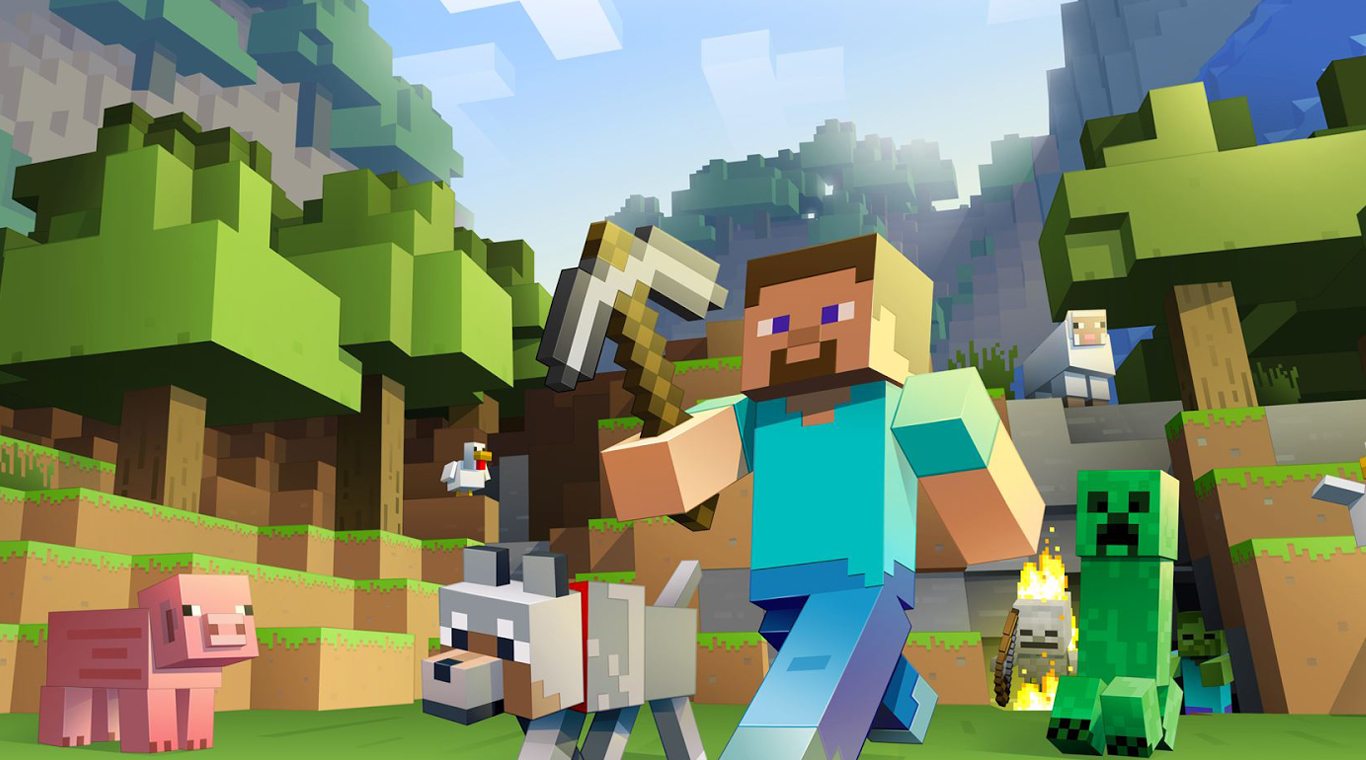
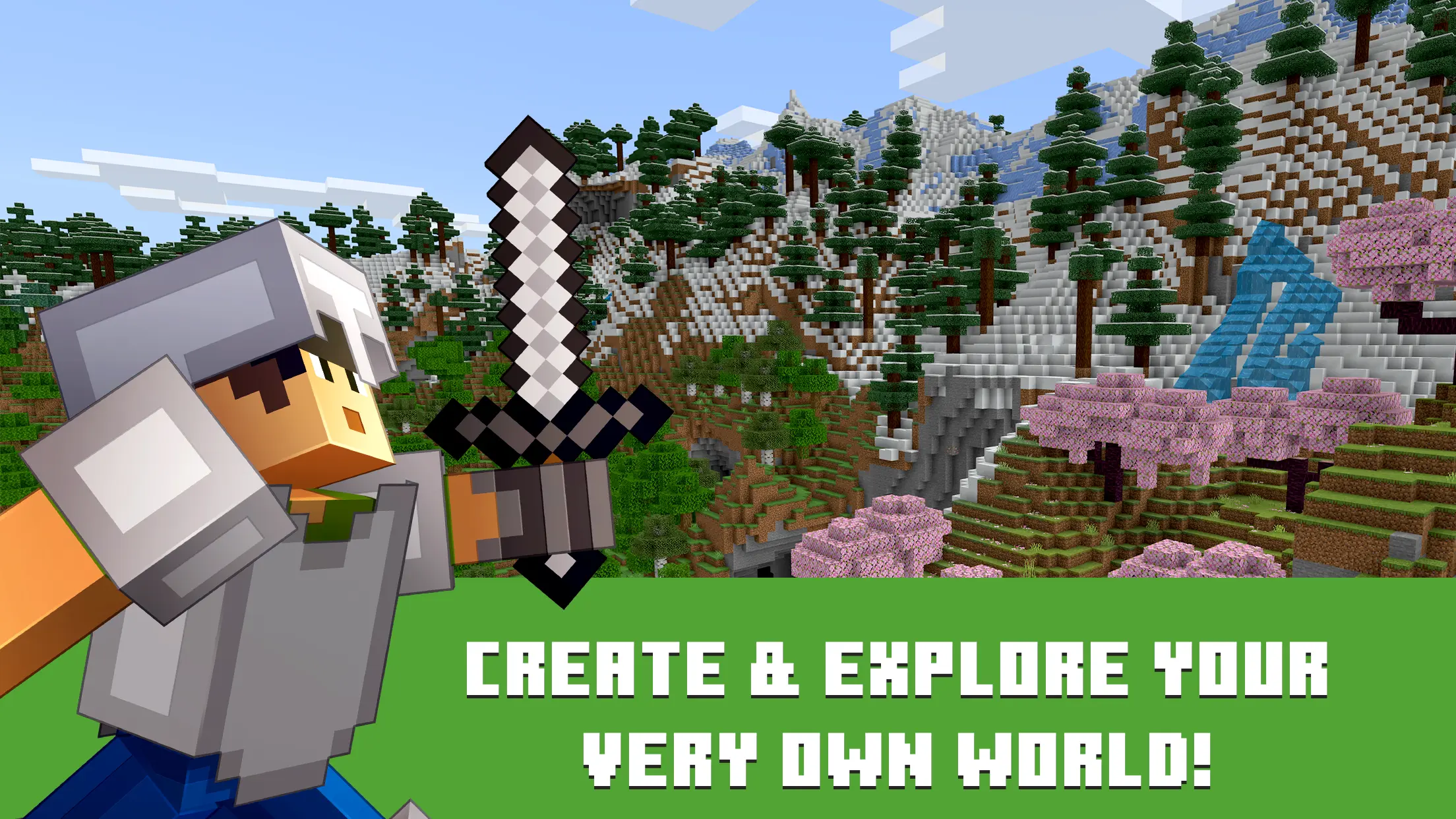
Minecraft: Dream it, Build it! is a big, friendly sandbox where imagination meets survival. This Arcade take from Mojang lets you shape the world block by block, gather resources, and see what your ideas are made of when the sun goes down. Build alone or team up with friends—your pace, your rules. Prefer a keyboard and mouse? You can also play on BlueStacks.

Game Features

  • Creative Mode: Unlimited blocks and tools so you can sketch, test, and finish wild builds without worrying about resources.
  • Survival Mode: Forage, craft, and face the night as you defend your base from things that really don’t like visitors.
  • Build Anything: From a tiny cabin and cozy farm to sprawling cities and underground rail lines—if you can picture it, you can stack it.
  • Explore New Biomes: Trek through forests, deserts, snowy peaks, and deep caves packed with secrets, rare ores, and unexpected critters.
  • Play With Friends: Jump into shared worlds, host private sessions, or hop onto community servers to collaborate or compete.
  • Cross-Platform Play: Keep your progress and play together across devices so your crew can join from wherever they are.
  • Community Servers & Mini-Games: Parkour courses, PvP arenas, creative hubs—discover player-made modes that feel like entirely new games.
  • Commands & Tweaks: Change the weather, set the time, spawn mobs, or fine-tune rules to craft your perfect gameplay vibe.
  • Add-Ons & Creator Content: Install skins, behavior packs, and custom worlds to mix up the look, feel, and challenge of your world.
  • Build, Automate, Repeat: Mine rare materials, craft better gear, and experiment with contraptions that make big projects easier.

Slay your opponents with your epic moves. Play it your way on BlueStacks and dominate the battlefield.
Game Features

Enhancements

  • Macros
  • Multi Instance
  • Multi Instance Sync
  • Script
  • Enhancements
Macros

Macros

Automate the predictable in Minecraft: Dream it, Build it! and transform your gameplay with Macros. Get access to inventive Macros in the BlueStacks Macro Community
Multi Instance

Multi Instance

Play Minecraft: Dream it, Build it! on one window. And chat with your friend on the other. Press CTRL + Shift + 8 to open the Multi-Instance Manager. And start creating fresh instances or clone an existing one.
Multi Instance Sync

Multi Instance Sync

Play Minecraft: Dream it, Build it! with the power of Multi-Instance Sync. Replicate what you are doing on the main instance on all other instances. Level up faster, play more.
Script

Script

Script your way to gaming glory in Minecraft: Dream it, Build it! with BlueStacks Script. Write and run a set of commands to automate repeated tasks. Trigger the command by assigning it to any key.
Read More

How to Download and Play Minecraft: Dream it, Build it! on PC or Mac

  • Download and install BlueStacks on your PC or Mac

  • Complete Google sign-in to access the Play Store, or do it later

  • Look for Minecraft: Dream it, Build it! in the search bar at the top right corner

  • Click to install Minecraft: Dream it, Build it! from the search results

  • Complete Google sign-in (if you skipped step 2) to install Minecraft: Dream it, Build it!

  • Click the Minecraft: Dream it, Build it! icon on the home screen to start playing

video
Watch Video

Minimum System Requirements

With BlueStacks 5, you can get started on a PC that fulfills the following requirements.

  • Operating System

    Microsoft Windows 7 or above, macOS 11 (Big Sur) or above

  • Processor

    Intel, AMD or Apple Silicon Processor

  • RAM

    at least 4GB

  • HDD

    10GB Free Disk Space

Note:

* You must be an Administrator on your PC. Up to date graphics drivers from Microsoft or the chipset vendor.

Minecraft: Dream it, Build it! - FAQs

  • How to play Minecraft: Dream it, Build it! on Windows PC & Mac?

    Play Minecraft: Dream it, Build it! on your PC or Mac by following these simple steps.

    • Click on 'Play Minecraft: Dream it, Build it! on PC’ to download BlueStacks
    • Install it and log-in to Google Play Store
    • Launch and play the game.
  • Why is BlueStacks the fastest and safest platform to play games on PC?

    BlueStacks respects your privacy and is always safe and secure to use. It does not carry any malware, spyware, or any sort of additional software that could harm your PC.

    It is engineered to optimize speed and performance for a seamless gaming experience.

  • What are Minecraft: Dream it, Build it! PC requirements?

    Minimum requirement to run Minecraft: Dream it, Build it! on your PC

    • OS: Microsoft Windows 7 or above MacOS 11 (Big Sur) or above
    • Processor: Intel, AMD or Apple Silicon Processor
    • RAM: Your PC must have at least 4GB of RAM. (Note that having 4GB or more disk space is not a substitute for RAM)
    • HDD: 10GB Free Disk Space.
    • You must be an Administrator on your PC.