Anime TCG Merge Battle

Anime TCG Merge Battle

Card

| Gung Park

Play on PC with BlueStacks or from our cloud

  • Overview
  • Game Features
  • How to Play

Page Modified On: May 18, 2026

Play Anime TCG Merge Battle on PC or Mac

From the innovators and creators at Gung Park, Anime TCG Merge Battle is another fun addition to the World of Card games. Go beyond your mobile screen and play it bigger and better on your PC or Mac. An immersive experience awaits you.

About the Game

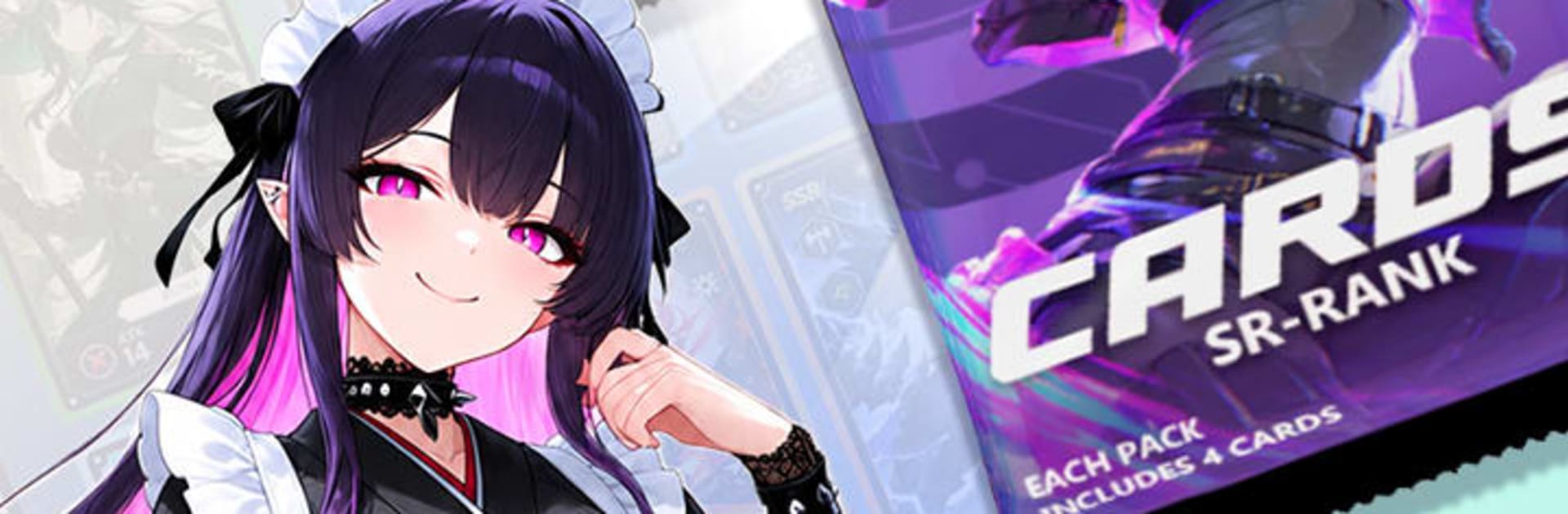
Anime TCG Merge Battle from Gung Park is a fast, tactical Card game where smart fusions and bold plays decide every match. You’ll collect a lineup of anime-inspired cards, merge duplicates to unlock bigger power spikes, and send your best squad through story chapters, dungeon trials, and competitive ranks. Prefer playing on a bigger screen? It works nicely on PC with BlueStacks, too.

Game Features

  • Card Collection: Build a growing roster of anime-style heroes and monsters, each ready to slot into different team strategies.
  • Merge Mechanics: Fuse matching cards to push their stats higher and uncover stronger combos that can swing tight battles.
  • Strategic Team-Building: Mix roles, balance offense and defense, and tweak your lineup to counter tricky enemies or boss patterns.
  • Campaign Mode: Tackle a sequence of chapters with escalating encounters that test both your deck and your decision-making.
  • Dungeon Challenges: Take on tougher, multi-stage fights for better rewards and materials to strengthen your favorites.
  • Ranked Competition: Enter the ladder, face real opponents, and see how your setup stacks up against the meta.
  • Gacha Summons: Pull for fresh cards, chase rares, and discover new synergies that open up different playstyles.
  • Upgrades & Star Ranks: Raise levels, increase star ranks, and turn promising units into true cornerstones of your team.
  • Quick Mini Games: Hop into bite-size side modes to grab extra resources and break up longer sessions.

Start your journey now. Download the game on BlueStacks, invite your friends, and march on a new adventure.


Game Features

Enhancements

  • Macros
  • Multi Instance
  • Multi Instance Sync
  • Script
  • Enhancements
Macros

Macros

Automate the predictable in Anime TCG Merge Battle and transform your gameplay with Macros. Get access to inventive Macros in the BlueStacks Macro Community
Multi Instance

Multi Instance

Play Anime TCG Merge Battle on one window. And chat with your friend on the other. Press CTRL + Shift + 8 to open the Multi-Instance Manager. And start creating fresh instances or clone an existing one.
Multi Instance Sync

Multi Instance Sync

Play Anime TCG Merge Battle with the power of Multi-Instance Sync. Replicate what you are doing on the main instance on all other instances. Level up faster, play more.
Script

Script

Script your way to gaming glory in Anime TCG Merge Battle with BlueStacks Script. Write and run a set of commands to automate repeated tasks. Trigger the command by assigning it to any key.
Read More

How to Download and Play Anime TCG Merge Battle on PC or Mac

  • Download and install BlueStacks on your PC or Mac

  • Complete Google sign-in to access the Play Store, or do it later

  • Look for Anime TCG Merge Battle in the search bar at the top right corner

  • Click to install Anime TCG Merge Battle from the search results

  • Complete Google sign-in (if you skipped step 2) to install Anime TCG Merge Battle

  • Click the Anime TCG Merge Battle icon on the home screen to start playing

video
Watch Video

Minimum System Requirements

With BlueStacks 5, you can get started on a PC that fulfills the following requirements.

  • Operating System

    Microsoft Windows 7 or above, macOS 11 (Big Sur) or above

  • Processor

    Intel, AMD or Apple Silicon Processor

  • RAM

    at least 4GB

  • HDD

    10GB Free Disk Space

Note:

* You must be an Administrator on your PC. Up to date graphics drivers from Microsoft or the chipset vendor.

Anime TCG Merge Battle - FAQs

  • How to play Anime TCG Merge Battle on Windows PC & Mac?

    Play Anime TCG Merge Battle on your PC or Mac by following these simple steps.

    • Click on 'Play Anime TCG Merge Battle on PC’ to download BlueStacks
    • Install it and log-in to Google Play Store
    • Launch and play the game.
  • Why is BlueStacks the fastest and safest platform to play games on PC?

    BlueStacks respects your privacy and is always safe and secure to use. It does not carry any malware, spyware, or any sort of additional software that could harm your PC.

    It is engineered to optimize speed and performance for a seamless gaming experience.

  • What are Anime TCG Merge Battle PC requirements?

    Minimum requirement to run Anime TCG Merge Battle on your PC

    • OS: Microsoft Windows 7 or above MacOS 11 (Big Sur) or above
    • Processor: Intel, AMD or Apple Silicon Processor
    • RAM: Your PC must have at least 4GB of RAM. (Note that having 4GB or more disk space is not a substitute for RAM)
    • HDD: 10GB Free Disk Space.
    • You must be an Administrator on your PC.