Gin Rummy Blyts
Gin Rummy Blyts

Gin Rummy Blyts

Card

| Blyts

Play on PC with BlueStacks or from our cloud

  • Overview
  • Game Features
  • How to Play

Page Modified On: December 08, 2025

Play Gin Rummy Blyts on PC or Mac

Gin Rummy Blyts brings the Card genre to life, and throws up exciting challenges for gamers. Developed by Blyts, this Android game is best experienced on BlueStacks, the World’s #1 app player for PC and Mac users.

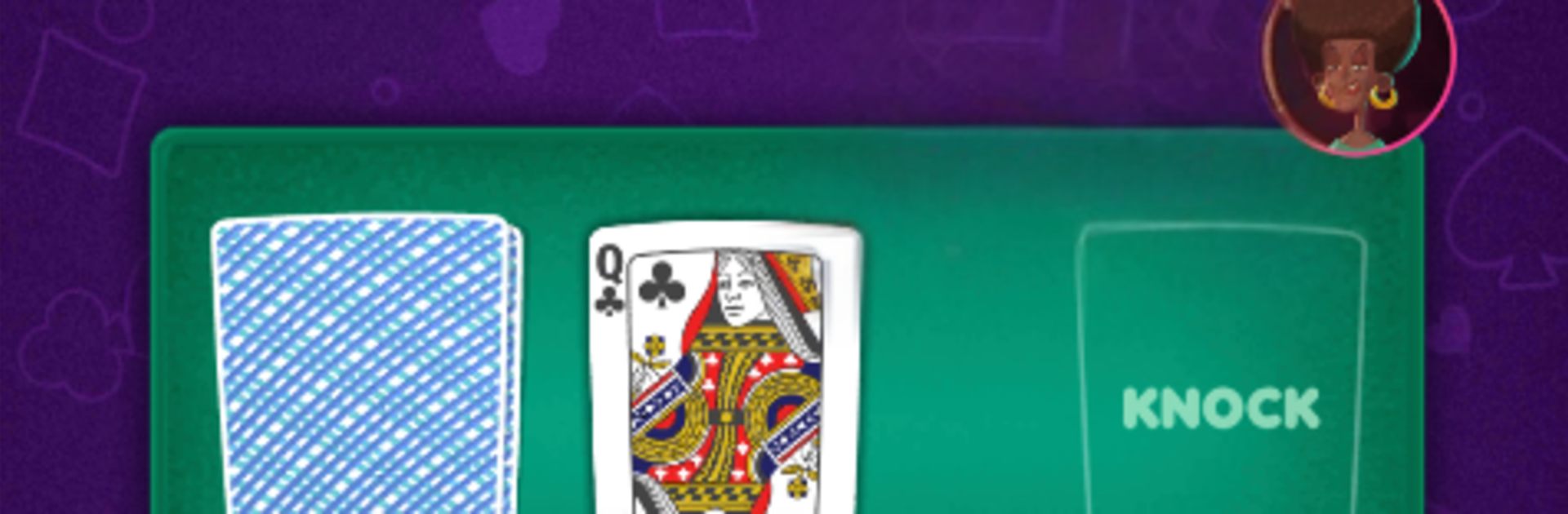
Gin Rummy Blyts takes the classic rules everyone knows and gives it a playful, slightly cheeky style. Rounds feel quick and clean, with smooth card sorting, clear sets and runs, and that little rush when a knock lands just right. The presentation is colorful without being noisy, and the game keeps score and deadwood in a way that makes planning the next discard easy to read. It has that good balance where a match can fit in a short break, yet there is enough strategy to chew on, counting what the opponent might be building and baiting a risky draw.

There is a full online scene with ranks, so someone who likes chasing better opponents will not run out of competition. Offline works too, the AI is not a pushover and will punish sloppy discards. A single player map gives a sense of progression, each stop tossing in small twists or surprises to keep hands from feeling samey. The achievement list goes beyond the usual, pushing odd challenges like trying for a full ten card run, which sounds silly until it actually lines up. Multiplayer has chat, custom avatars, and silly emotes if someone wants to groan about a rotten deal or celebrate a clean gin. On PC with BlueStacks, the bigger screen and a mouse make hand management simple, and it is easier to track what has been thrown without squinting. It suits anyone who enjoys fast, thoughtful card games where reads and patience matter more than luck over a set of hands.

Ready to top the leaderboard? We bet you do. Let precise controls and sharp visuals optimized on BlueStacks lead you to victory.


Game Features

Enhancements

  • Macros
  • Multi Instance
  • Multi Instance Sync
  • Script
  • Enhancements
Macros

Macros

Automate the predictable in Gin Rummy Blyts and transform your gameplay with Macros. Get access to inventive Macros in the BlueStacks Macro Community
Multi Instance

Multi Instance

Play Gin Rummy Blyts on one window. And chat with your friend on the other. Press CTRL + Shift + 8 to open the Multi-Instance Manager. And start creating fresh instances or clone an existing one.
Multi Instance Sync

Multi Instance Sync

Play Gin Rummy Blyts with the power of Multi-Instance Sync. Replicate what you are doing on the main instance on all other instances. Level up faster, play more.
Script

Script

Script your way to gaming glory in Gin Rummy Blyts with BlueStacks Script. Write and run a set of commands to automate repeated tasks. Trigger the command by assigning it to any key.
Read More

How to Download and Play Gin Rummy Blyts on PC or Mac

  • Download and install BlueStacks on your PC or Mac

  • Complete Google sign-in to access the Play Store, or do it later

  • Look for Gin Rummy Blyts in the search bar at the top right corner

  • Click to install Gin Rummy Blyts from the search results

  • Complete Google sign-in (if you skipped step 2) to install Gin Rummy Blyts

  • Click the Gin Rummy Blyts icon on the home screen to start playing

video
Watch Video

Minimum System Requirements

With BlueStacks 5, you can get started on a PC that fulfills the following requirements.

  • Operating System

    Microsoft Windows 7 or above, macOS 11 (Big Sur) or above

  • Processor

    Intel, AMD or Apple Silicon Processor

  • RAM

    at least 4GB

  • HDD

    10GB Free Disk Space

Note:

* You must be an Administrator on your PC. Up to date graphics drivers from Microsoft or the chipset vendor.

Gin Rummy Blyts - FAQs

  • How to play Gin Rummy Blyts on Windows PC & Mac?

    Play Gin Rummy Blyts on your PC or Mac by following these simple steps.

    • Click on 'Play Gin Rummy Blyts on PC’ to download BlueStacks
    • Install it and log-in to Google Play Store
    • Launch and play the game.
  • Why is BlueStacks the fastest and safest platform to play games on PC?

    BlueStacks respects your privacy and is always safe and secure to use. It does not carry any malware, spyware, or any sort of additional software that could harm your PC.

    It is engineered to optimize speed and performance for a seamless gaming experience.

  • What are Gin Rummy Blyts PC requirements?

    Minimum requirement to run Gin Rummy Blyts on your PC

    • OS: Microsoft Windows 7 or above MacOS 11 (Big Sur) or above
    • Processor: Intel, AMD or Apple Silicon Processor
    • RAM: Your PC must have at least 4GB of RAM. (Note that having 4GB or more disk space is not a substitute for RAM)
    • HDD: 10GB Free Disk Space.
    • You must be an Administrator on your PC.