Parallel TCG
Parallel TCG

Parallel TCG

Card

| Parallel Studios Inc.

Play on PC with BlueStacks or from our cloud

  • Overview
  • Game Features
  • How to Play

Page Modified On: October 23, 2025

Play Parallel TCG on PC or Mac

Step into the World of Parallel TCG, a thrilling Card game from the house of Parallel Studios Inc.. Play this Android game on BlueStacks App Player and experience immersive gaming on PC or Mac.

About the Game

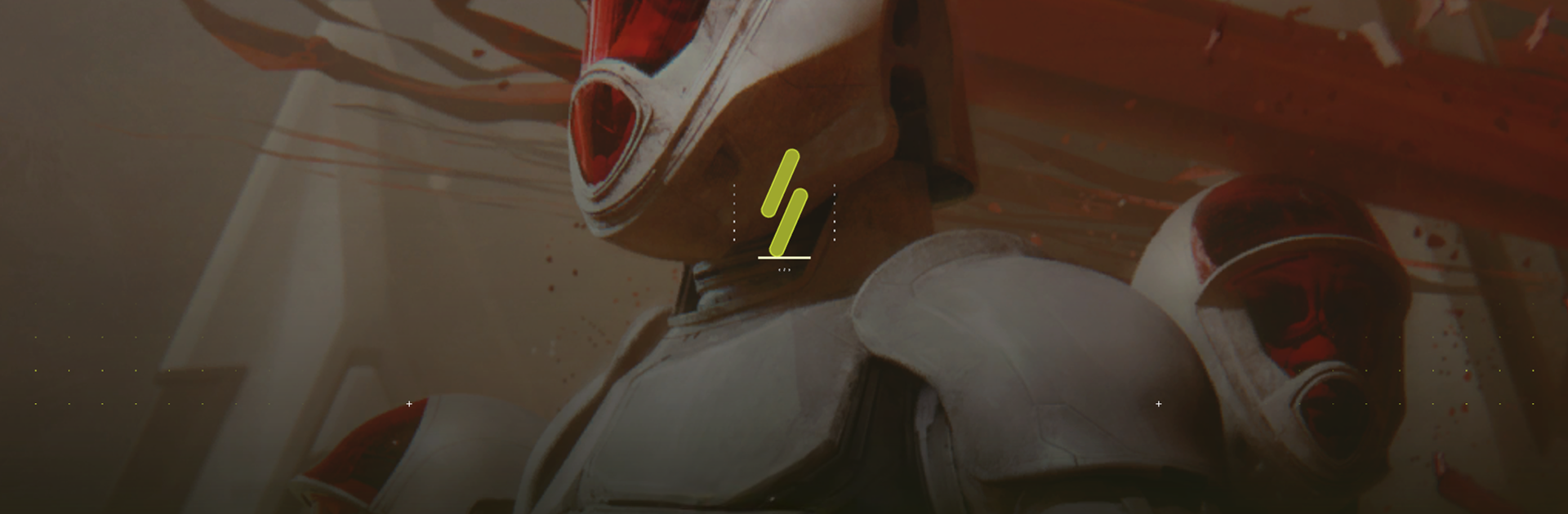
Parallel TCG is a competitive sci‑fi Card game from Parallel Studios Inc. where your deck isn’t just a pile of cards—it’s your plan to reclaim Earth. Pick a faction with a bold identity, craft a tight 40-card strategy, and face players around the world in tense, tactical matches. It mixes snappy battles with deep decision-making, all set in a far-future story where five offshoots of humanity return home to claim a newly awakened power source. Prefer a larger screen? It plays smoothly on BlueStacks.

Game Features

  • Five Parallels, Five Playstyles:
  • Earthen: resilient defenders that grind opponents down.
  • Kathari: gene-tweaked swarms that copy, clone, and overwhelm.
  • Marcolians: fast, ruthless pressure backed by heavy firepower and armor.
  • Augencore: hulking mechs and bionic upgrades that snowball into dominance.
  • Shroud: strange, late-game power and battlefield manipulation that flips the script.

  • Build a 40-Card Deck Your Way:
    Combine cards from your chosen Parallel with the Universal pool to shape synergies. Mix units, effects, upgrades, and relics until your game plan clicks.

  • Signature Mechanics That Matter:
    Lean into unique keywords like Shroud’s Singularity and Earthen’s Decay. These aren’t gimmicks—they shape tempo, removal, and how you close out games.

  • Tactical, Turn-by-Turn Depth:
    Sequencing, timing, and resource management decide the outcome. Aggro blitz, control the board, or set up a late-game pivot—your call.

  • High-Stakes Sci‑Fi Setting:
    After a catastrophic experiment split humanity into five paths, each Parallel evolved for millennia. Now the call of limitless energy drags everyone back to the same battleground: Earth.

  • Play Worldwide:
    Queue into opponents across the globe, learn the meta, and adapt your deck to outwit real players in every match.

Get ready for a buttery smooth, high-performance gaming action only on BlueStacks.

Game Features

Enhancements

  • Macros
  • Multi Instance
  • Multi Instance Sync
  • Script
  • Enhancements
Macros

Macros

Automate the predictable in Parallel TCG and transform your gameplay with Macros. Get access to inventive Macros in the BlueStacks Macro Community
Multi Instance

Multi Instance

Play Parallel TCG on one window. And chat with your friend on the other. Press CTRL + Shift + 8 to open the Multi-Instance Manager. And start creating fresh instances or clone an existing one.
Multi Instance Sync

Multi Instance Sync

Play Parallel TCG with the power of Multi-Instance Sync. Replicate what you are doing on the main instance on all other instances. Level up faster, play more.
Script

Script

Script your way to gaming glory in Parallel TCG with BlueStacks Script. Write and run a set of commands to automate repeated tasks. Trigger the command by assigning it to any key.
Read More

How to Download and Play Parallel TCG on PC or Mac

  • Download and install BlueStacks on your PC or Mac

  • Complete Google sign-in to access the Play Store, or do it later

  • Look for Parallel TCG in the search bar at the top right corner

  • Click to install Parallel TCG from the search results

  • Complete Google sign-in (if you skipped step 2) to install Parallel TCG

  • Click the Parallel TCG icon on the home screen to start playing

video
Watch Video

Minimum System Requirements

With BlueStacks 5, you can get started on a PC that fulfills the following requirements.

  • Operating System

    Microsoft Windows 7 or above, macOS 11 (Big Sur) or above

  • Processor

    Intel, AMD or Apple Silicon Processor

  • RAM

    at least 4GB

  • HDD

    10GB Free Disk Space

Note:

* You must be an Administrator on your PC. Up to date graphics drivers from Microsoft or the chipset vendor.

Parallel TCG - FAQs

  • How to play Parallel TCG on Windows PC & Mac?

    Play Parallel TCG on your PC or Mac by following these simple steps.

    • Click on 'Play Parallel TCG on PC’ to download BlueStacks
    • Install it and log-in to Google Play Store
    • Launch and play the game.
  • Why is BlueStacks the fastest and safest platform to play games on PC?

    BlueStacks respects your privacy and is always safe and secure to use. It does not carry any malware, spyware, or any sort of additional software that could harm your PC.

    It is engineered to optimize speed and performance for a seamless gaming experience.

  • What are Parallel TCG PC requirements?

    Minimum requirement to run Parallel TCG on your PC

    • OS: Microsoft Windows 7 or above MacOS 11 (Big Sur) or above
    • Processor: Intel, AMD or Apple Silicon Processor
    • RAM: Your PC must have at least 4GB of RAM. (Note that having 4GB or more disk space is not a substitute for RAM)
    • HDD: 10GB Free Disk Space.
    • You must be an Administrator on your PC.