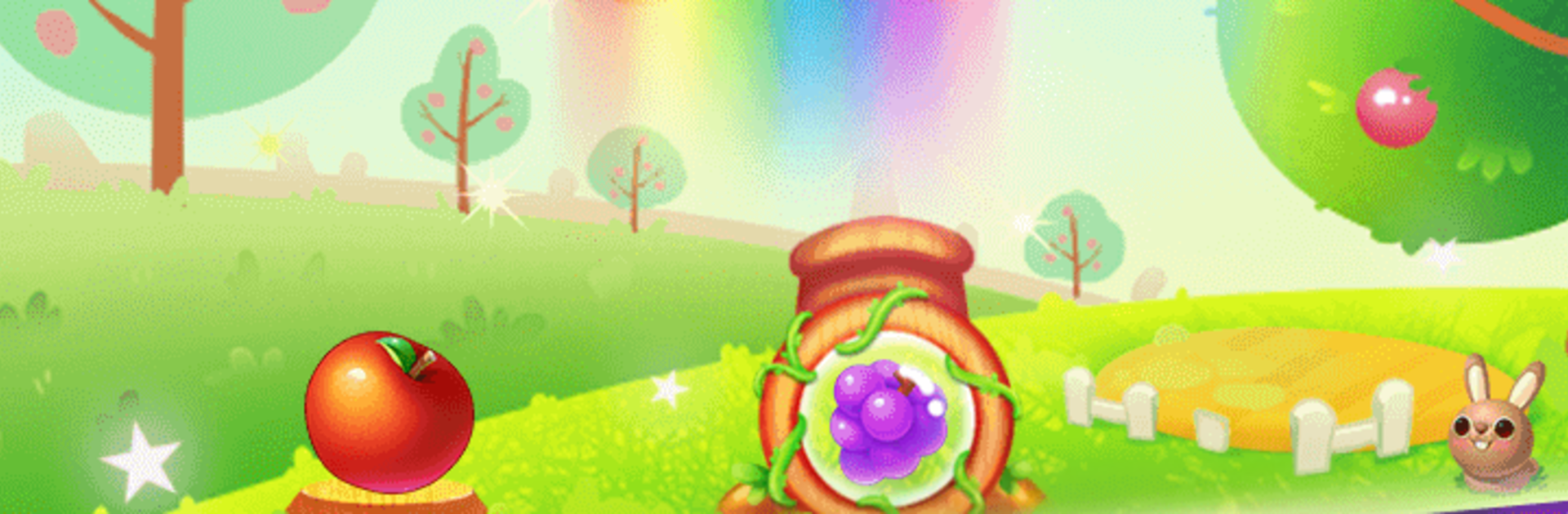
Fruit Shooter - Bubble Pop

Fruit Shooter - Bubble Pop

Casual

| Dream Club

Play on PC with BlueStacks or from our cloud

  • Overview
  • Game Features
  • How to Play

Page Modified On: November 10, 2025

Play Fruit Shooter - Bubble Pop on PC or Mac

Fruit Shooter – Bubble Pop brings the Casual genre to life, and throws up exciting challenges for gamers. Developed by Dream Club, this Android game is best experienced on BlueStacks, the World’s #1 app player for PC and Mac users.

Fruit Shooter – Bubble Pop is that classic match-and-pop bubble game, only everything is fruit themed and a bit cuter than usual. It is all about lining up shots, banking them off walls, and clearing clusters of the same color so the whole pile tumbles down. There are a ton of stages, over three thousand, so it turns into a nice chill grind where the early boards are simple and later ones need smarter angles. The game throws in three modes to keep it fresh. Classic is just clear the board. Save Kitties has little cats stuck in the fruit and every shot is about reaching them before things stack too high. Ladybugs Rescue asks for clearing the fruit around a ladybug, which sounds easy but the layouts get sneaky.

Power ups help a lot when a level gets stingy. A bomb bubble can open space when a wall of oranges is blocking everything. The character Angela pops up as the bubble shooter guide, and the whole presentation is bright and bouncy without being loud. On PC with BlueStacks, using the mouse to aim feels more exact, especially for those tight bank shots, and the bigger screen makes reading colors quicker. It is relaxing in short bursts, but still gives that one more try pull when a board sits at one stubborn cluster. Simple rules, fast restarts, and that chunky pop sound when a big group falls, very satisyfing.

Start your journey now. Download the game on BlueStacks, invite your friends, and march on a new adventure.


Game Features

Enhancements

  • Macros
  • Multi Instance
  • Script
  • Repeated Tap
  • Enhancements
Macros

Macros

Automate the predictable in Fruit Shooter - Bubble Pop and transform your gameplay with Macros. Get access to inventive Macros in the BlueStacks Macro Community
Multi Instance

Multi Instance

Play Fruit Shooter - Bubble Pop on one window. And chat with your friend on the other. Press CTRL + Shift + 8 to open the Multi-Instance Manager. And start creating fresh instances or clone an existing one.
Script

Script

Script your way to gaming glory in Fruit Shooter - Bubble Pop with BlueStacks Script. Write and run a set of commands to automate repeated tasks. Trigger the command by assigning it to any key.
Repeated Tap

Repeated Tap

BlueStacks lets you master Fruit Shooter - Bubble Pop with useful features like the Repeated Tap. Now you do not have to press the same key repeatedly to initiate an action. Just assign it to one key and you are good to go.
Read More

How to Download and Play Fruit Shooter - Bubble Pop on PC or Mac

  • Download and install BlueStacks on your PC or Mac

  • Complete Google sign-in to access the Play Store, or do it later

  • Look for Fruit Shooter - Bubble Pop in the search bar at the top right corner

  • Click to install Fruit Shooter - Bubble Pop from the search results

  • Complete Google sign-in (if you skipped step 2) to install Fruit Shooter - Bubble Pop

  • Click the Fruit Shooter - Bubble Pop icon on the home screen to start playing

video
Watch Video

Minimum System Requirements

With BlueStacks 5, you can get started on a PC that fulfills the following requirements.

  • Operating System

    Microsoft Windows 7 or above, macOS 11 (Big Sur) or above

  • Processor

    Intel, AMD or Apple Silicon Processor

  • RAM

    at least 4GB

  • HDD

    10GB Free Disk Space

Note:

* You must be an Administrator on your PC. Up to date graphics drivers from Microsoft or the chipset vendor.

Fruit Shooter - Bubble Pop - FAQs

  • How to play Fruit Shooter - Bubble Pop on Windows PC & Mac?

    Play Fruit Shooter - Bubble Pop on your PC or Mac by following these simple steps.

    • Click on 'Play Fruit Shooter - Bubble Pop on PC’ to download BlueStacks
    • Install it and log-in to Google Play Store
    • Launch and play the game.
  • Why is BlueStacks the fastest and safest platform to play games on PC?

    BlueStacks respects your privacy and is always safe and secure to use. It does not carry any malware, spyware, or any sort of additional software that could harm your PC.

    It is engineered to optimize speed and performance for a seamless gaming experience.

  • What are Fruit Shooter - Bubble Pop PC requirements?

    Minimum requirement to run Fruit Shooter - Bubble Pop on your PC

    • OS: Microsoft Windows 7 or above MacOS 11 (Big Sur) or above
    • Processor: Intel, AMD or Apple Silicon Processor
    • RAM: Your PC must have at least 4GB of RAM. (Note that having 4GB or more disk space is not a substitute for RAM)
    • HDD: 10GB Free Disk Space.
    • You must be an Administrator on your PC.